5
Configuring printer driver settings
5-18 ineo 160
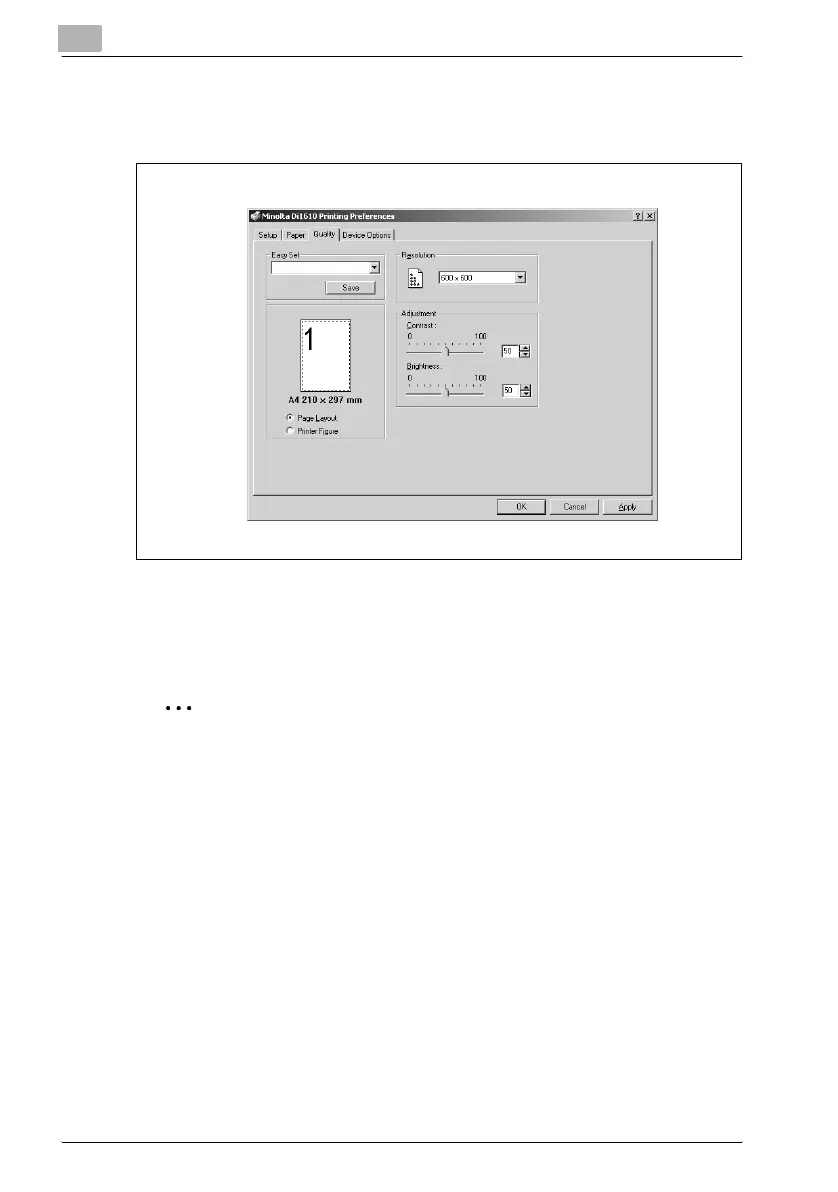
5.5 “Quality” tab
Use the settings on this tab to control the quality of the printed output.
5.5.1 Resolution
Click the down arrow button, and then select either “600 × 600 dpi” or “300
× 300 dpi” as the printing resolution.
2
Note
“600 × 600 dpi” provides better quality, but it also takes longer to print at
this setting than at “300 × 300 dpi”.
5.5.2 Adjustment
Contrast
Use this setting to adjust the contrast of the print image. Type or select a val-
ue between 0 and 100.
Brightness
Use this setting to adjust the brightness of the print image. Type or select a
value between 0 and 100.



 To Next Page