Troubleshooting
7
ineo 160 7-3
7 Troubleshooting
This section describes the errors that can appear during PC printing and
what you need to do to correct the situation.
If a problem occurs during PC printing, check the following.
7.1 Checking error messages
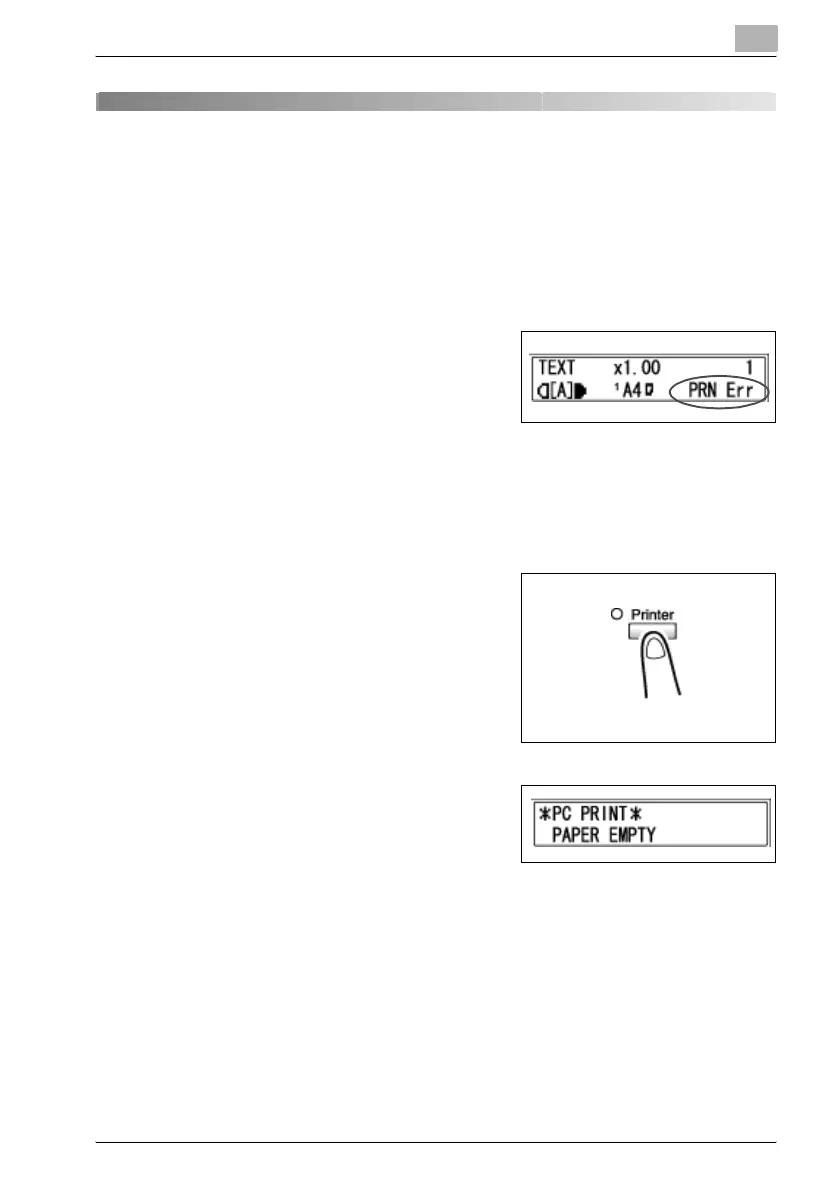
The [Error] indicator lights up and “PRN
Err” appears in the lower-right corner of
the display when a PC print error occurs
while the machine is in another mode be-
sides the PC print mode. If this happens,
follow the procedure below.
How to check error messages
1 Press the [Printer] key to enter the PC
print mode.
2 View the error message on the dis-
play.



 To Next Page