Control panel operations
6
ineo 160 6-3
6 Control panel operations
This section covers printer operations you can perform on the control panel
of the machine.
6.1 Printer operations
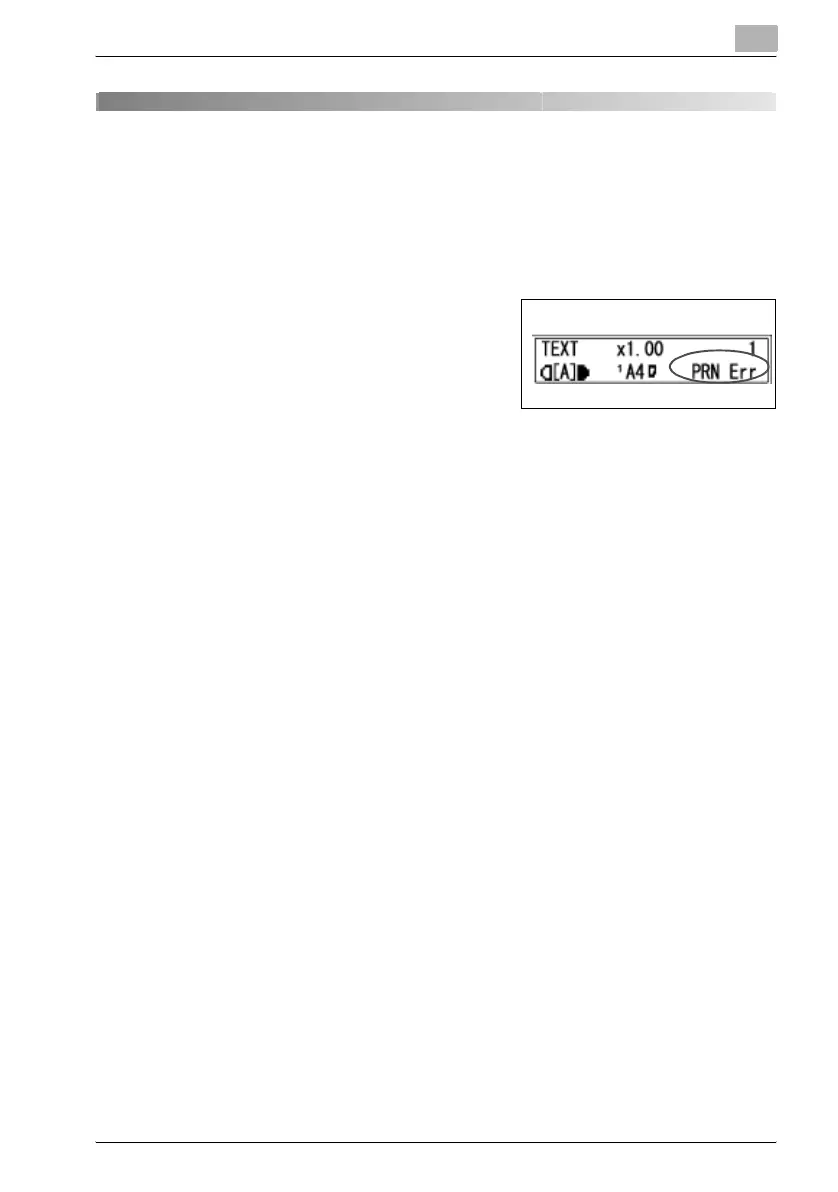
The machine’s default mode is the copy
mode. Normally, when printing is per-
formed from a connected computer, print-
ing begins automatically.
See “Starting the Print Operation” on
page 6-5 for more information.
When printing with “Bypass” selected in the Paper Source list on the “Set-
up” tab, refer to “Using the bypass tray” on page 6-8.



 To Next Page