5
5-12 ineo+ 224/284/364/454/554
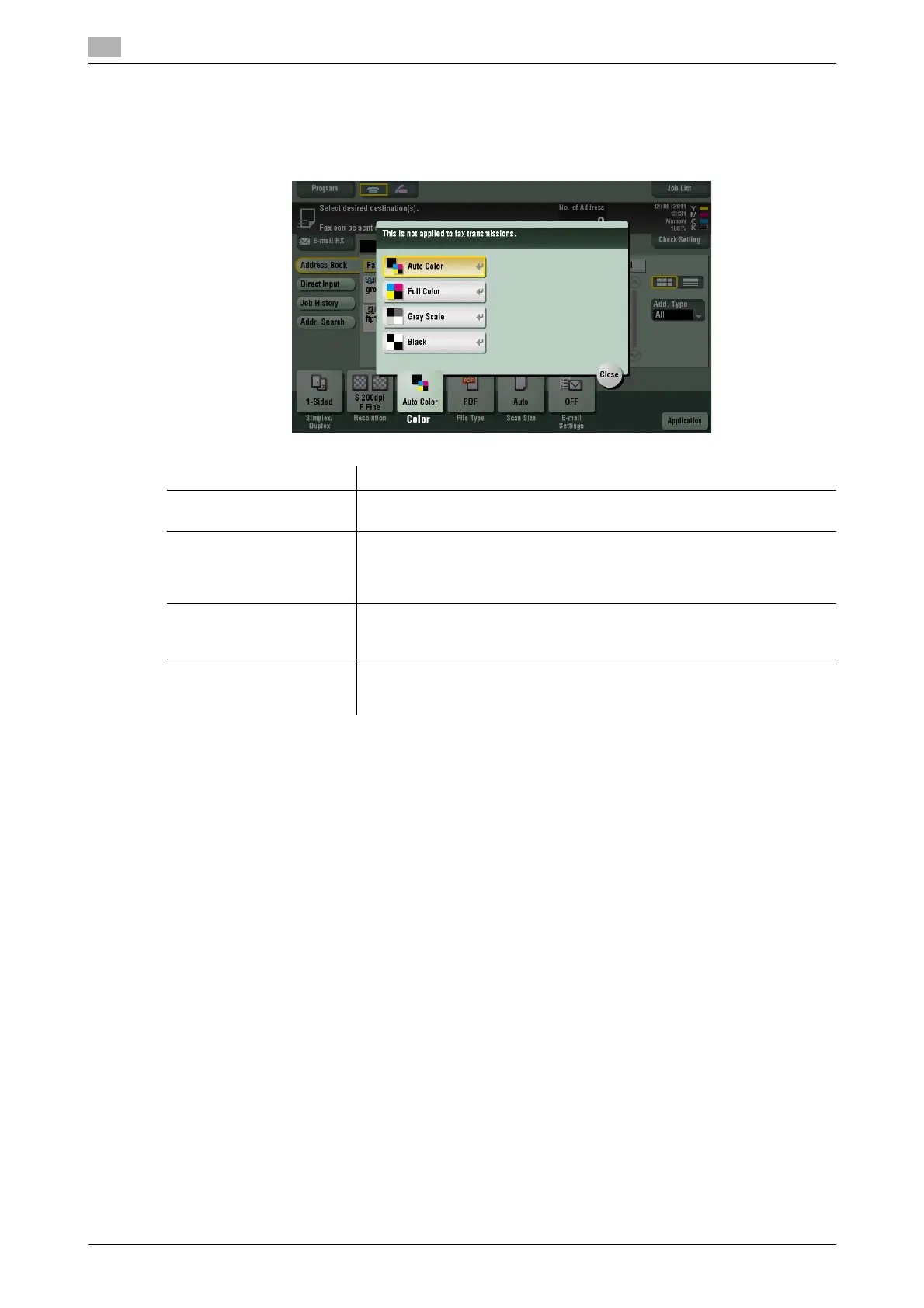
[Color]
To display: [Scan/Fax] - [Color]
Select the color mode to scan originals.
Related setting
- If the original is not correctly scanned to fit its color although you have selected [Auto Color], adjust the
color judgment level. For details, refer to page 6-10.
Settings Description
[Auto Color] Scan by automatically selecting either [Full Color] or [Gray Scale] accord-
ing to the original color.
[Full Color] Scan in full color, regardless of whether the original is in color or in black
and white.
Select this option to scan originals of other than black and white, and color
photos.
[Gray Scale] Scan in gray scale, regardless of whether the original is in color or in black
and white. Select this option to scan the original having many halftone im-
ages such as black and white photos.
[Black] Scan originals in white and black, no shades of gray.
Select this option to scan originals with distinct black and white areas,
such as line drawings.



 To Next Page