5
5-10 ineo+ 224/284/364/454/554
[Address Reg.]
To display: [Scan/Fax] - [Direct Input] - Enter Destination - [Address Reg.]
Register the destination that you have entered directly into the address book. For details, refer to page 4-8.
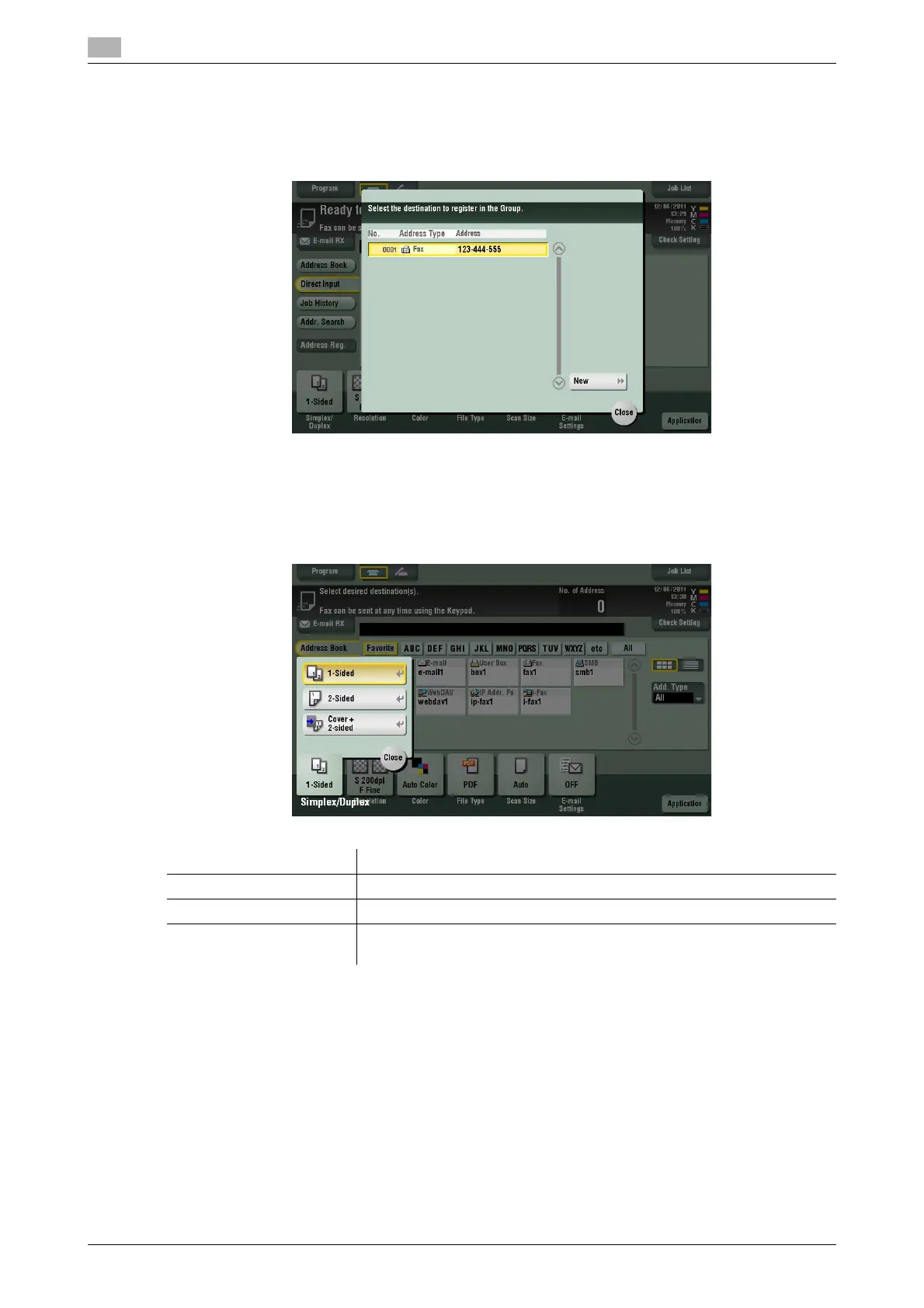
[Simplex/Duplex]
To display: [Scan/Fax] - [Simplex/Duplex]
Select the surface of the original to be scanned.
Settings Description
[1-Sided] Press this button to scan one side of an original.
[2-Sided] Press this button to scan both sides of an original.
[Cover + 2-sided] Press this button to scan only one side for the first page in the original, and
scan both sides for the remaining pages.



 To Next Page