How To Send A Fax
1
1-4 ineo+ 224/284/364/454/554
1.2
1.2 How To Send A Fax
1.2.1 Sending (basic operation flow)
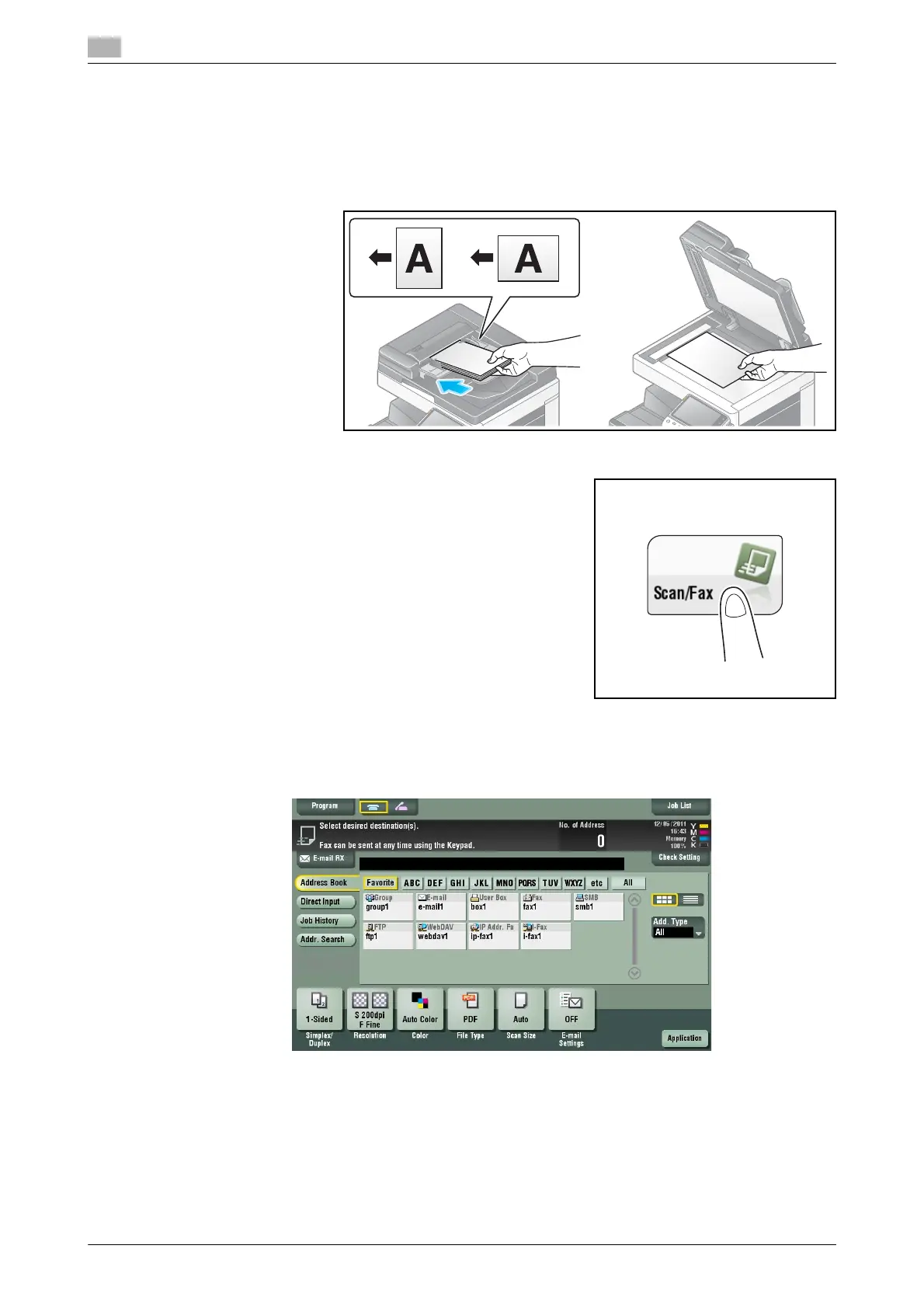
1 Load the original.
2 Tap [Scan/Fax].
3 Specify the destination.
% For details on how to specify a destination, refer to page 1-14.
% Specifying multiple destinations carries out computer sending and fax transmission simultaneously.
% If necessary, you can change the display of the main screen in fax/scan mode (default: [Address
Book]). For details, refer to page 6-11.



 To Next Page