5
5-28 ineo+ 224/284/364/454/554
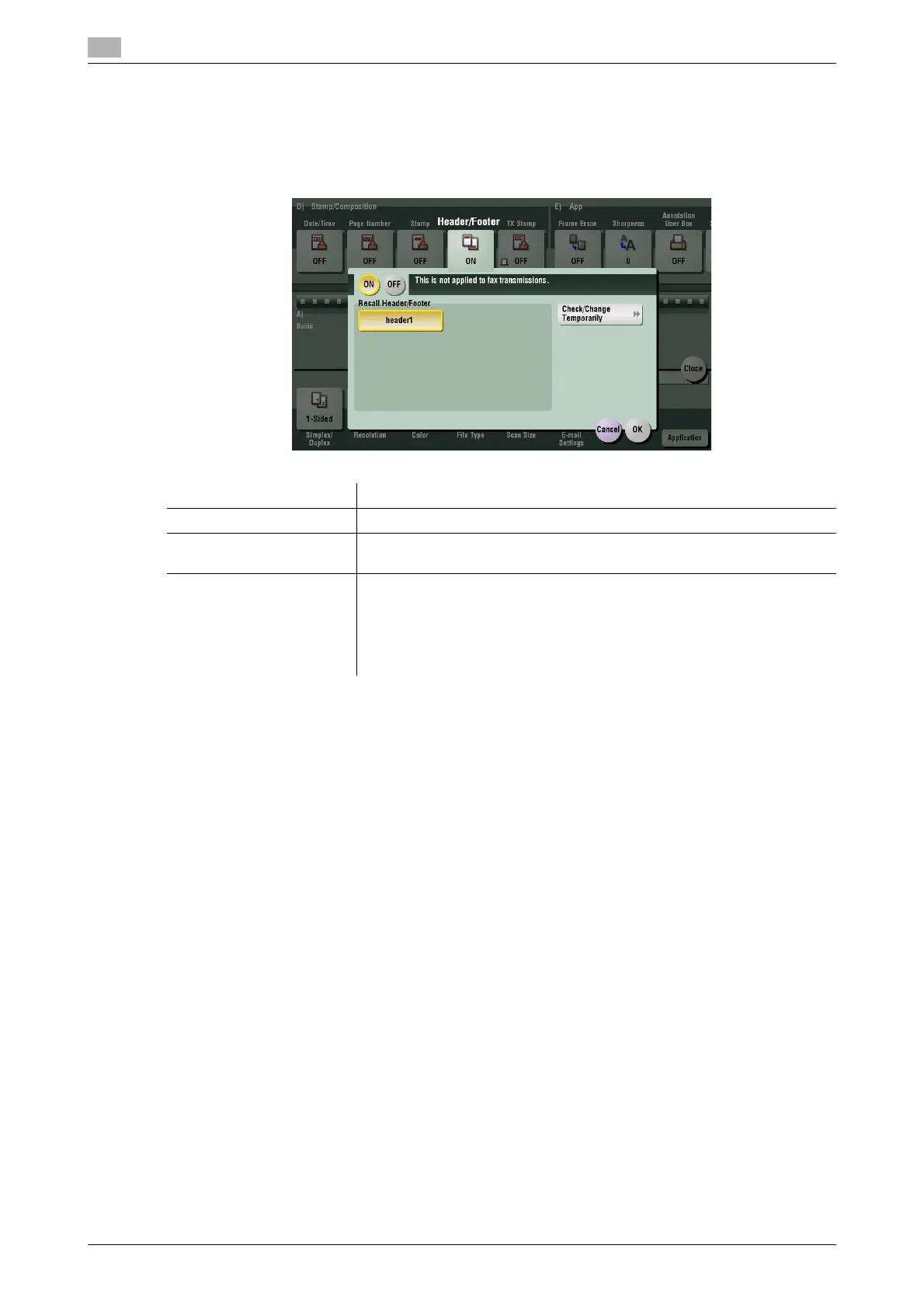
[Header/Footer]
To display: [Scan/Fax] - [Application] - [Stamp/Composition] - [Header/Footer]
Add the date and time, and an arbitrary text in the top and bottom margins (header/footer) of the specified
page. You must register the information to be added for header and footer in advance on this machine.
Related setting (for the administrator)
- For details on how to register the information to be added for header and footer, refer to page 7-11.
Settings Description
[ON]/[OFF] Select [ON] to print the header/footer.
[Recall Header/Footer] Select the header/footer to be printed. Select the header/footer from those
registered in advance.
[Check/Change Temporar-
ily]
If necessary, check or temporarily change the details of the program which
is selected in [Recall Header/Footer].
• [Header Setting]: Change the content of header.
• [Footer Setting]: Change the content of footer.
• [Pages]: Change the range of pages to print.
• [Text Details]: Change the print size, font, and text color.



 To Next Page