ineo+ 224/284/364/454/554 2-5
2.2 Setting up for Internet fax (for the administrator)
2
2.2.2 Operations required to use this function
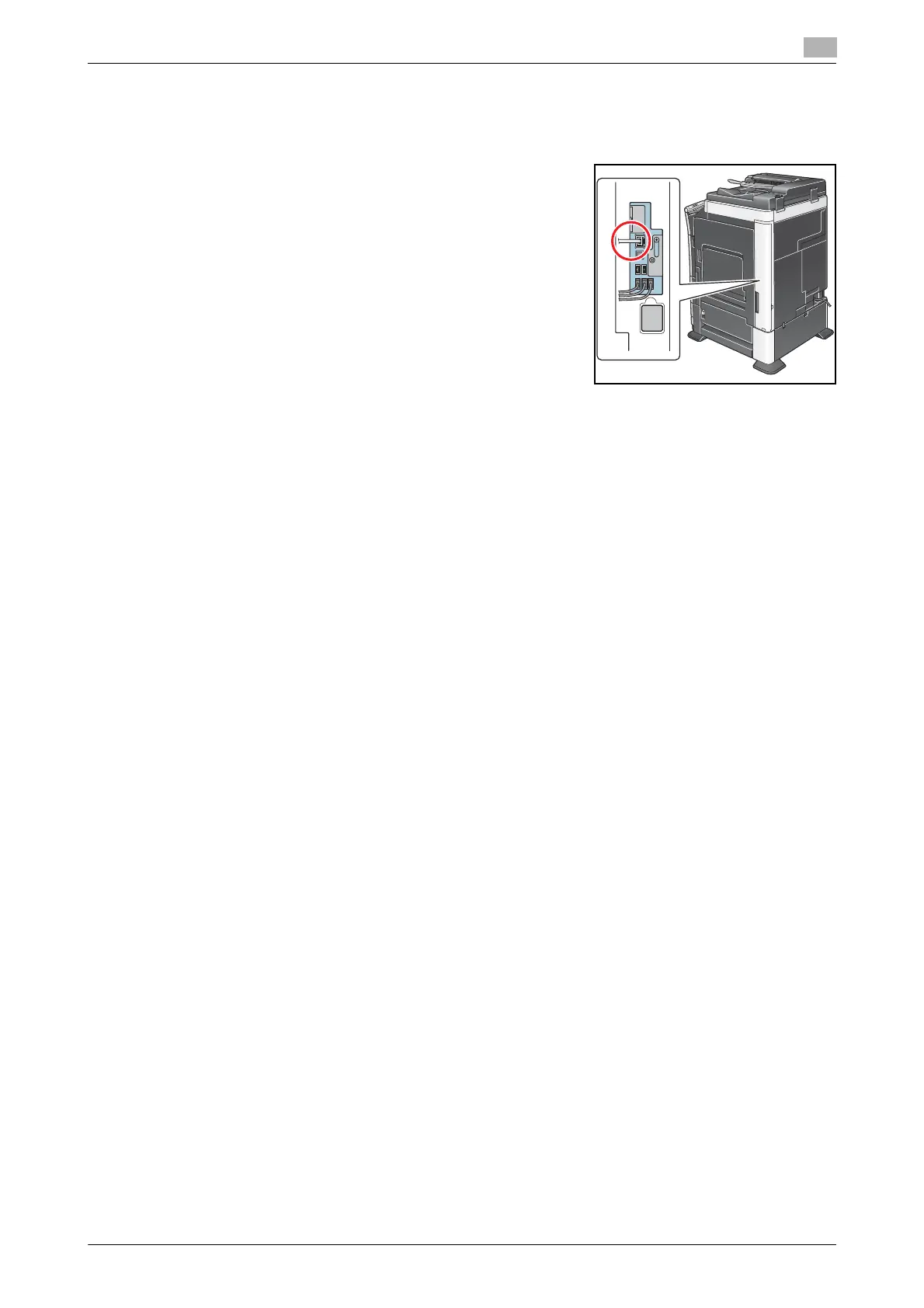
Checking the LAN cable connection
Check that a LAN cable connected to the network is connected to
the LAN port of this machine.
Checking the network settings
Check that an IP address is assigned to this machine. Tap [Utility] - [Device Information], and check that an
IP address is displayed.
d Reference
If no IP address is displayed, you will need to configure the network. For details, refer to [User's Guide: Web
Management Tool].
Configuring the Internet fax environment
Enable the Internet fax function. In addition, specify the information of this machine and settings required to
send and receive E-mail.
How to configure the setting is explained using Web Connection. For details, refer to [User's Guide: Web
Management Tool].
Registering Header Position
Register the machine name, company name, etc. to be printed on faxes.
For details on how to configure the settings, refer to page 7-22.
Setting the date and time for the machine
Set the date and time on this machine to be printed on sent and received faxes.
For details on how to configure the settings, refer to page 7-6.
d Reference
If an NTP (Network Time Protocol) is used to set the time, the date and time on this machine can be auto-
matically adjusted. How to configure the setting is explained using Web Connection. For details, refer to [Us-
er's Guide: Web Management Tool].



 To Next Page