Receiving Options
2
2-12 ineo+ 224/284/364/454/554
2.5
2.5.3 Forcibly saving a received fax in a User Box (Memory RX)
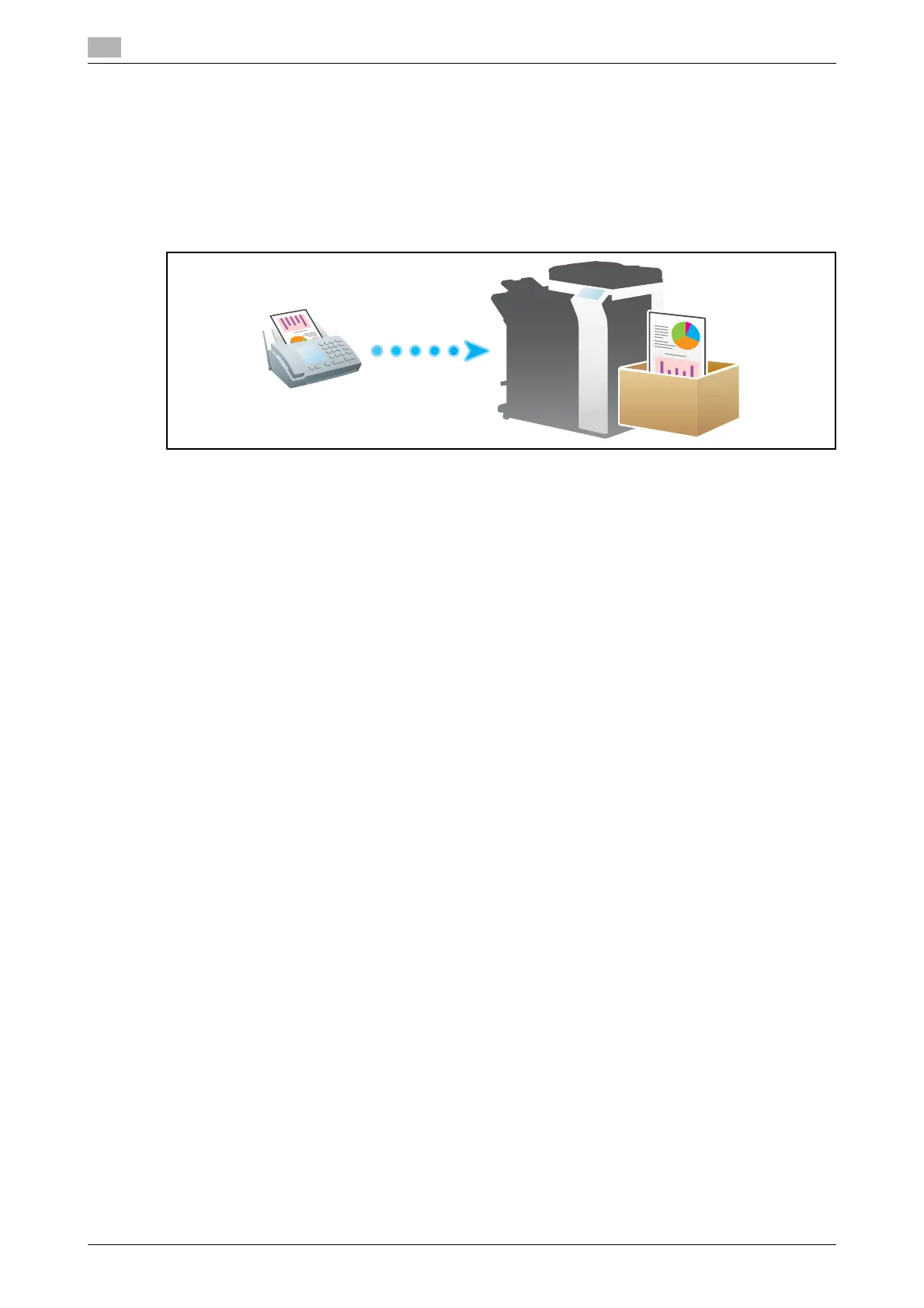
Memory RX
Memory RX is a function to save a received fax to Memory RX User Box of this machine.
You can check the contents of incoming faxes and print only the required ones, thereby reducing printing
costs. This prevents fax data from being stolen or lost after being printed. Because the security is enhanced,
you can handle important fax data securely.
Operations required to use this function (for the administrator)
Enable the Memory RX function. In addition, specify the password for restricting access to Memory RX User
Box.
For details, refer to page 7-27.
Tips
- The Memory RX function cannot be used together with the following functions.
– TSI User Box, PC-Fax RX, Forward TX
Printing a received fax
To print a fax saved in Memory RX User Box, refer to the Memory RX User Box function.
For details on the printing procedure, refer to [User's Guide: Box Operations].



 To Next Page