ineo+ 224/284/364/454/554 1-11
1.2 How To Send A Fax
1
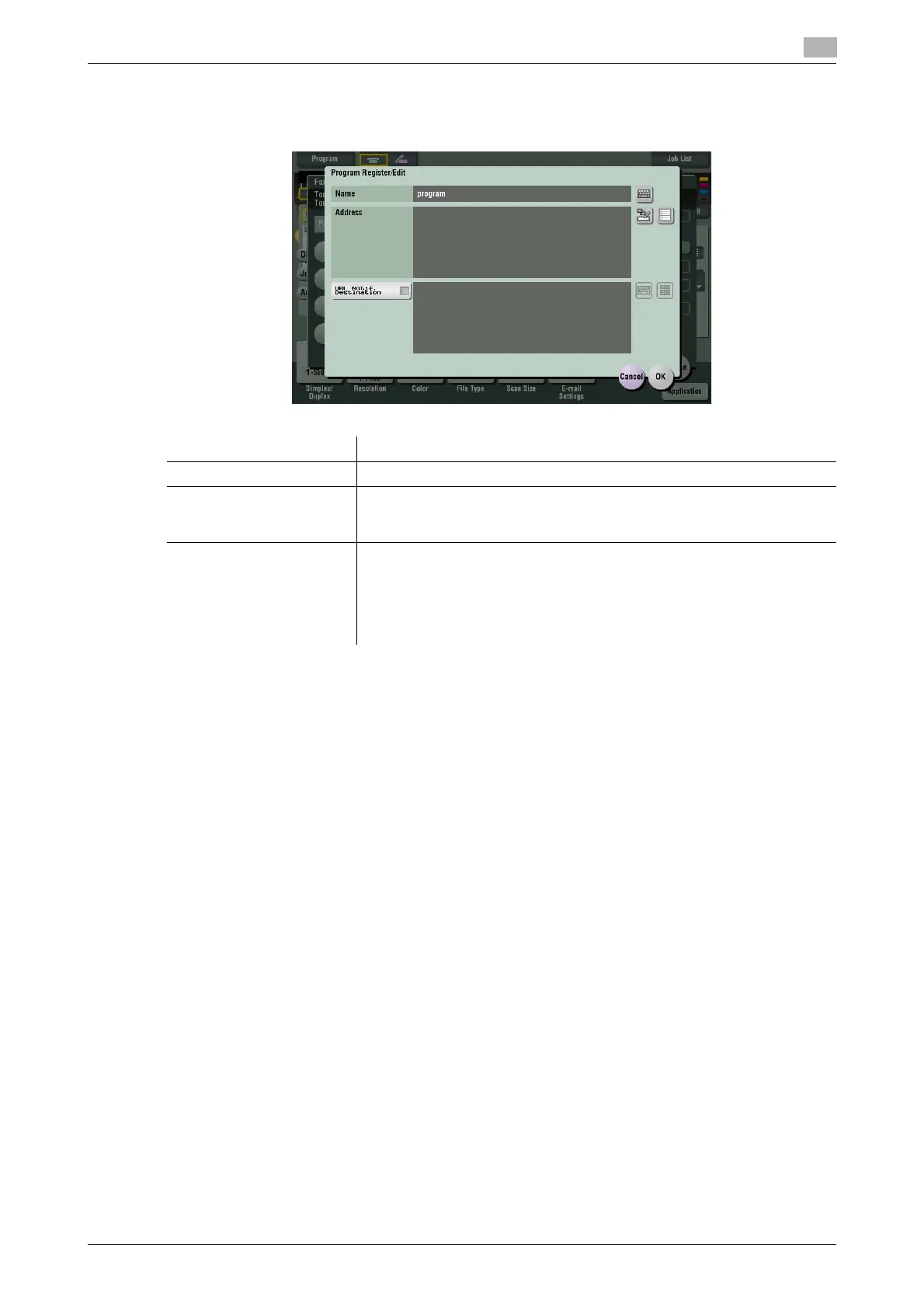
5 Enter the program name, then tap [OK].
% Specify the destination in [Address] as necessary.
Tips
- For Fax/Scan program, in addition to normal program, temporary program for temporary use is also
available. Temporary program is registered using Web Connection. By specifying a sending setting in
advance, you can simplify the operation when sending data on this machine. Temporary programs are
deleted once data is sent to the registered destination or when the machine is turned OFF.
- Up to 10 temporary programs can be registered. If 10 temporary programs are already registered, de-
lete unnecessary temporary programs before registering a new program.
d Reference
You can also register Fax/Scan programs using Web Connection. For details, refer to [User's Guide: Web
Management Tool].
Settings Description
[Name] Enter the program name (using up to 24 characters).
[Address] Specify if you want to include a destination for the program.
Specify either by direct input or by selecting among the destinations regis-
tered on this machine. Only one destination can be specified.
[URL Notif. Destination] You can send the E-mail message that contains the save location of the
original data to the specified E-mail address. You can use this function for
SMB Send, FTP TX, WebDAV Send, and data saved in a User Box.
To notify the save location of the original data, select [URL Notif. Destina-
tion], tap the keyboard icon or list icon, and specify the E-mail address to
which you want to send the E-mail message.



 To Next Page