3130
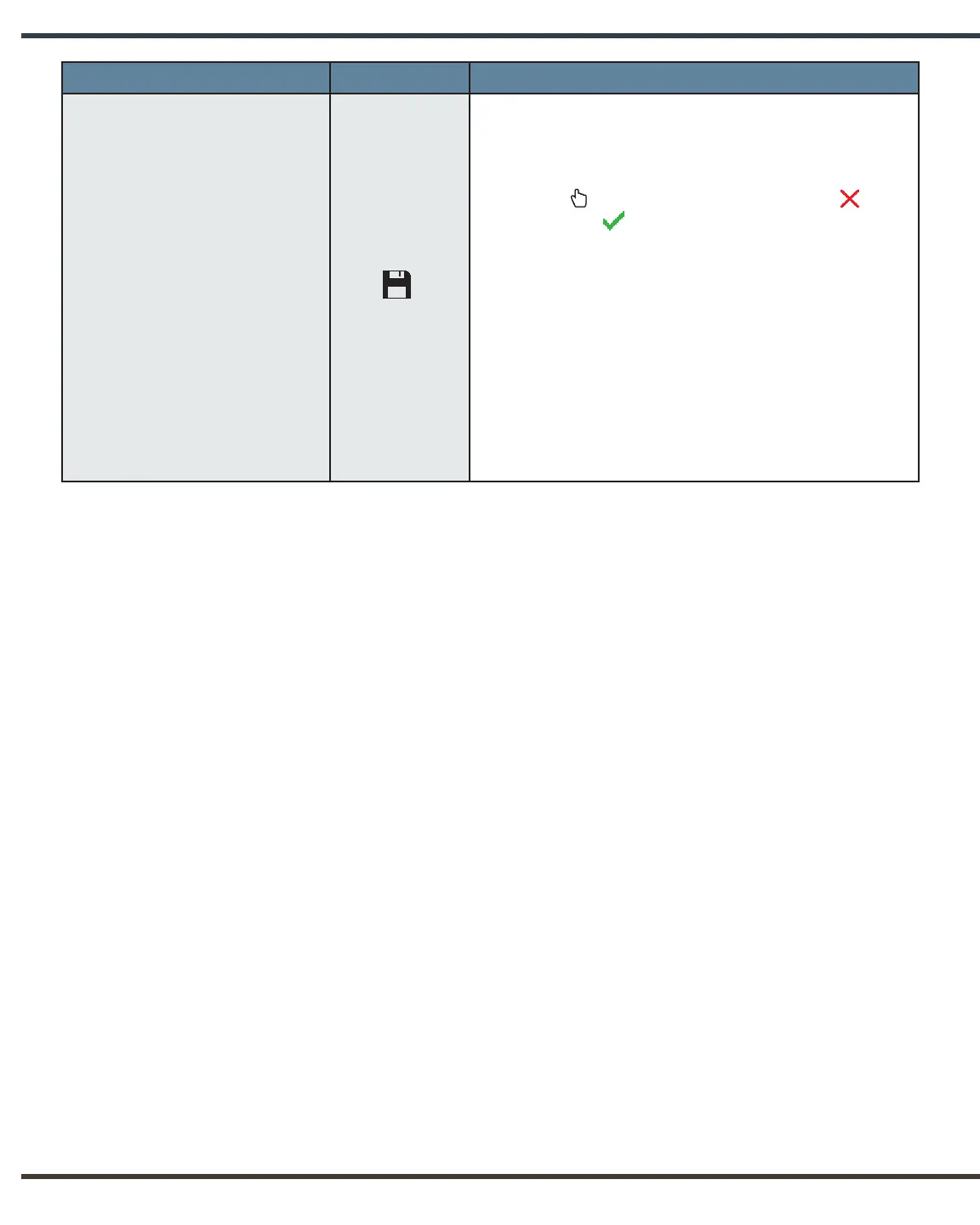
Menu Item Icon Options
Save Settings
Allows the operator to save customised timer
settings and technique factors.
In order to ensure that settings are saved, press
the Select button, replacing the red “x” with
a green check . The operator may return to
Save Settings and determine to not save at any
time during the current Settings Menu session.
However, once the operator exits the Settings
Menu, the timer settings and technique factors
displayed on the user interface will be saved over
any previous settings, whether they are factory
defaults or another customised setting. If an
operator wants to restore factory defaults, this can
be done through the Reset Defaults menu item.


 To Next Page