2928
NOMAD
Menu Item Icon Options
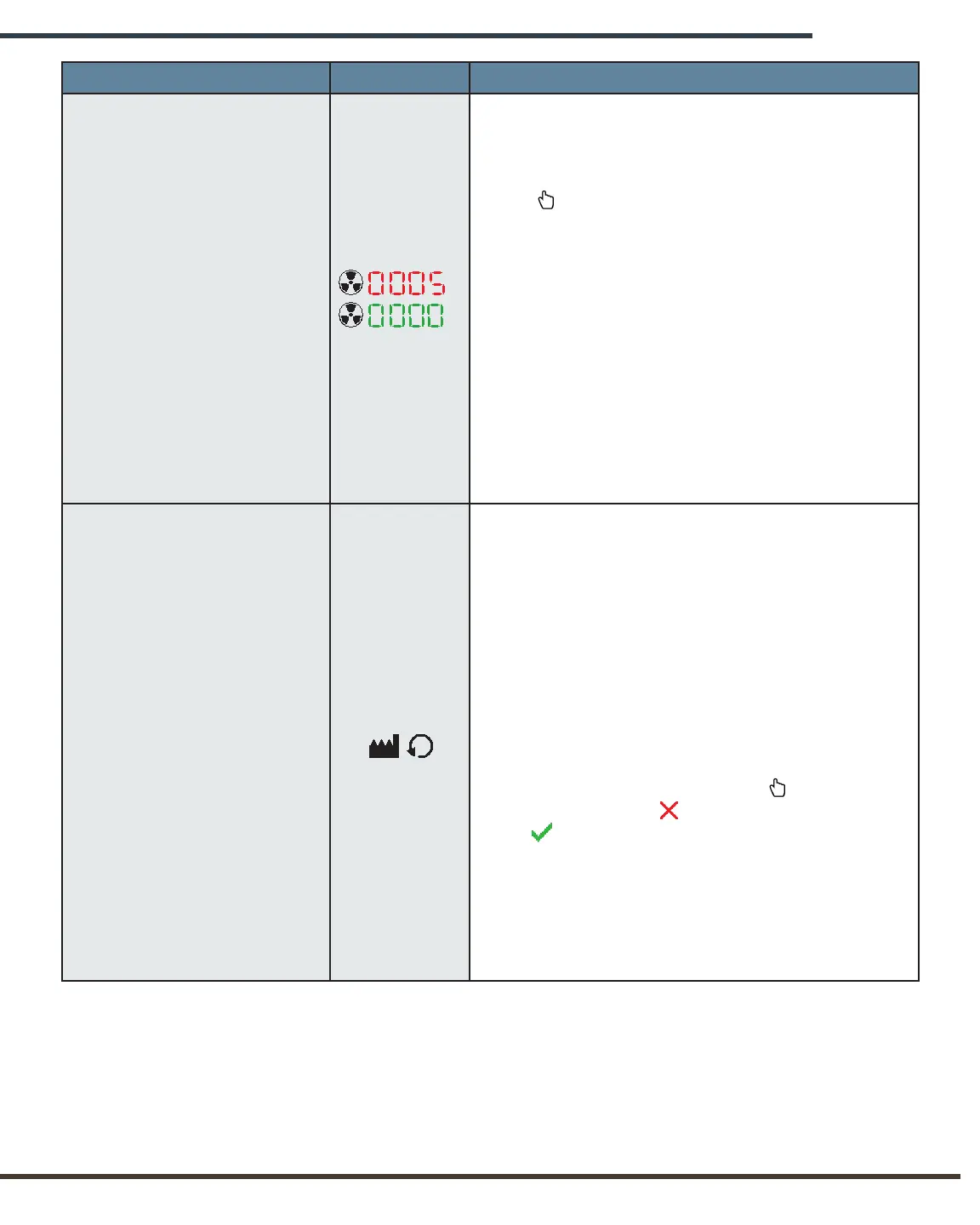
Trip Counter
May be used to track the number of X-rays taken
during a given period of time.
In order to reset the trip counter, press the
Select button to toggle between the current
X-ray count (which will be displayed in red) and
the reset count (zero, which will be displayed in
green). Once the desired option is displayed, the
operator may scroll either up or down to change
other settings; the selected Trip Counter option
will remain.
The operator may return to the Trip Counter and
change from a reset count to a previous count
at any time during the current Settings Menu
session. However, once the operator exits the
Settings Menu, the previous trip count may not
be recovered after it has been reset.
Reset Defaults
[Technique Factors and Trip
Counter]
Allows the operator to restore the factory default
settings with which the device was shipped. These
defaults are:
• X-rays will be unlocked;
• Audible sound will be set at full volume;
• Trip counter will be reset to zero;
• All factory timer settings/technique factor
combinations will be reset to factory defaults,
overriding any custom settings the operator
may have input.
In order to reset, press the Select button,
replacing the red “x” with a green
check . The operator may return to Reset
Defaults and determine to not reset at any
time during the current Settings Menu session.
However, once the operator exits the Settings
Menu, the device will be reset to factory defaults
and any custom settings previously saved by the
operator may not be recovered.


 To Next Page