EasyManua.ls Logo

Dexter Laundry T-650 - User Manual

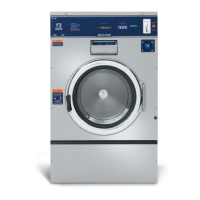
Dexter Laundry T-650
340 pages
Print Icon
To Next Page IconTo Next Page
Loading...
1
8514-300-001 REV PR
Original Instrucons
Please read this informaon and retain for reference.
Dexter Laundry, Inc.
2211 West Grimes Avenue
Fairfield, Iowa 52556 - USA
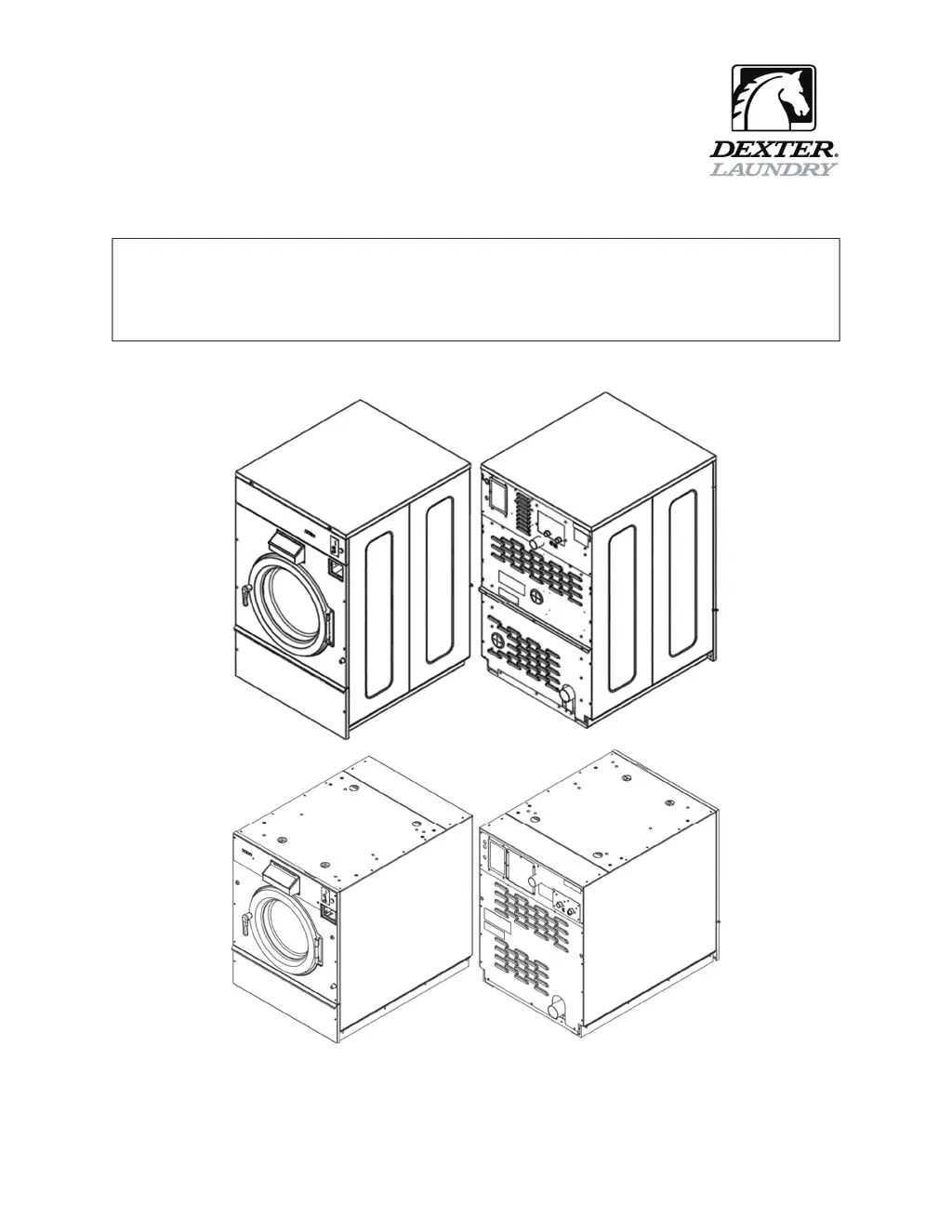
OPERATOR’S MANUAL
INSTALLATION & OPERATION INSTRUCTIONS
FOR COMMERCIAL WASHERS

Table of Contents

Other manuals for Dexter Laundry T-650

Questions and Answers

  • S
    shelley61Sep 23, 2025
    What to do if the door of my Dexter Laundry Washer will not open?
    • A
      Anthony MasseySep 23, 2025
      If the door of your Dexter Laundry Washer won't open, check if the thermoactuator(s) and/or its mechanism is stuck or binding, preventing the door lock mechanism from opening. Ensure the locking thermoactuator isn't receiving 24VAC during the last 1 1/2 minutes of the cycle and that the unlocking thermoactuator is receiving 24VAC during the last minute of the cycle; if the timing and voltage are correct, replace the thermoactuator. Also, check that the door rod from the solenoid to the lock assembly is long enough to allow the lock assembly to disengage; if not, adjust the rod. Finally, ensure the door lock mechanism isn't stuck closed; if it is, replace it.
  • S
    Sharon MarshallSep 23, 2025
    Why does water come in but the level does not rise in my Dexter Laundry T-650 Washer?
    • M
      michael71Sep 23, 2025
      If water is entering your Dexter Laundry Washer but the level isn't rising, check for a blocked drain valve, a faulty drain valve motor and gear train. If there is power but the drain valve doesn't close, replace the valve. Also, check for power to the drain valve; if there's no power, check the circuit for power. If the appropriate voltage isn't present at the valve, consult the wiring diagram for your specific washer model. Check for voltage at the P4 Connector on the Relay PCB and ensure the appropriate relay is activated.
  • J
    James PowellSep 23, 2025
    How to reduce excessive vibration in my Dexter Laundry T-650?
    • K
      Kelly GarciaSep 23, 2025
      To reduce excessive vibration in your Dexter Laundry Washer, check the strength of the mounting structure (concrete or base) and ensure the mounting bolts are tightened. A worn drive belt can also cause vibration and noise, so inspect it. Keep in mind that small loads can contribute to out-of-balance loading, increasing vibration.
  • J
    Joan WareNov 23, 2025
    How to fix a Dexter Laundry T-650 that does not start?
    • T
      taylorjoelNov 23, 2025
      If your Dexter Laundry Washer isn't starting, begin by checking the power supply: inspect the circuit breakers, voltage, power leads, and connections. Ensure the front display is lit. Then, examine the door switch for continuity when closed; adjust or replace it if there's no continuity. Check the fuses or circuit breaker for continuity, replacing them if necessary. Verify the voltage output from the control transformer, ensuring correct transformer tap connection, or replace the transformer if the voltage is incorrect. Inspect all wire connections on the PCB boards for secure contacts. Unplug and replug the data cable phone type connectors between the PCB and VFD with the power off. Confirm that the door lock motor is receiving the correct voltage (120 VAC for 60 Hz or 24 VAC for 50 Hz mo...
  • L
    Lindsey FloresNov 25, 2025
    Why is no hot water entering the tub during wash in my Dexter Laundry T-650?
    • S
      Samantha VillanuevaNov 26, 2025
      If hot water isn't entering the tub during the wash cycle of your Dexter Laundry Washer, check the water valve coil for continuity at the terminals and replace it if there's no continuity. Ensure there's 120 VAC power (60 Hz) from the main relay PCB (or 24 VAC for 50 Hz models). Inspect the water inlet screens for blockage and clean them if necessary. Confirm that the water supply is turned on and operating. If the appropriate voltage is not present at the valve, refer to the wiring diagram for your specific washer model. Check for voltage at the P4 Connector on the Relay PCB and for LED indication that the appropriate relay is activated. Check pressure switch continuity between terminals; if no continuity, check the pressure switch hose for obstruction, and if the hose is okay, change the...
  • J
    Jeffrey WhiteDec 1, 2025
    What to do if my Dexter Laundry T-650 does not start?
    • E
      Erika HallDec 1, 2025
      If your Dexter Laundry Washer doesn't start, several factors could be at play. Begin by examining the power supply, focusing on circuit breakers, voltage levels, power leads, and connections. Check if the front display LED shows a dollar amount. Next, inspect the door switch for continuity when the door is closed; adjust or replace it if there's no continuity. Also, check the secondary control transformer breaker (50 Hz: 7 amp) and reset it if tripped. Examine the primary control transformer fuse (50 Hz: 2.0 amp) for continuity, replacing it if necessary. Verify the voltage output from the control transformer for 24VAC (50 Hz); replace the transformer if the voltage is incorrect. Inspect the coin acceptor for blockages or damage, cleaning, adjusting, or replacing it as needed. Check all wi...
  • M
    mirandawallsSep 2, 2025
    What to do if my Dexter Laundry T-650 Washer door does not lock?
    • J
      Justin WarnerSep 2, 2025
      If the door of your Dexter Laundry Washer isn't locking, first check the display for a fault code, specifically 'DOOR LOCK ERROR,' and follow the tests described in the fault code section if it appears. Next, verify that the door locking motor is receiving 24 VAC (50 Hz) from the main relay PCB; if it is, replace the motor. Also, check for continuity through the door latch switch when the door is closed; adjust or replace the switch if there's no continuity.
  • S
    Sarah GuzmanAug 25, 2025
    Why is my Dexter Laundry T-650 Washer vibrating excessively?
    • A
      Andrew JonesAug 26, 2025
      Excessive vibration in your Dexter Laundry Washer can stem from several causes. First, check the strength of the mounting structure and ensure mounting bolts are tightened. A worn drive belt can also cause vibration and noise, so inspect its condition. Also, small loads can contribute to out-of-balance loading, increasing vibration.
  • B
    bradfordryanAug 26, 2025
    What to do if the door of my Dexter Laundry Washer does not lock?
    • M
      Michael CoxAug 26, 2025
      If the door of your Dexter Laundry Washer isn't locking, first check the display for any error messages and follow the tests described in the fault code section. Then, verify that the door locking mechanism is receiving 120VAC (for 60 Hz models) or 24VAC (for 50 Hz models) from the main relay PCB; if it's receiving power but not functioning, replace the mechanism. Also, check the door switch for continuity through the door latch.
  • W
    William WilliamsAug 26, 2025
    How to open a Dexter Laundry Washer door that will not open?
    • M
      Meghan VillaAug 27, 2025
      If the door of your Dexter Laundry Washer won't open, check if the thermoactuator and its mechanism are stuck or binding. Ensure the locking thermoactuator is not receiving 24VAC during the last 1 1/2 minutes of the cycle and that the unlocking thermoactuator is receiving 24VAC during the last minute. If the timing and voltage are correct, replace the thermoactuator. Also, verify that the door rod from the mechanism to the lock assembly is long enough to allow the lock assembly to disengage; adjust the rod or the position of the mechanism if needed. Check that the door lock mechanism is not stuck closed; if it is, replace it.

Summary

Operators Manual

Safety Information

Installation and Servicing Safety

Instructions are for qualified personnel only to avoid injury and electrical shock.

Explosion Hazard Warning

Do not wash loads that may create an explosive atmosphere.

Fire Hazard Warning

Remove load quickly after cycle completion or power failure to avoid spontaneous combustion.

VFD Shock Hazard

VFDs have capacitors that stay live for up to 10 minutes after power disconnection.

High Voltage and Moving Parts Hazard

Use disconnect device to lock out/tag out before servicing. Failure can cause serious injury or death.

Hazardous Environment Warning

Do not operate in any hazardous classified (ATEX) environment.

Safety Symbol Meaning

Unit Specifications

Instructions

Installation and Mounting

Covers foundation requirements, anchoring, grouting, floor load data, and mounting details for all models.

Electrical and Plumbing Connections

Details plumbing requirements, electrical connections, fusing, and surge suppressors.

Use, Operation, and Misuse

Covers starting procedures, cycle indicators, stop button functions, and general warnings.

Displayed Washer Faults

Details error codes, their conditions, delays, actions, and solutions for troubleshooting.

Servicing and Troubleshooting

Provides safety guidelines and remedies for common machine issues and faults.

Dexter Laundry T-650 Specifications

General IconGeneral
BrandDexter Laundry
ModelT-650
CategoryWasher
LanguageEnglish

Related product manuals