EasyManua.ls Logo

Dexter Laundry T-650 - User Manual

Dexter Laundry T-650
340 pages
Print Icon
To Next Page IconTo Next Page
Loading...
1
8514-300-001 REV PR
Original Instrucons
Please read this informaon and retain for reference.
Dexter Laundry, Inc.
2211 West Grimes Avenue
Fairfield, Iowa 52556 - USA
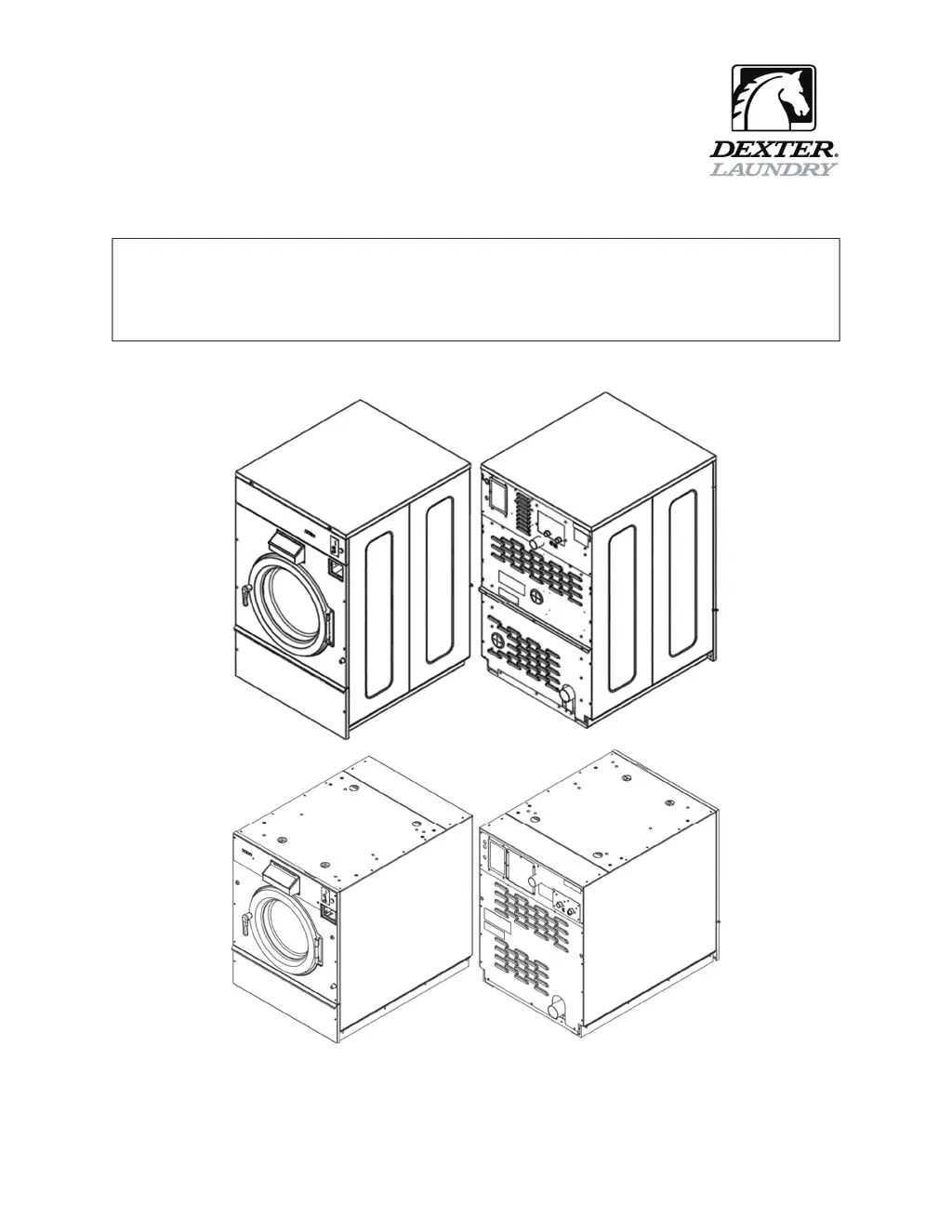
OPERATOR’S MANUAL
INSTALLATION & OPERATION INSTRUCTIONS
FOR COMMERCIAL WASHERS

Table of Contents

Other manuals for Dexter Laundry T-650

Questions and Answers

  • M
    millerpaulAug 27, 2025
    Why is there no cold water entering the tub in my Dexter Laundry T-650 during wash?
    • K
      Kenneth ShepherdAug 27, 2025
      If no cold water is entering the tub of your Dexter Laundry Washer during the wash cycle, start by checking the water valve coil for continuity at the terminals and replace it if necessary. Inspect the water inlet screens for any blockage and clean them if needed. Ensure that the water supply is turned on and functioning correctly. If the appropriate voltage is not present at the valve, refer to the wiring diagram for your specific washer model. Check for voltage at the P4 Connector on the Relay PCB and for LED indication that the appropriate relay is activated. Check the pressure switch continuity between terminal contacts; if there's no continuity, check the pressure switch hose for obstructions, and if the hose is clear, replace the pressure switch.
  • D
    Douglas SimmonsAug 28, 2025
    Why is there no hot water in the detergent dispenser of my Dexter Laundry T-650 Washer?
    • D
      Derrick HoodAug 28, 2025
      If there's no hot water in the detergent dispenser of your Dexter Laundry Washer, check the water valve coil continuity at the terminals and replace it if there is no continuity. Remember, there is 120 VAC power (60Hz) only on for 20 seconds in the wash bath (24 VAC for 50 Hz models). Inspect the water inlet screens for blockage and clean them if necessary. Ensure that the water supply is turned on and operating. Also, check the wire harness to the valve.
  • F
    fbakerAug 28, 2025
    Why doesn't water flush the softener compartment in my Dexter Laundry T-650 Washer?
    • V
      vsmithAug 28, 2025
      If water isn't flushing the softener compartment in your Dexter Laundry Washer, check the water valve coil for continuity at the terminals and replace it if there's no continuity. Inspect the water inlet screens for blockage and clean them if necessary. Ensure that the water supply is turned on and operating. Also, check the pressure switch continuity between terminals; if there's no continuity, check the pressure switch hose for obstruction, and if the hose is okay, change the pressure switch.
  • S
    Sarah GreenAug 29, 2025
    What causes a Dexter Laundry Washer to not stop?
    • D
      David WilsonAug 29, 2025
      If your Dexter Laundry Washer doesn't stop, the main PCB, which controls the time cycle at the end of the cycle, may be the issue. You should also check the braking resistors for continuity and verify their ohms resistance.
  • B
    Bobby McneilAug 29, 2025
    What causes the water level to be too high in my Dexter Laundry Washer?
    • J
      Julian ElliottAug 29, 2025
      If the water level is too high in your Dexter Laundry Washer, check the pressure switch hose for blockage. Also, check for the pressure switch opening circuit across terminals and replace the switch if contacts do not open.
  • J
    Justin JohnsonAug 30, 2025
    Why does water drain slowly from my Dexter Laundry Washer?
    • L
      Laura PatelAug 30, 2025
      If your Dexter Laundry Washer is draining slowly, check the hoses and drain valve for any blockages. Ensure the drain size is adequate. If necessary, inspect the building drains for blockages.
  • F
    Felicia SteeleAug 30, 2025
    Why does my Dexter Laundry T-650 Washer start but not operate?
    • K
      kristopher24Aug 30, 2025
      If your Dexter Laundry Washer starts but doesn't operate, check for error codes and refer to the individual error code descriptions.
  • V
    Victoria NashAug 31, 2025
    Why does my Dexter Laundry T-650 Washer only tumble in one direction?
    • T
      Tom KleinAug 31, 2025
      If your Dexter Laundry Washer only tumbles in one direction, review the indicator lights displayed on the VFD. Also, inspect the yellow enable wires from the main relay PCB and at the VFD.
  • J
    Jessica StokesSep 1, 2025
    What to do if my Dexter Laundry T-650 Washer will not accept and count coins?
    • T
      thompsonnicholeSep 1, 2025
      If your Dexter Laundry Washer isn't accepting coins, start by inspecting the coin acceptor for any blockages or damage. Clean, adjust, or replace the acceptor as needed. Then, check the power supply, including circuit breakers, voltage, power leads, and connections. Make sure the door closed safety switch and the door handle closed switch are working correctly. Check the control breaker or fuse for continuity, and replace it if there's no continuity. If none of these steps resolve the issue, the main PCB may need replacement.
  • C
    cmaddoxAug 25, 2025
    How to stop water leakage around the loading door of my Dexter Laundry T-650 Washer?
    • C
      Cindy JohnstonAug 25, 2025
      If you're experiencing water leakage around the loading door of your Dexter Laundry Washer, the door may need adjustment due to wear. Check the tightness around the door's perimeter. Adjust the left to right tightness by using shims at the door lock or hinge side. Ensure the gasket is centered to the tub opening before tightening the door to hinge bolts. If the gasket is deformed, worn, or damaged, consider replacing it.

Summary

Operators Manual

Safety Information

Installation and Servicing Safety

Instructions are for qualified personnel only to avoid injury and electrical shock.

Explosion Hazard Warning

Do not wash loads that may create an explosive atmosphere.

Fire Hazard Warning

Remove load quickly after cycle completion or power failure to avoid spontaneous combustion.

VFD Shock Hazard

VFDs have capacitors that stay live for up to 10 minutes after power disconnection.

High Voltage and Moving Parts Hazard

Use disconnect device to lock out/tag out before servicing. Failure can cause serious injury or death.

Hazardous Environment Warning

Do not operate in any hazardous classified (ATEX) environment.

Safety Symbol Meaning

Unit Specifications

Instructions

Installation and Mounting

Covers foundation requirements, anchoring, grouting, floor load data, and mounting details for all models.

Electrical and Plumbing Connections

Details plumbing requirements, electrical connections, fusing, and surge suppressors.

Use, Operation, and Misuse

Covers starting procedures, cycle indicators, stop button functions, and general warnings.

Displayed Washer Faults

Details error codes, their conditions, delays, actions, and solutions for troubleshooting.

Servicing and Troubleshooting

Provides safety guidelines and remedies for common machine issues and faults.

Dexter Laundry T-650 Specifications

General IconGeneral
BrandDexter Laundry
ModelT-650
CategoryWasher
LanguageEnglish

Related product manuals