EasyManua.ls Logo

Dexter Laundry T-650 - User Manual

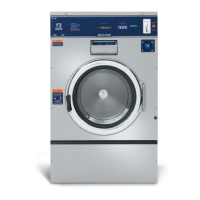
Dexter Laundry T-650
340 pages
Print Icon
To Next Page IconTo Next Page
Loading...
1
8514-300-001 REV PR
Original Instrucons
Please read this informaon and retain for reference.
Dexter Laundry, Inc.
2211 West Grimes Avenue
Fairfield, Iowa 52556 - USA
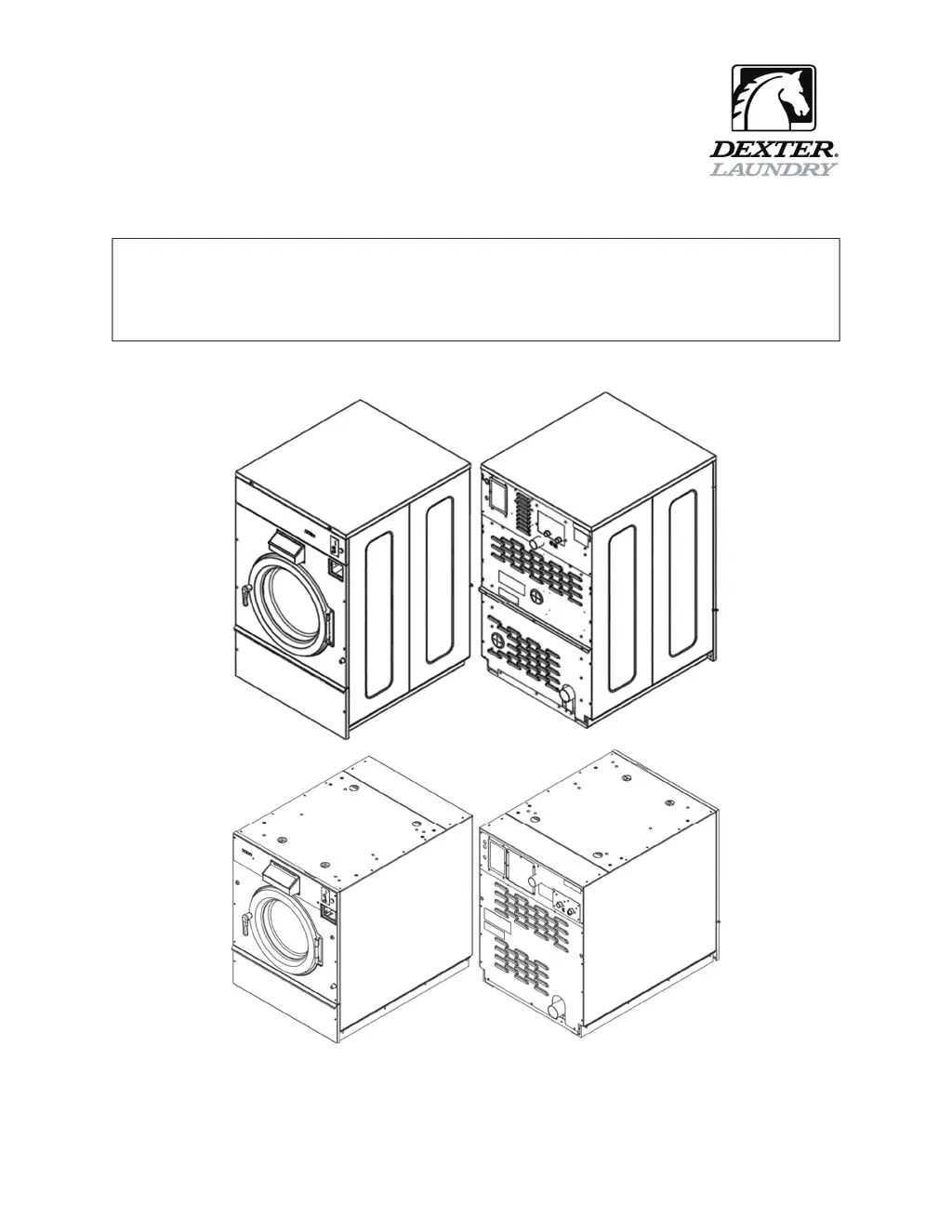
OPERATOR’S MANUAL
INSTALLATION & OPERATION INSTRUCTIONS
FOR COMMERCIAL WASHERS

Table of Contents

Other manuals for Dexter Laundry T-650

Questions and Answers

  • M
    Michael ColeSep 2, 2025
    What to do if hot water does not enter the tub in wash cycle of my Dexter Laundry T-650?
    • C
      Christine JohnsonSep 2, 2025
      If hot water isn't entering the tub during the wash cycle of your Dexter Laundry Washer, start by checking the water valve coil for continuity at the terminals and replace it if there's no continuity. Also, check for 24 VAC (50 Hz) power from the main relay PCB. Inspect the water inlet screens for blockage and clean them if necessary. Ensure that the water supply is turned on and operating correctly. Finally, check the black and white wire at the Molex plug on the main PCB controller P21 connection and at the PCB relay board P20 connection, and examine the pressure switch continuity between terminal contacts. If no continuity, check the pressure switch hose for obstruction. If the hose is okay then change the pressure switch.
  • G
    gregory03Sep 3, 2025
    What to do if cold water does not enter the tub in wash cycle of my Dexter Laundry T-650?
    • J
      Joshua BurnsSep 3, 2025
      If cold water isn't entering the tub during the wash cycle of your Dexter Laundry Washer, start by checking the water valve coil for continuity at the terminals and replace it if there's no continuity. Also, check for 24 VAC (50 Hz) power from the main relay PCB. Inspect the water inlet screens for blockage and clean them if necessary. Ensure that the water supply is turned on and operating correctly. Finally, check the black and white wire at the Molex plug on the main PCB controller P21 connection and at the PCB relay board P20 connection, and examine the pressure switch continuity between terminal contacts. If no continuity, check the pressure switch hose for obstruction. If the hose is okay then change the pressure switch.
  • B
    Brandy EllisonSep 3, 2025
    What to do if my Dexter Laundry Washer machine starts and does not operate?
    • C
      Cassandra PetersSep 4, 2025
      If your Dexter Laundry Washer starts but doesn't operate, check the yellow enable wires from the PCB relay board connection P13 & P14 to the VFD. Also, check the connection of the orange wire at P15 from the door switches.
  • K
    Kelly MorrisSep 4, 2025
    How to fix water leakage around the loading door of my Dexter Laundry Washer?
    • R
      Robert DavisSep 4, 2025
      If you're experiencing water leakage around the loading door of your Dexter Laundry Washer, the door may need adjustment due to wear. Check the tightness around the door's perimeter using a dollar bill. Adjust the left-to-right tightness using shims at the door lock or hinge side. Ensure the gasket is centered to the tub opening before tightening the door to hinge bolts. Chalk may be used on the tub front to show the point of contact with the tub. If the gasket is deformed, worn, or damaged, replace it.
  • F
    Fernando StuartSep 4, 2025
    What to do if my Dexter Laundry T-650 Washer door will not open?
    • J
      Joshua MaysSep 5, 2025
      If the door of your Dexter Laundry Washer won't open, check to see if the thermoactuator and its mechanism are stuck or binding, preventing the door lock motor from opening. Ensure that the locking thermoactuator isn't receiving 24 VAC (50 Hz) during the last 1 1/2 minutes of the cycle and that the unlocking thermoactuator is receiving 24 VAC (50 Hz) during the last minute of the cycle. If the thermoactuators do not receive voltage at the correct times, change the PCB relay board. If the timing and voltage are correct, replace the thermoactuator.
  • E
    elizabeth42Sep 5, 2025
    What to do if water comes in but the level does not rise in my Dexter Laundry T-650?
    • P
      Patrick PetersonSep 5, 2025
      If water enters your Dexter Laundry Washer but the level doesn't rise, check the drain valve for blockages and inspect the drain valve motor and gear train. If there is power to the valve but the drain valve does not close, replace the drain valve and motor. Check for power to the drain valve; if there's no power, check the (brn/yel) wire at the PCB relay board. If there's no power on the (brn/yel) wire when the washer is in a wash cycle, replace the relay board. Also, check the black and white wire at the Molex plug on the main PCB controller P21 connection and at the PCB relay board P20 connection.
  • N
    Nancy BellSep 6, 2025
    What causes my Dexter Laundry T-650 to tumble in one direction?
    • E
      Erika GreeneSep 6, 2025
      If your Dexter Laundry Washer tumbles in only one direction, refer to the DISPLAYED WASHER FAULTS section for more information. Also, inspect the yellow enable wires from the main relay PCB and at the VFD.
  • R
    Richard WoodSep 6, 2025
    What to do if water drains slowly from my Dexter Laundry Washer?
    • W
      William OliverSep 6, 2025
      If water is draining slowly from your Dexter Laundry Washer, check the hoses and drain valve for blockages. Ensure the building drain is of adequate size and inspect building drains for blockages.
  • J
    jeffrey16Sep 7, 2025
    What does it mean if my Dexter Laundry T-650 Washer machine does not stop?
    • K
      Katherine MillerSep 7, 2025
      If your Dexter Laundry Washer machine does not stop, this could be due to the main PCB, which controls the cycle time and end of cycle. Also, check the braking resistors for continuity and verify the ohms resistance at the braking resistors with the wires removed.
  • N
    Nancy MillerSep 7, 2025
    What to do if the water level is too high in my Dexter Laundry Washer?
    • M
      marymitchellSep 7, 2025
      If the water level is too high in your Dexter Laundry Washer, check for blockage in the pressure switch hose. Also, check for the pressure switch opening circuit across terminals. Replace the switch if the contacts do not open.

Summary

Operators Manual

Safety Information

Installation and Servicing Safety

Instructions are for qualified personnel only to avoid injury and electrical shock.

Explosion Hazard Warning

Do not wash loads that may create an explosive atmosphere.

Fire Hazard Warning

Remove load quickly after cycle completion or power failure to avoid spontaneous combustion.

VFD Shock Hazard

VFDs have capacitors that stay live for up to 10 minutes after power disconnection.

High Voltage and Moving Parts Hazard

Use disconnect device to lock out/tag out before servicing. Failure can cause serious injury or death.

Hazardous Environment Warning

Do not operate in any hazardous classified (ATEX) environment.

Safety Symbol Meaning

Unit Specifications

Instructions

Installation and Mounting

Covers foundation requirements, anchoring, grouting, floor load data, and mounting details for all models.

Electrical and Plumbing Connections

Details plumbing requirements, electrical connections, fusing, and surge suppressors.

Use, Operation, and Misuse

Covers starting procedures, cycle indicators, stop button functions, and general warnings.

Displayed Washer Faults

Details error codes, their conditions, delays, actions, and solutions for troubleshooting.

Servicing and Troubleshooting

Provides safety guidelines and remedies for common machine issues and faults.

Dexter Laundry T-650 Specifications

General IconGeneral
BrandDexter Laundry
ModelT-650
CategoryWasher
LanguageEnglish

Related product manuals