DG-HR3400 User Manual
29
3-
Co ent interface by web browser:
Af dress to the computer, open the web browser, and type the
IP
The foll
2 Getting Started
nnecting the router’s managem
ter you assign an IP ad
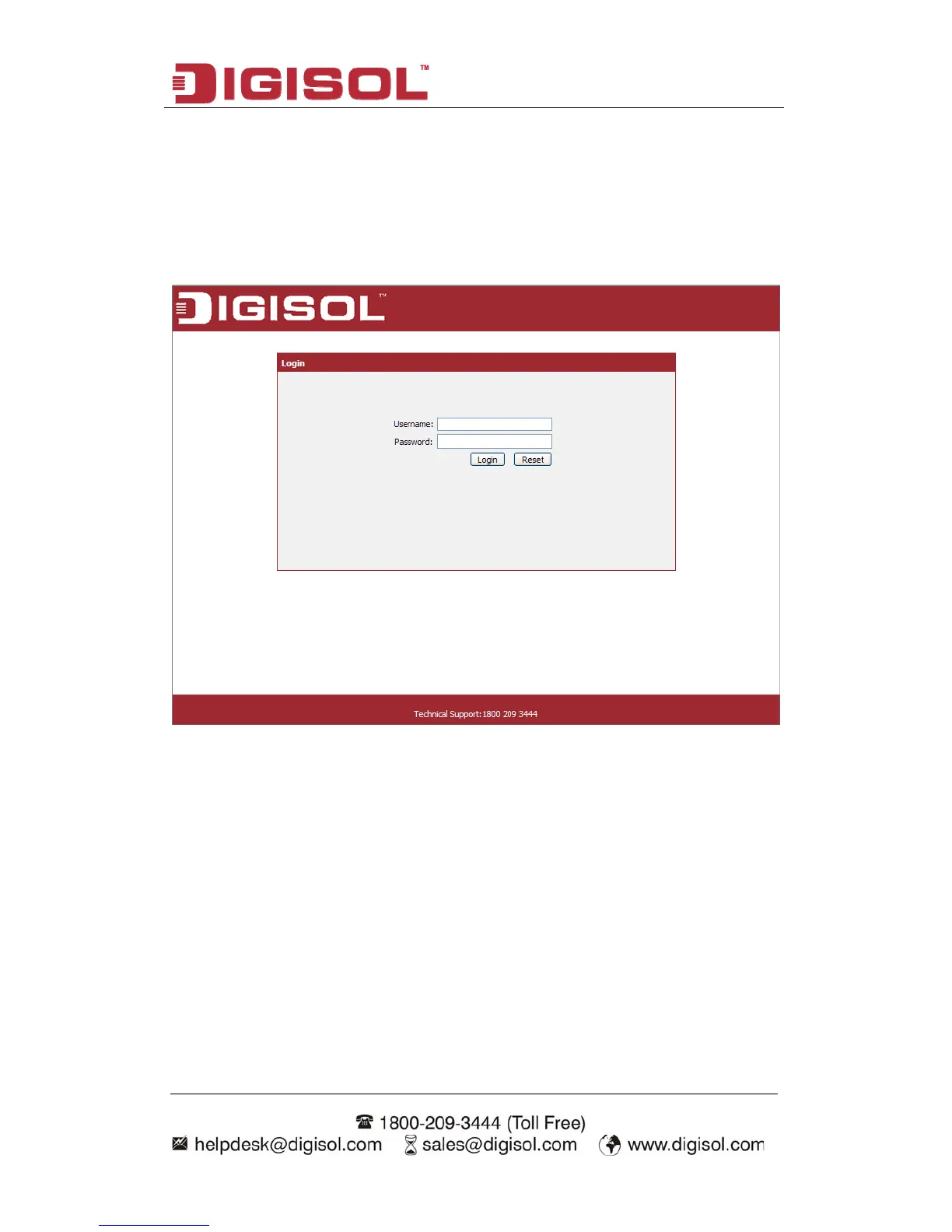
address of the router in the address bar as ‘http://192.168.2.1’.
owing message should be shown:
lease input user name and password in the field respectively, default user name is
admin’, and default password is ‘1234’, then press ‘Login’ button, and you can see
the web management interface of this router:
P
‘


 To Next Page