DG-HR3400 User Manual
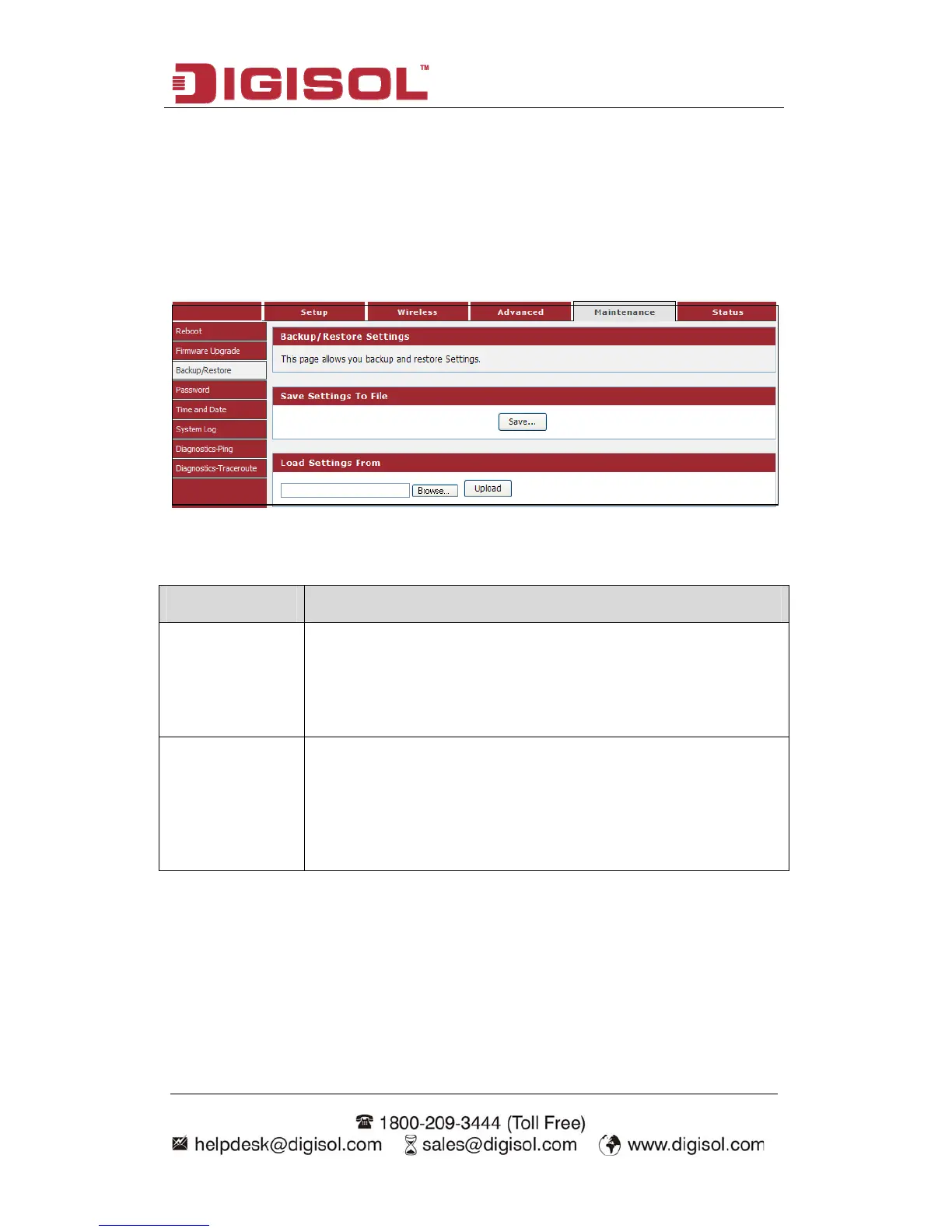
4-4-3 Backup/Restore
73
d. Be sure to save the configuration before
nu “Maintenance→Backup/Restore”, below given screen will be
Save your configurations in a file on your computer so that it may be accessed again
later if your current settings are change
performing a firmware update.
Choose me
displayed.
Here is the description of every setup item:
Par meter a Description
Save Settings to Press ‘Save’ button, and you’ll be prompted to download the
File configuration as a file, default filename is ‘config.img’, you can
save it as another filename for different versions, and keep it in a
safe place.
Load Setti
From
n file
then click ‘Upload’ to transfer the
configuration file to the router. After the configuration is
uploaded, the router’s configuration will be replaced by the file
you just uploaded.
ngs Press ‘Browse…’ to pick a previously-saved configuratio
from your computer, and



 To Next Page