DG-HR3400 User Manual
2. Hardware Installation
2-1 Get Familiar with your new wireless broadband router
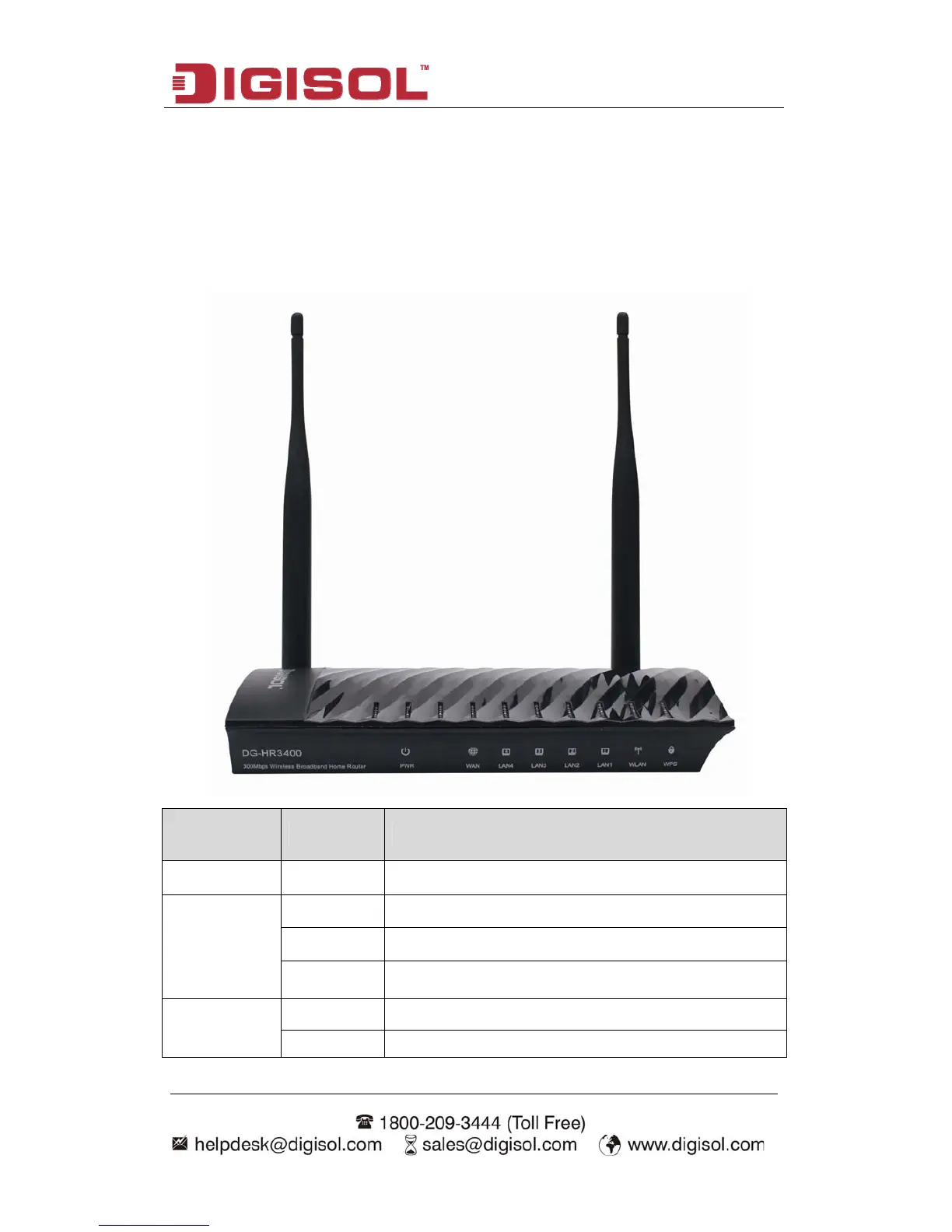
2-1-1 Front Panel
LED Name LED Status Indication
Power (PWR)
On Router is switched on and correctly powered.
On WAN port is connected.
Off WAN port is not connected.
WAN
Blinking WAN activity (transferring or receiving data).
On LAN port is connected.
LAN(1-4)
Off LAN port is not connected.
8



 To Next Page