DG-HR3400 User Manual
45
4 ess
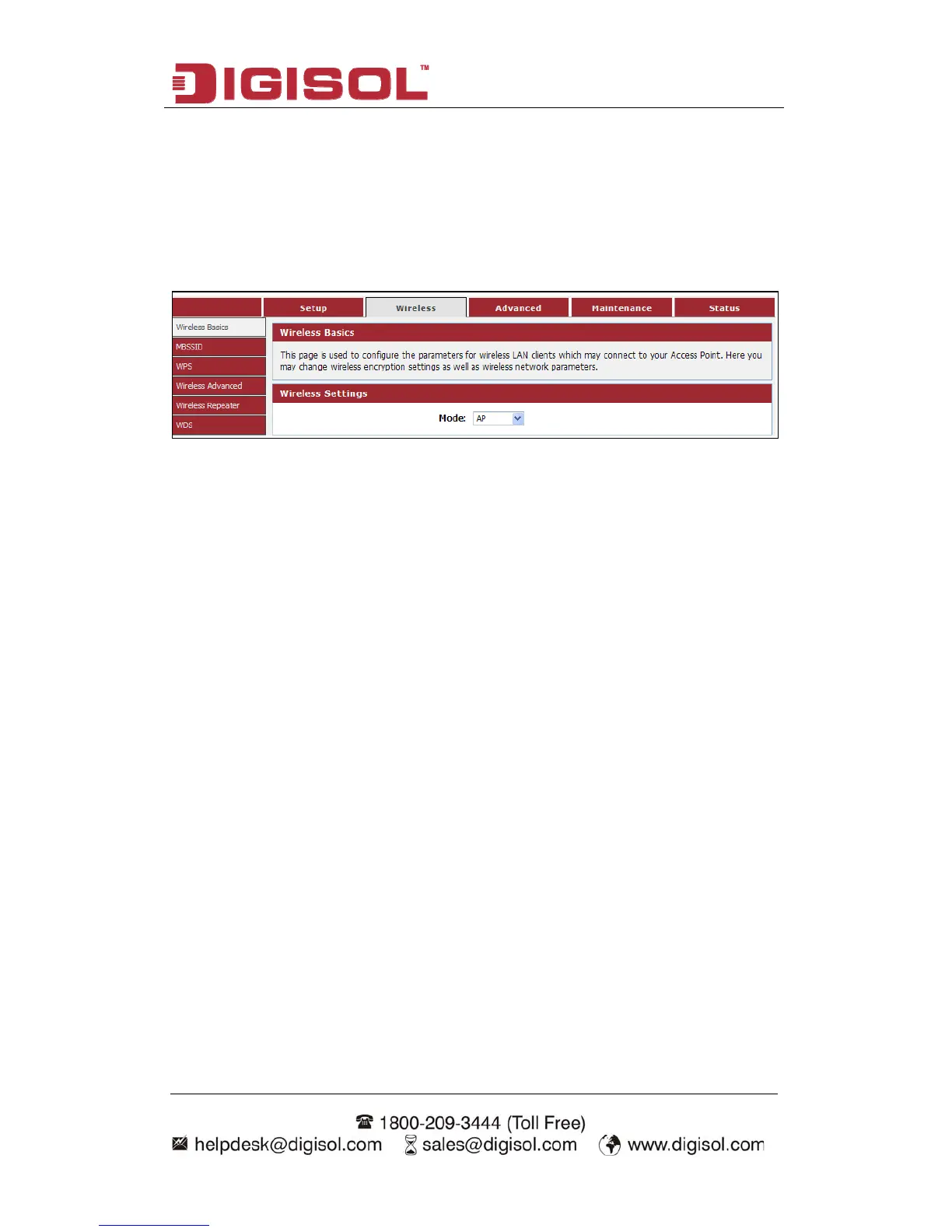
s’ menu on the top of web management interface, and the following
-2 Wirel
Click ‘Wireles
message will be displayed on your web browser:
s under the Wireless menu: Wireless Basics, MBSSID, WPS,
, WDS. Click any of them, and you will be
able to configure the corresponding function.
4-2-1 Wireless Basics
This page is used to configure the parameters for wireless LAN clients which may
connect to your Access Point. Here you may change wireless encryption settings as
well as wireless network parameters.
Choose menu “Wireless→Wireless Basics”, below given screen will be displayed.
There are six submenu
Wireless Advanced, Wireless Repeater



 To Next Page