DG-HR3400 User Manual
4-5 Status
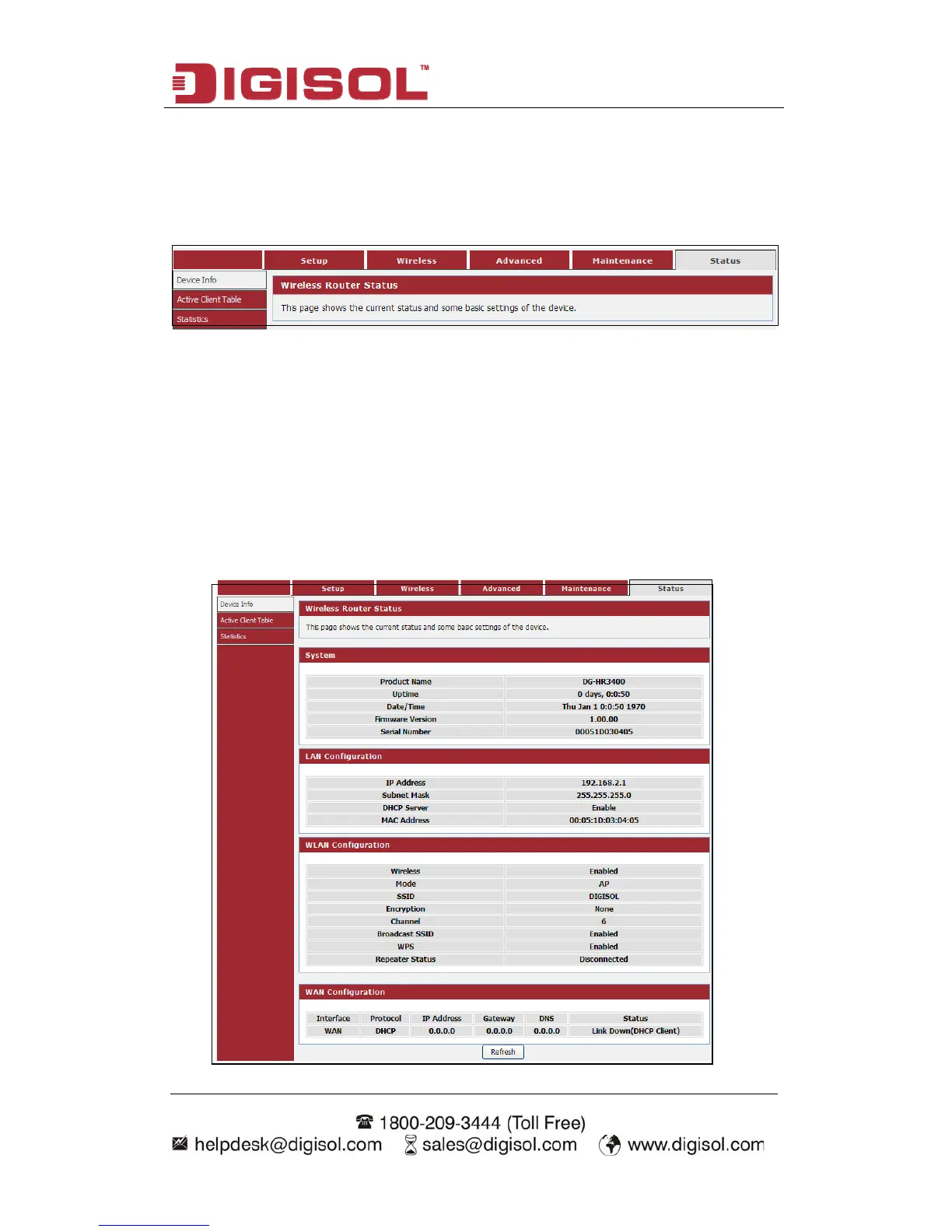
Click ‘Status’ menu on the top of web management interface and the following
message will be displayed on your web browser:
There are three submenus under the Status menu: Device Info, Active Client Table
and Statistics. Click any of them, and you will be able to view the corresponding
status.
4-5-1 Device Info
This page shows the current status and some basic settings of the device.
Choose menu “Maintenance→Device Info”, below given screen will be displayed.
79



 To Next Page