DG-HR3400 User Manual
4-4 Maintenance
71
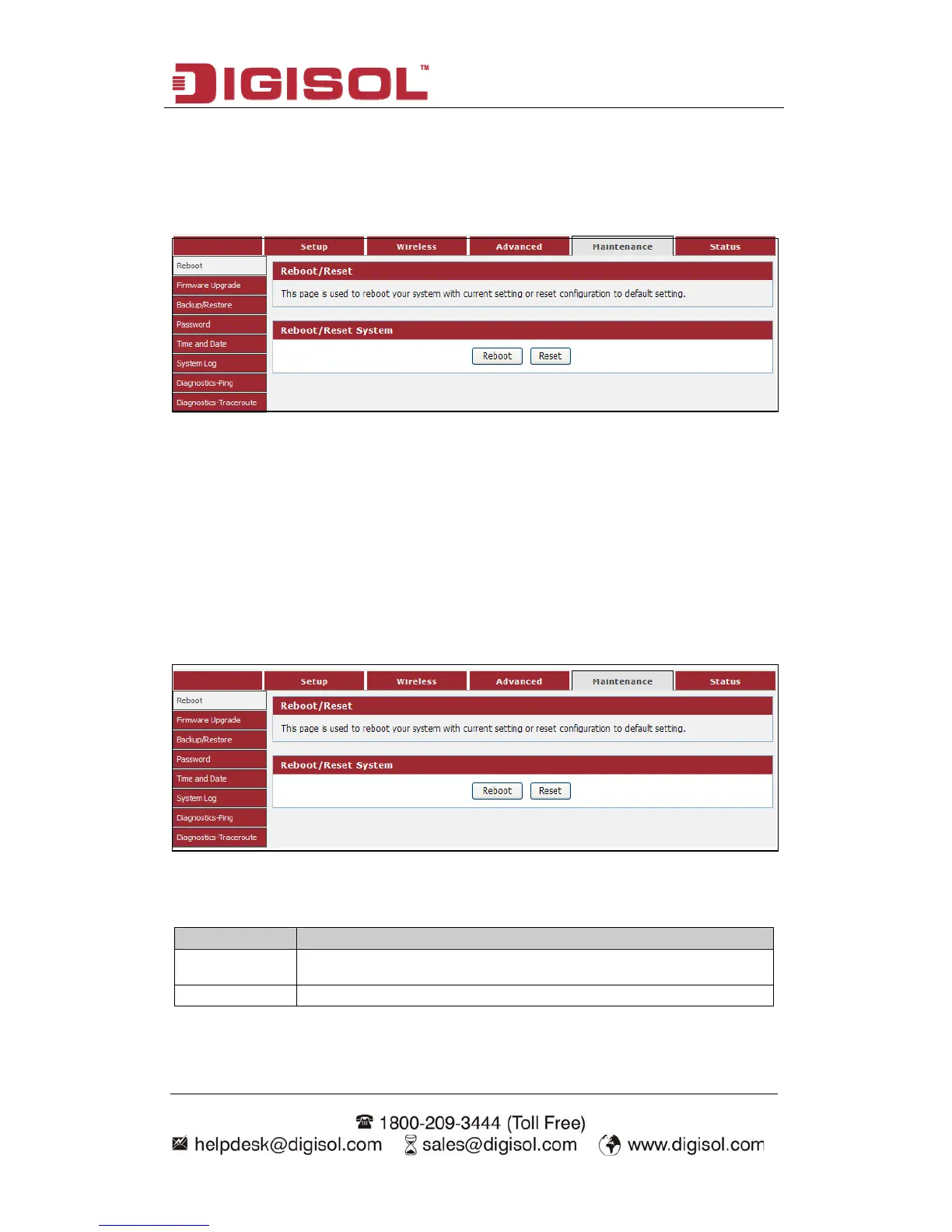
enu on the top of web management interface, and the
following message will be displayed on your web browser:
Click ‘Maintenance’ m
There are eight submenus under the Maintenance menu: Reboot, Firmware
Upgrade, Backup/Restore, Password, Time and Date, System Log,
Diagnostics-Ping, Diagnostics-Traceroute. Click any of them, and you will be able
to configure the corresponding function.
4-4-1 Reboot
This page is used to reboot your system with current setting or reset configuration to
hoose menu “Maintenance→Reboot”, below given screen will be displayed.
default setting.
C
Here is the description of
every setup item:
Parameter Description
Reboot
Restarts the router for the settings to take effect.
Reset Restarts the router with factory default setting.



 To Next Page