DG-HR3400 User Manual
72
de
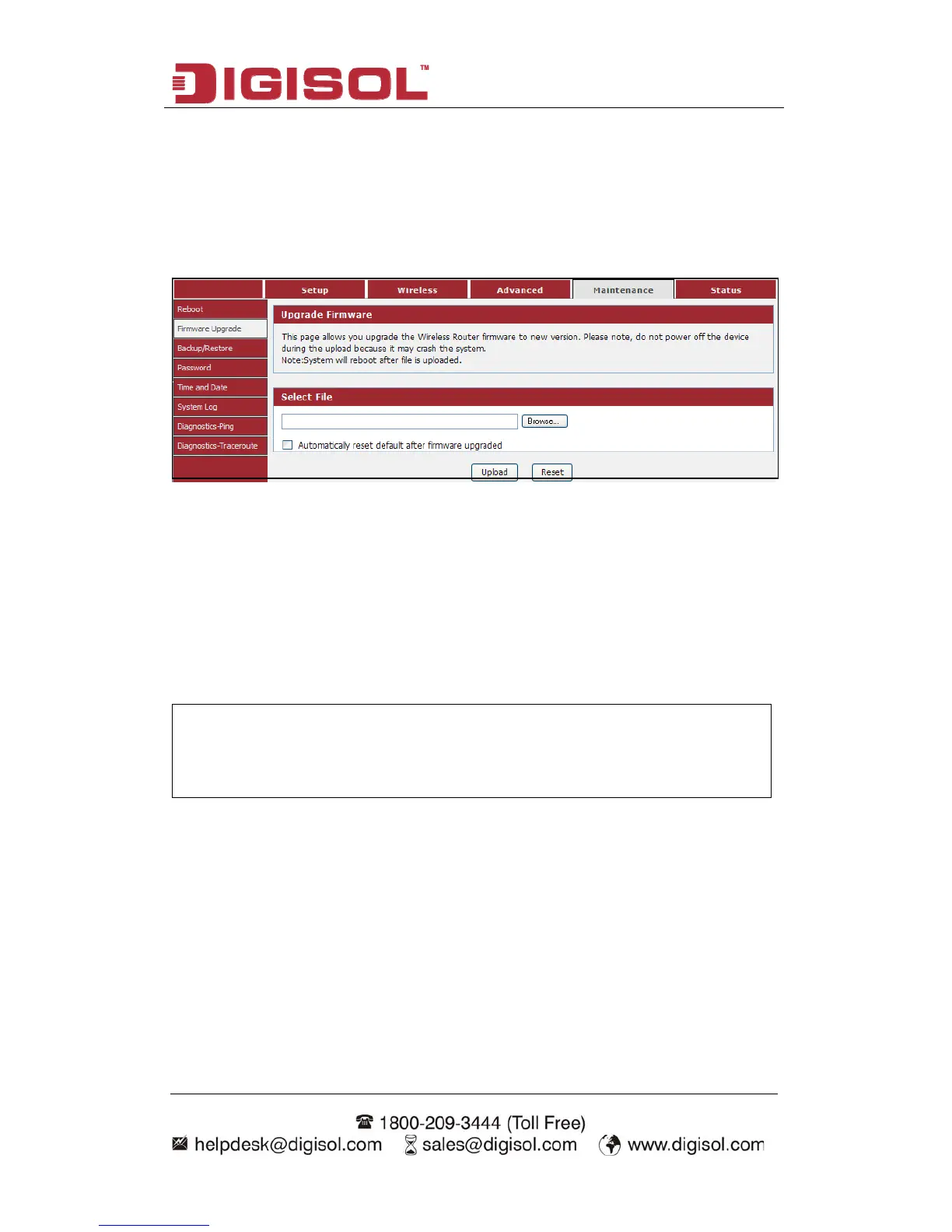
he Firmware Upgrade section can be used to upgrade to the latest firmware code to
Choose menu “Maintenance→Firmware Upgrade”, below given screen will be
displayed.
4-4-2 Firmware Upgra
T
improve functionality and performance.
The Firmware Upgrade section can be used to upgrade to the latest firmware code to
improve functionality and performance.
To update the firmware, follow these steps:
Click the Browse button to locate the upgrade file on your computer.
Once you have found the file to be used, click the Upload button below to start
the firmware update process. This can take a minute or more.
Wait for the router to reboot. This can take another minute or more.
NOTE: Some firmware updates reset the configuration options to the
factory defaults. Before performing any update, be sure to
save the current configuration.



 To Next Page