DG-HR3400 User Manual
37
4. Configuring
This chapter will show eac page’s key functions and the configuration way.
On the right, there are corresponding explanations and
instructions.
lick ‘Setup’ menu on the top of the web management interface, and the following
message will be displayed on your web browser:
the Router
h Web
After your successful login, you will see the five main menus on the top of the
Web-based utility.
4-1 Setup
C
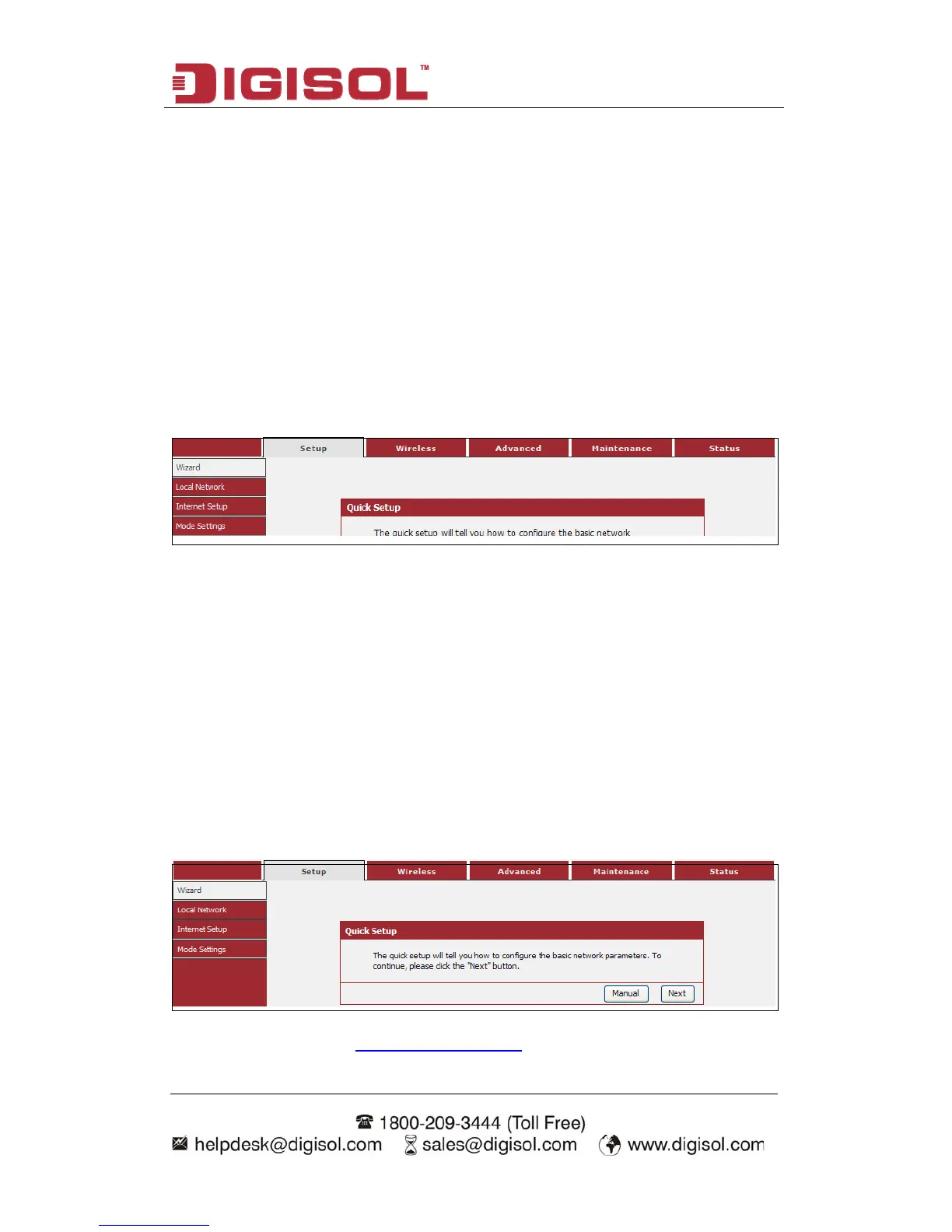
e are four submenus under the Setup menu: Wizard, Local Network, In
etup, Mode Settings. Click any of them, and you will be able to configure the
izard
If you are new to networking and have never configured a router before, click on
Wizard and the router will guide you through a few simple steps to get your network
up and running.
hoose menu “Setup→Wizard”, below given screen will be displayed.
Ther ternet
S
corresponding function.
4-1-1 W
C
For details please refer to 3.3 Using Quick Setup on above.



 To Next Page