DG-HR3400 User Manual
36
default setting is Auto 20/40M, which can adjust the
channel width for your clients automatically.
Wireless Security If the access point enables wireless security, you have to
follow the same settings in order to access the access
point.
When you finish with all settings, press ‘Next’; if you want to go back to previous
menu, click ‘Back’.
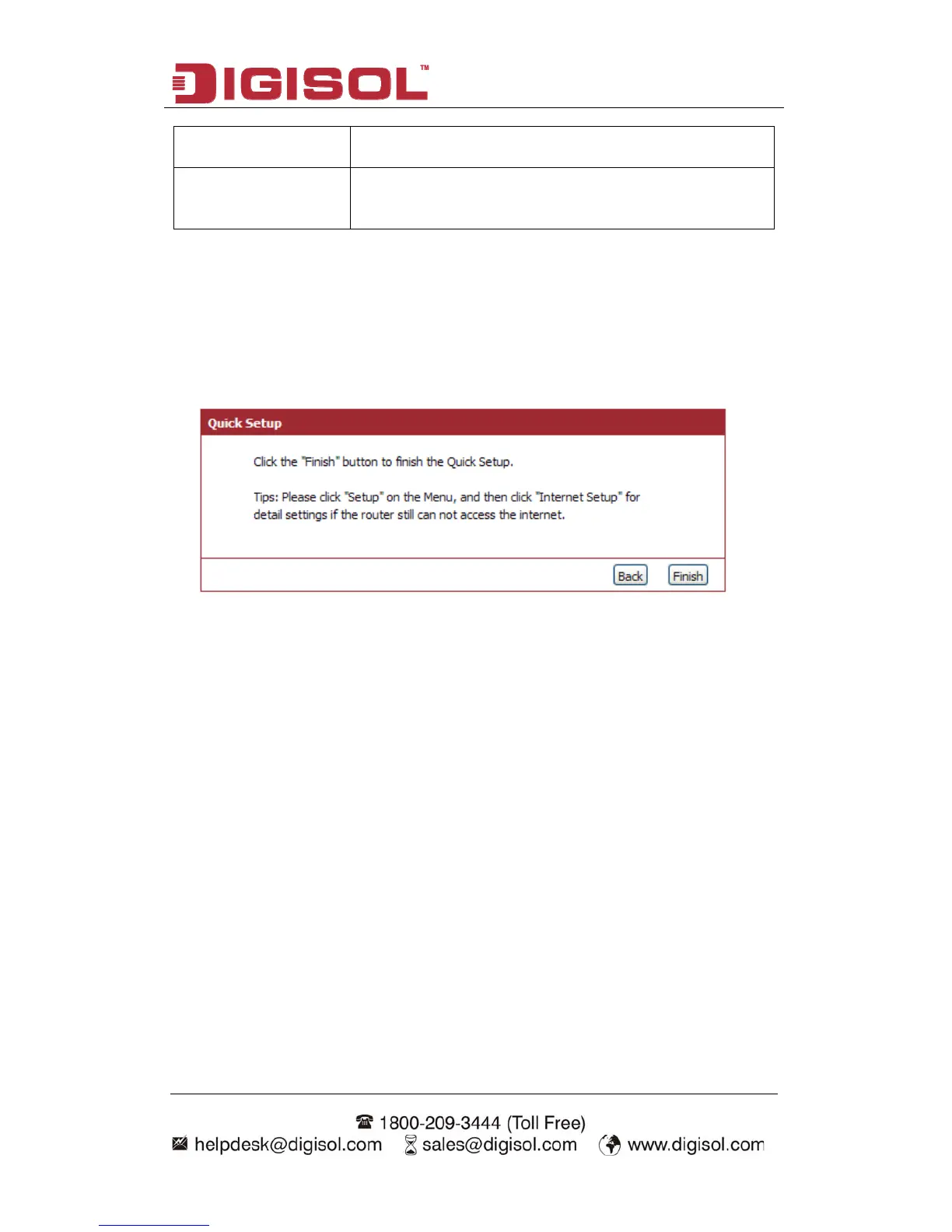
Step 3 Finish the Quick Setup:
Below given ‘Finish’ screen will appear.
You can click the “Finish” button to finish the Quick Setup; if you want to go back to
previous menu, click ‘Back’.



 To Next Page