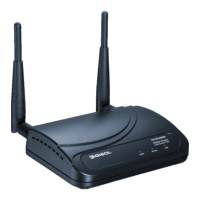
DG-WA30002NP User Manual
1-5 Get familiar with your new wireless PoE Access Point
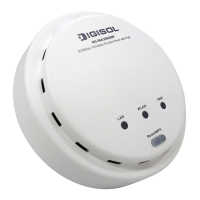
Front Panel
LED
Name
Light Status Description
On The Access Point is switched on and correctly
powered.
Slow
Blinking
System is reset to factory default, at the same time
WLAN LED is on.
PWR
Off The access point is switched off.
On Wireless WPS mode is enabled.
Off Wireless network is switched off.
WLAN
Flashing Wireless LAN activity (transferring or receiving
data).
On LAN port is connected
Off LAN port is not connected
LAN
Flashing LAN activity (transferring or receiving data)
11


 To Next Page
 Loading...