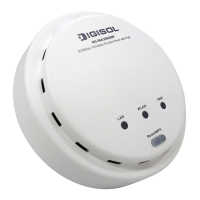
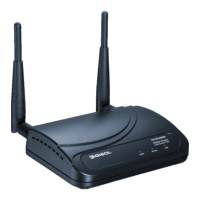
DG-WA3002NP User Manual
7
2-9-1 LED On/Off....................................................................................................76
2-9-2 Change Password............................................................................................77
2-9-3 IP Address of the Wireless Access Point.........................................................79
2-9-4 DHCP Server ..................................................................................................81
3. Advanced Configuration......................................................................83
3-1 Configuration Backup and Restore .............................................................83
3-2 Firmware Upgrade.......................................................................................85
3-3 System Reboot.............................................................................................87
4. Appendix...............................................................................................89
4-1 Hardware Specification...............................................................................89
4-2 Troubleshooting...........................................................................................90
4-3 Glossary.......................................................................................................92


 To Next Page
 Loading...