DAG Series User Manual
13
Dinstar Technologies Co., Ltd.
3.3 Access DAG serial by Web Browser
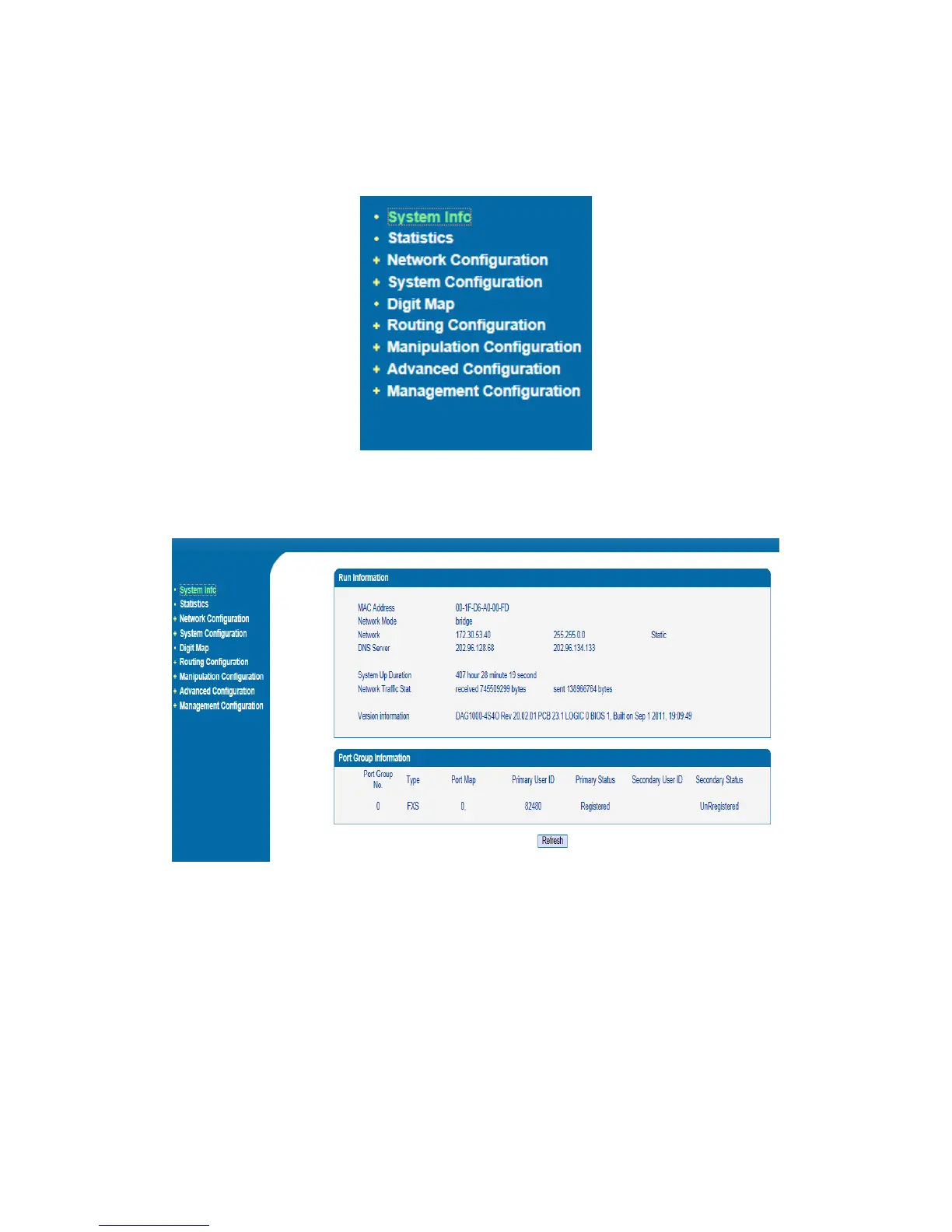
The web page configuration includes the following:
Figure 3-3-1 Navigation tree
Go through navigation tree, user can check, modify, and set the device configuration on the right
of configuration interface.
Figure3-3-1 Configure Interface













 To Next Page