DAG Series User Manual
32
Dinstar Technologies Co., Ltd.
3.3.9 Management Configuration
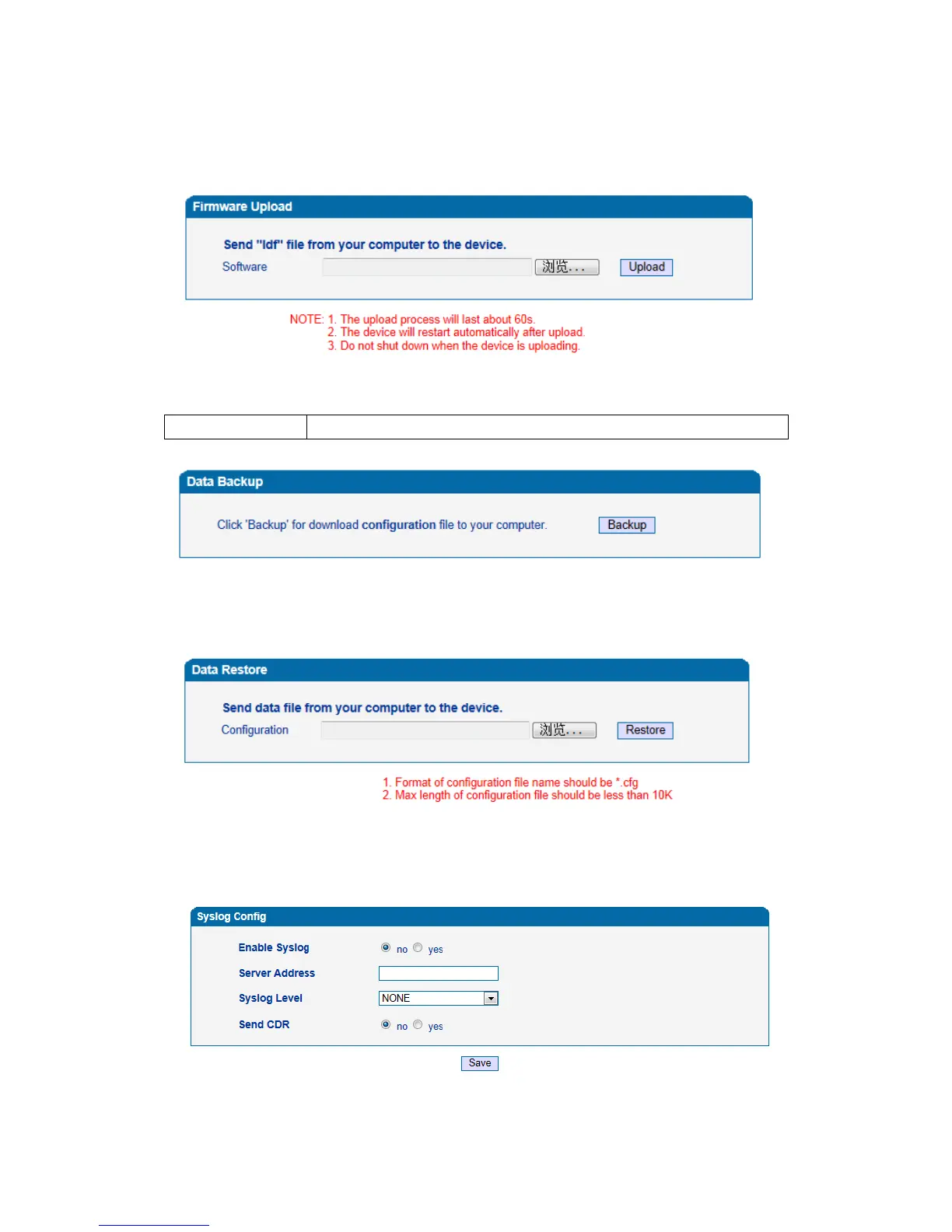
1. Firmware Upload
Figure 3-3-29 Firmware Upload
Table 3-3-13 Firmware Upload Add
2. Config Backup
Figure 3-3-30 Data Backup
Click the Backup, and save the configuration file in your PC.
3. Config Restore
Figure 3-3-31 Data Restore
Click "Browse" to select the Configuration file, and then click "Restore".
4.System Log
Figure 3-3-32 Syslog Config













 To Next Page