DWG2000C-4/8G User Manual
47 / 51
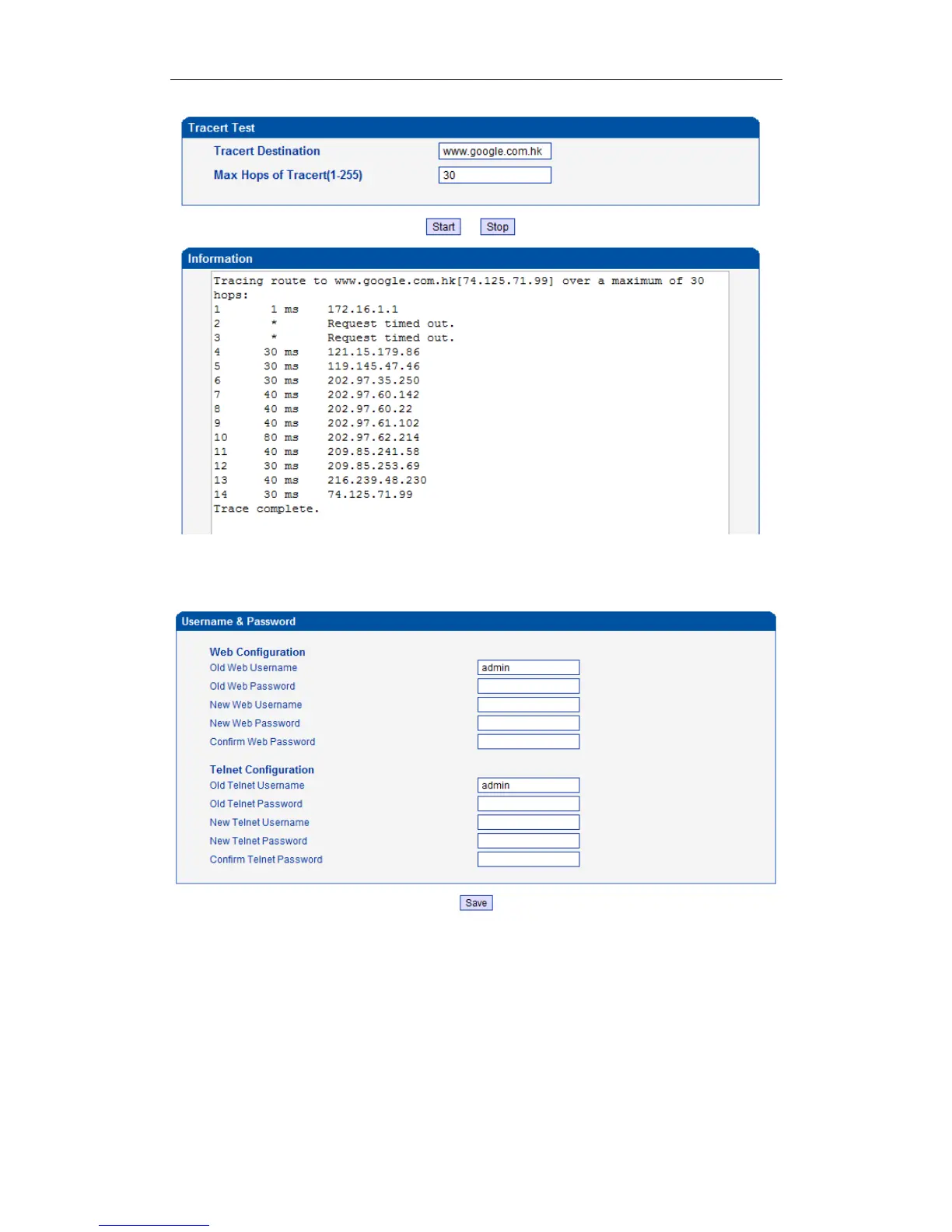
4.14.8 Login Password
Figure 4-14-8 IVR Voice Prompt Upload
When using web or telnet Configuration, please enter default user name and password. User can modify
the login name and password.
4.14.9 Factory Reset
Figure 4-14-9 Factory Reset
www.InternetVoipPhone.co.uk | sales@internetvoipphone.co.uk | 0800 088 4846














 To Next Page