17
preset Mode (ContInued)
The DMC.micro PRO also allows you to name each preset, for easy identication later.
Each preset name is 8 characters and may include upper and lower-case text, numbers,
punctuation, and symbols.
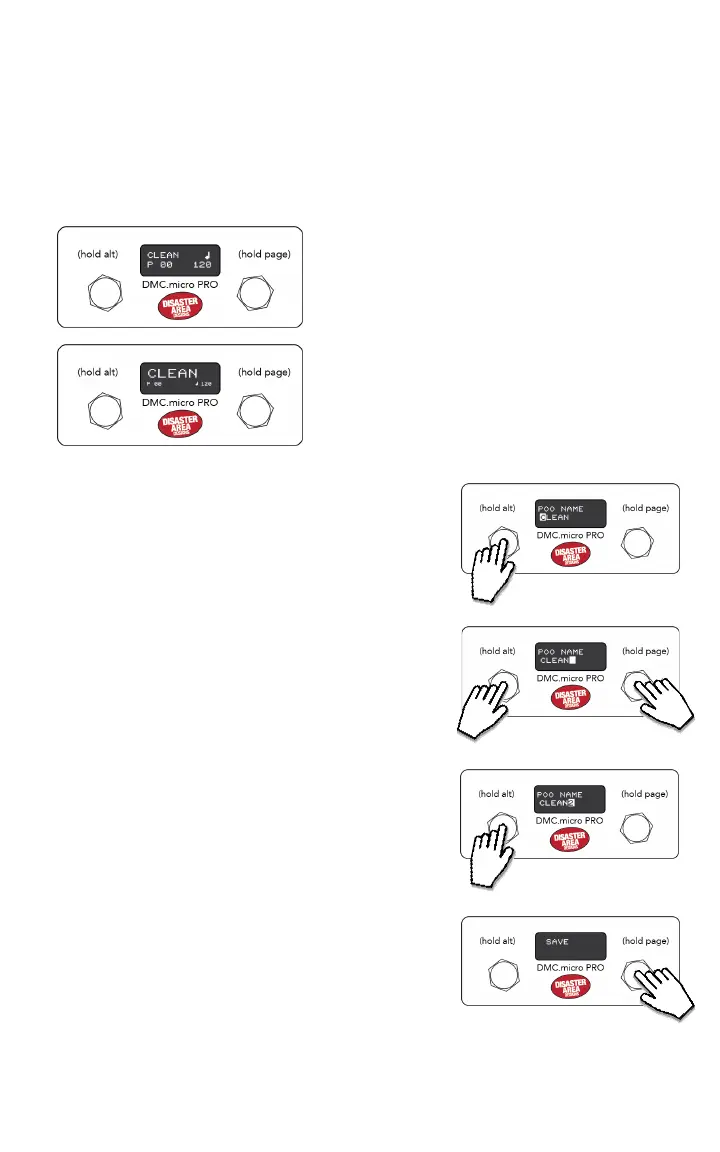
To enable preset names, enter the Setup menu and congure NAME DISP = NAME & NUM or
NAME LRG, then save and exit Setup.
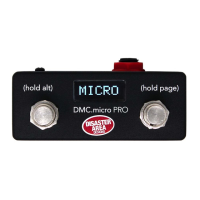
NAME & NUM divides the display into two medium-
sized lines, one with preset name (8 characters)
and one with preset number + clock settings, if
applicable.
NAME LRG shows the preset name in large text (7
characters) and the preset number + clock settings
in small text underneath.
EDITING A PRESET NAME:
Enter Preset Mode and select the preset whose
name you would like to change.
Hold the left button to save the preset, and keep it
held until NAME EDIT appears on the screen.
Tap the left or right buttons to select a character
to edit, shown by the highlighted cursor on the
display.
Hold the left button to edit the selected character,
the cursor will ash. Tap left or right to change the
character.
Hold the left button to stop exiting the current
character, then repeat these steps until all
characters are correct.
Hold the right button to save the preset name and
exit the Name Edit mode.
HOLD TO EDIT
TAP TO SELECT CHARACTER
HOLD TO EDIT SELECTED,
TAP TO CHANGE
HOLD TO SAVE NAME


 To Next Page