Important Note:
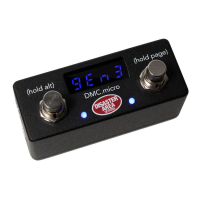
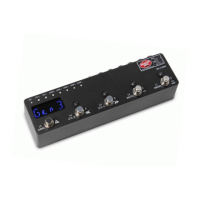
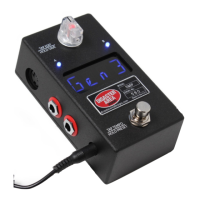
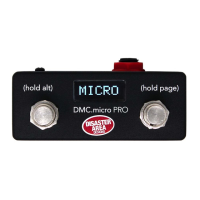
This User Manual covers operation of both the DMC.micro PRO and the DMC.micro
running rmware version 2.0 or higher.
Throughout this manual we will refer to both the DMC.micro PRO and the older DMC.
micro as “DMC.micro.”
Special features available only on the PRO will be marked as “PRO FEATURE.”
Information pertaining to the older blue LED DMC.micro will be marked in BLUE or
referred to as LED4.
Specications
Size: 3.6” x 1.5” x 1.6” (93 x 38 x 42mm) excluding switch caps and jacks
5-pin MIDI Port (supports MIDI input with MIDI-Y cable)
MultiJack (supports expression pedal, dual footswitch, or MIDI output)
USB port (supports USB-MIDI or USB-HOST with gHOST Adapter)
Controls up to four MIDI devices
Power: 9V DC, 40mA or greater, center negative (not included)
Graphical OLED display (PRO) / 4-digit blue LED display (LED4)
Soft-touch footswitches
Preset, device, looper, clock, and UTIL modes
Recommended Accessories:
gHOST Adapter Cable Kit: Allows USB port to control USB-MIDI devices (C4, Zoom, etc)
Disaster Area MIDI Cables: High-quality space-saving right angle MIDI cables
Disaster Area MIDI-Y Cable: Convert DMC.micro MIDI port into MIDI IN and OUT
Disaster Area 5P-TRS PRO Cable: Connect MultiJack to 5-pin device or 5-pin port to 1/4”
device
All accessories available from disasterareadesigns.com/shop


 To Next Page