B-55
Procedures to remove the machine outer covers (Continued)
Step No. Procedure
3
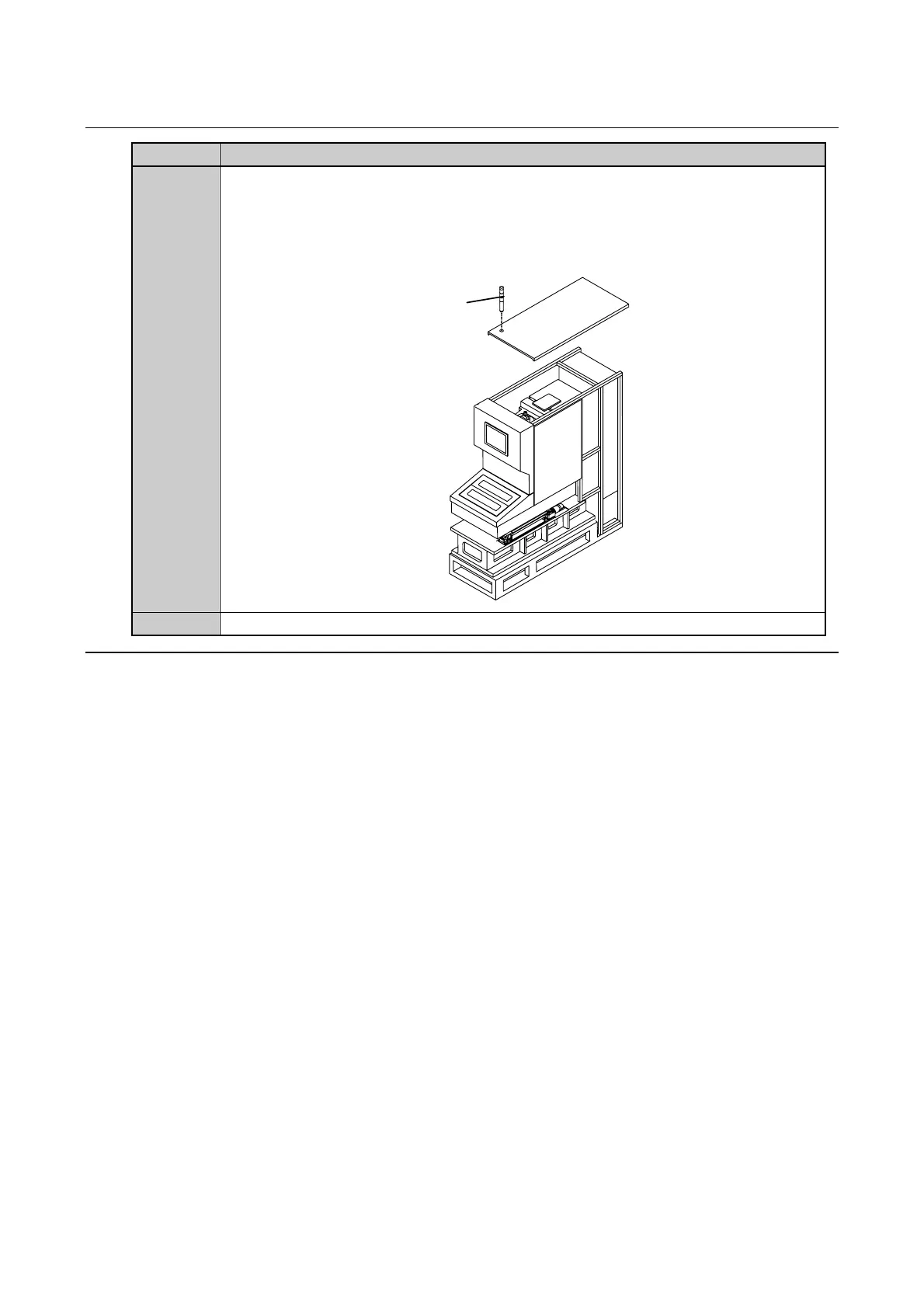
Remove the status indicator from the machine top cover.
・Disconnect the connector (J318) of the status indicator.
・Loosen the nut retaining the status indicator under the cover and then screw off the
status indicator to remove it.
Status
indicator
4
Wrap the removed status indicator into a package.
Continued in the next section.



 To Next Page