B-29
1-6-2. Connection of Power Cable of Vacuum Unit
[Optional Accessory]
Equipment you must have ready
Phillips screwdriver
Slotted screwdriver
Procedures to connect the power cable of the vacuum unit to the machine
Step No.
Procedure
(Continued from the previous section)
1
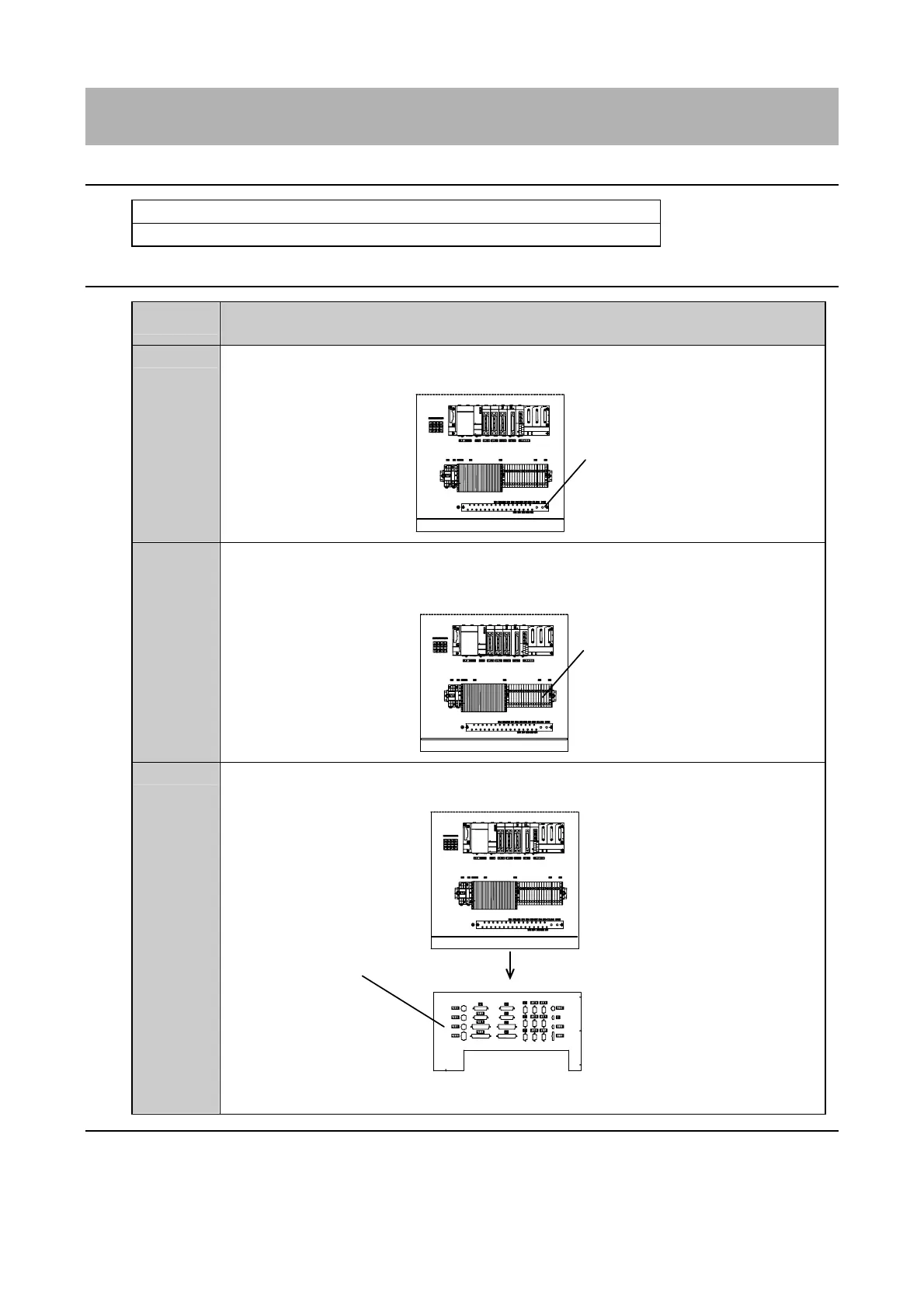
Connect the PE line of the vacuum unit power cable to the earth bar located at the bottom
part of the control box.
Earth bar
(Terminal for connection)
E: No. 50
2
Connect each power line of the vacuum unit power cable to the corresponding terminals
on the terminal block (TB2).
・Make sure to connect each line to its terminal correctly referring to the following figure.
Terminal block (TB2)
(Terminals for connection)
L1: No. 3
L2: No. 6
L3: No. 9
3
Connect the signal line of the vacuum unit to the connector (J108) on the panel located at
the bottom part of the control box.
Connector panel
[Bottom part as viewed from below]
Continued in the next section.



 To Next Page