106
Connecting to the Nearby TV (TV1)
Setting Up to Display in HD
Once the receiver has been activated with qualifying DISH Network programming, you will
be able to receive high-definition programs to watch. Use the following steps to select the
desired HDTV format to display these programs on your TV.
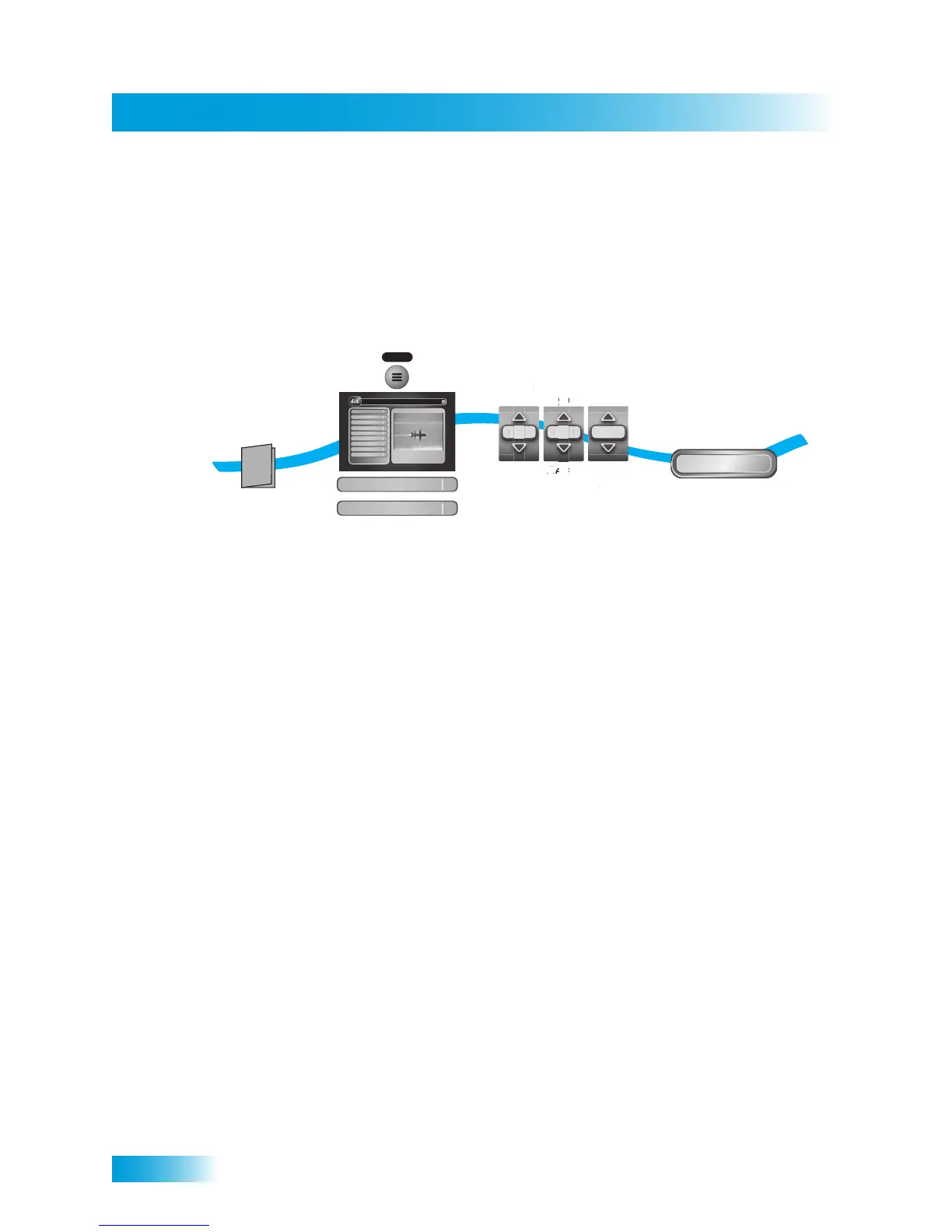
1 Consult your HDTV user’s guide for the best HD-format resolution that the TV supports
(typically, either 1080i or 720p).
Note: If you choose to view a DISH-on-Demand event in 1080p, the receiver performs a
brief video test to determine your system’s compatibility with the higher resolution.
2 Press the MENU button, select System Setup, and then HDTV Setup.
3 Select the HD format settings (Analog Type and TV Type) that matches the format your
TV supports.
4 While in this menu, select the Aspect Ratio option that matches your TV:
• 16x9 is the setting for a wide-screen HDTV display.
• 4x3 #1 is the setting to use on a 4x3 TV which uses vertical compression. When
viewing a 16x9 program using this setting, a compatible TV automatically makes the
picture in letterbox format (with black bars across the top and bottom of the screen), to
preserve the correct horizontal and vertical proportions of the wide-screen HD image.
• 4x3 #2 is the setting to use on a standard 4x3 TV which does not use internal vertical
compression. When viewing a 16x9 program on such a TV, black bars at the top and
bottom will not be displayed, and a high-definition image will appear tall and skinny.
5 Select Done.
6 If required, set up the HDTV to display in the best format. If you are connected using an
HDMI cable, some HDTVs will automatically adjust the resolution setting to the receiver.
1
5-6
3-4
Press MENU,
select System Setup
then HDTV Setup
Consult
HDTV
User's Guide
Select Done
Done
2
MENU
System Setup
HDTV Setup
Program Guide
1
Themes & Search
2
Customer Support
3
Multimedia
4
Locks
5
System Setup
6
Daily Schedule
7
Preferences
8
Cancel
0
1
Main Menu
Thursday, January 20
114 E !114 E!
6:25 pm
Celebrity Homes
5:30 pm - 7:00 pm NR
Guide
Select
HD settings
Offair
Analog
Type
a
p
e
i
p



 To Next Page