20
Wally User Guide
Watching TV
4
Using the Guide
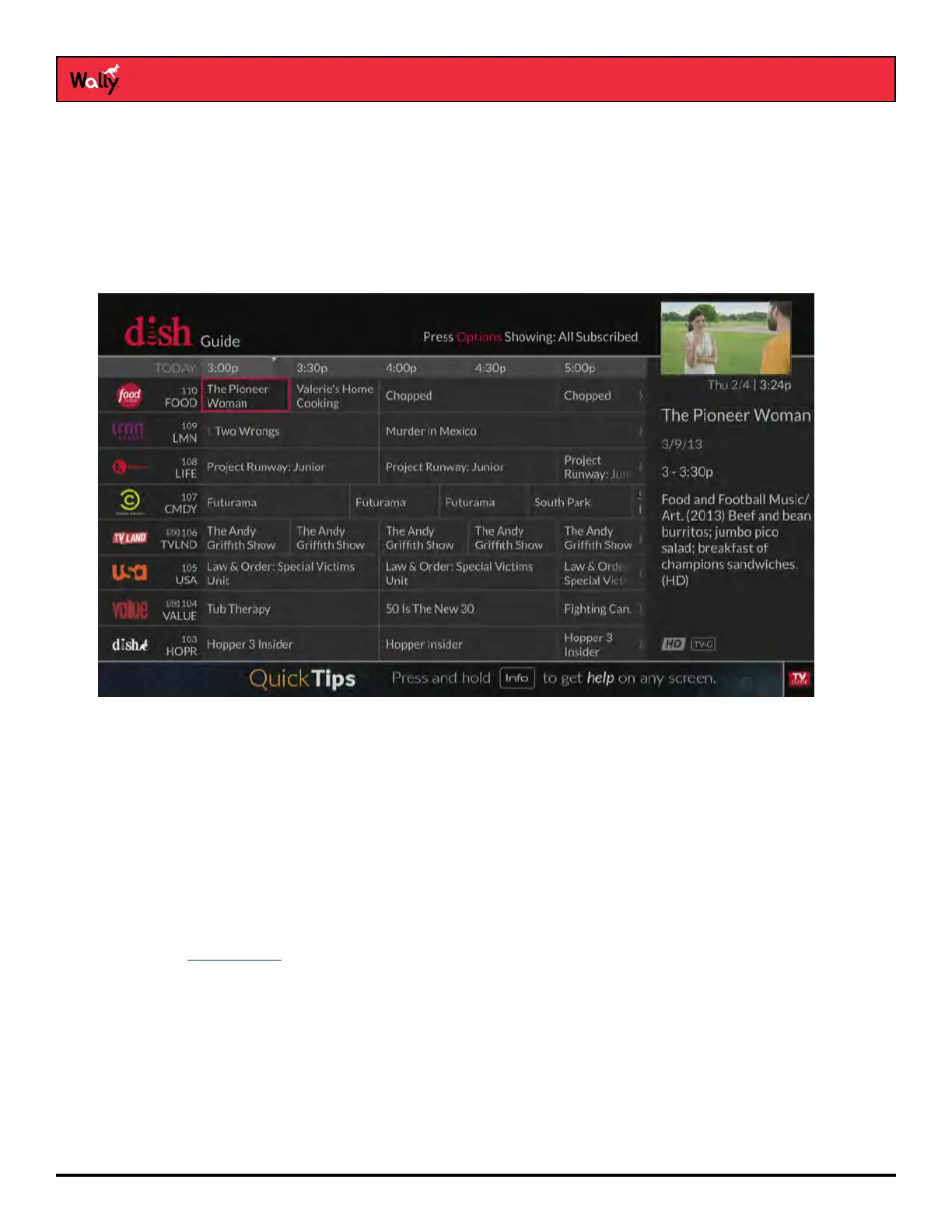
Press GUIDE on the remote to display the Guide (program guide). The Guide can display information for programs
on now and those coming on within the next nine days. The guide doesn’t show programs that ended earlier in the
day.
Note: The guide will display program information for the next nine days if an external hard drive is connected and
your Wally can receive satellite programming from the either the 119°W or 72.7° orbital location. Otherwise, the
guide displays up to two days of program information.
• Press CH▲ or CH▼ to move a page of program data at a time, allowing you to view guide information about
programs on other channels.
• Press SKIP FORWARD and SKIP BACK to move forward and backward two-and-a-half hours at a time,
allowing you to view guide information about future programs for a given channel.
• Press INFO on the remote to see a screen of more detailed program information.
• Press OPTIONS to see which channel list is active:
– All Channels displays all the channels.
– All Subscribed displays only the channels included in your DISH package.
– All Unsubscribed displays only the channels not included in your DISH package.
– If you set up a favorites list, the Guide displays only the channels that you included on that list.
See Channel Lists for more information.










 To Next Page