21
Wally User Guide
Watching TV
4
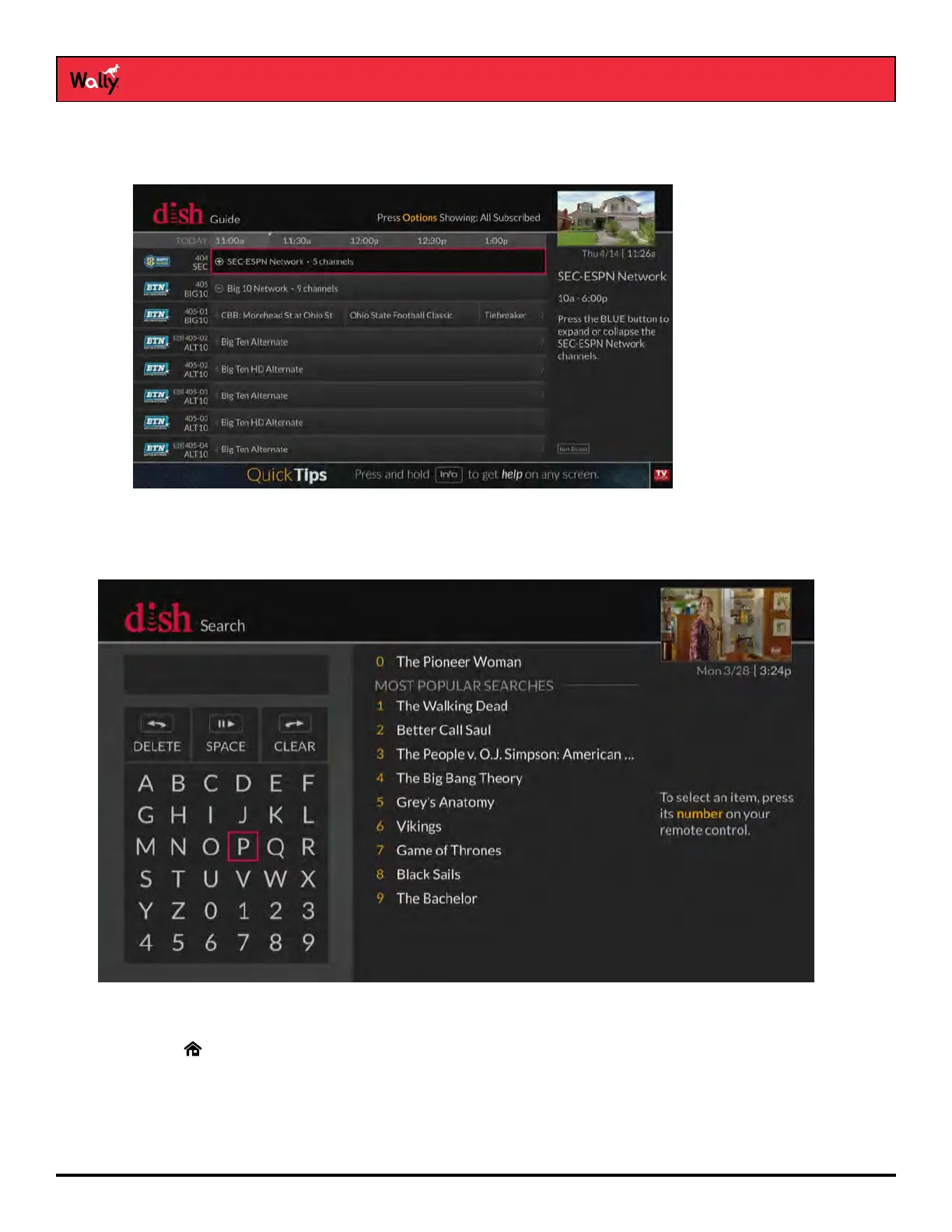
• When certain types of programming are available within a range of channels in the Guide, the range is
collapsed into one row of the guide to make it easier to scroll through programming. The range is denoted with
a + sign. You can select that row to display all of the channels within the range.
Searching for Programs
The Wally’s predictive search feature makes it easy to nd programs to watch on TV or pay-per-view.
Follow this procedure to search for a program:
1 Press SEARCH on the remote to display the Search screen. The Search screen is also accessible by double-
pressing on the remote and selecting Settings, then Search.)
2 Using the on-screen keyboard, start typing a title, actor’s name, or keyword. Results of your search will start to
display. Typing more characters narrows the results.
3 To select a search result, press the number button on the remote that corresponds to the search result. You can
also use the arrow buttons to select a search result directly.










 To Next Page