22
Wally User Guide
Watching TV
4
Finding Themed Programs
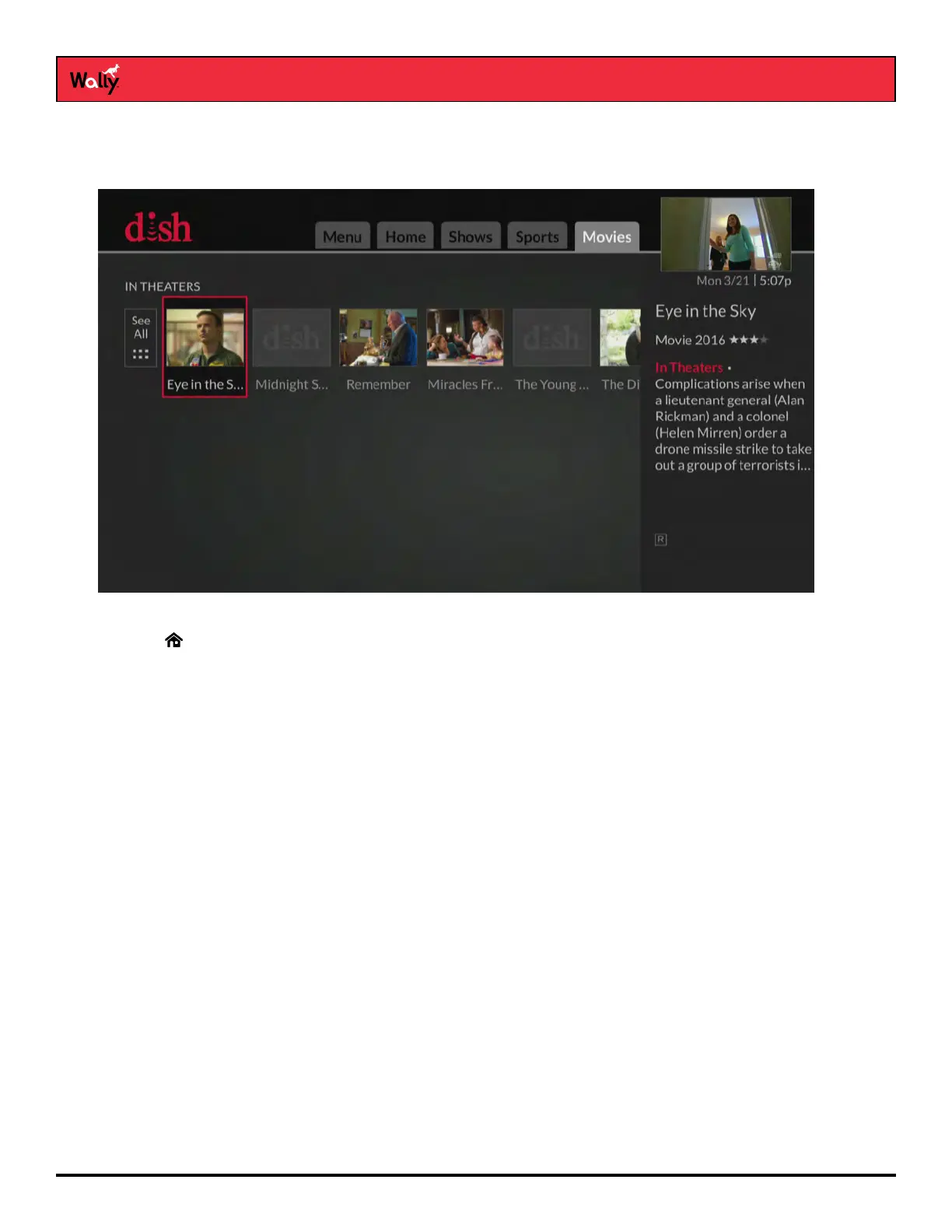
You can browse programs by their general theme—shows, sports, and movies.
Follow this procedure to nd a themed program:
1 Press on the remote to display the Home screen.
2 Press SKIP FORWARD or SKIP BACK to switch to a different tab at the top of the screen—Shows, Sports, or
Movies. By default, results are returned only for available program listings.
3 Browse for and select a program to watch.










 To Next Page