29
Wally User Guide
Watching Pay-Per-View Programs
5
DISH Pay-Per-View
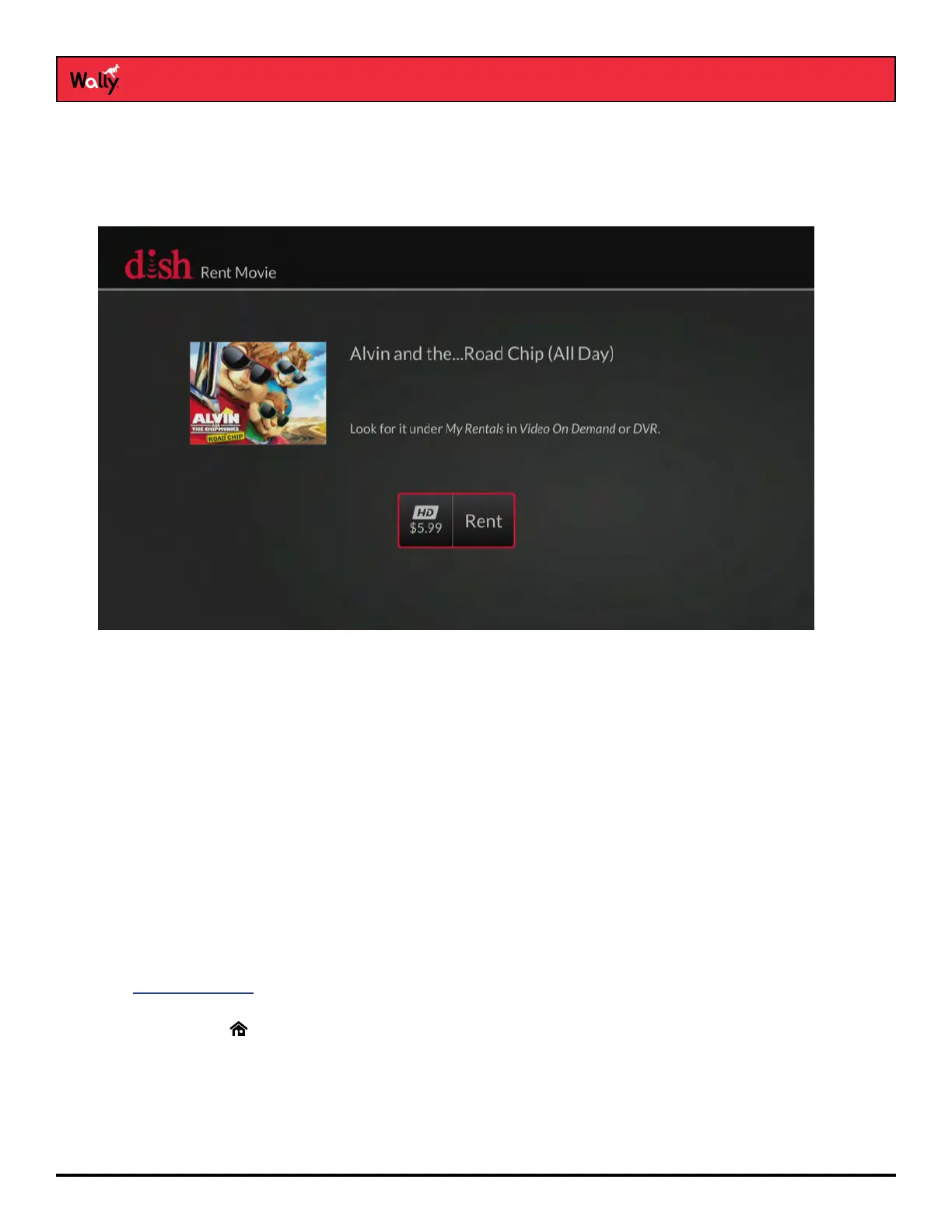
DISH Pay-Per-View allows you to instantly watch movies and other exciting events on your Wally for a rental fee.
Even if you don’t have a connected external hard drive, you can use your remote control’s playback buttons to
control your viewing experience, just as you would when pausing or reversing a DVR program.
To order pay-per-view using your remote, your Wally must be connected to broadband Internet service. If it’s not,
you can order a pay-per-view program by logging in to your DISH account at mydish.com/myaccount and selecting
Order Pay-Per-View.
Visit mydish.com/ppv for more information on DISH Pay-Per-View.
Ordering Considerations
Keep these important considerations in mind before ordering a pay-per-view program:
• Once you conrm an order for a pay-per-view program, you cannot cancel the order; you’ll be billed for it.
• You cannot record certain pay-per-view programs.
• An All Day DISH Ticket for a program is available for up to 24 hours and runs from the rst showtime
(5 a.m. ET) to the same time the following day (5 a.m. ET). If you record a program from All Day DISH Ticket,
you can watch the rental for up to 24 hours from the rst viewing.
• Replays of some pay-per-view programs or events are separate, and you may be be billed for each viewing.
• You can use parental locks to restrict your family from watching pay-per-view programs. See the
Parental Controls chapter for more information.
• You can review what you’ve rented during the past 30–60 days by viewing the Recent Purchases screen.
Double-press on the remote, select My Account, then Recent Purchases. The program titles that you’ve
ordered will appear on your next DISH bill.










 To Next Page