30
Wally User Guide
Watching Pay-Per-View Programs
5
Ordering Pay-Per-View
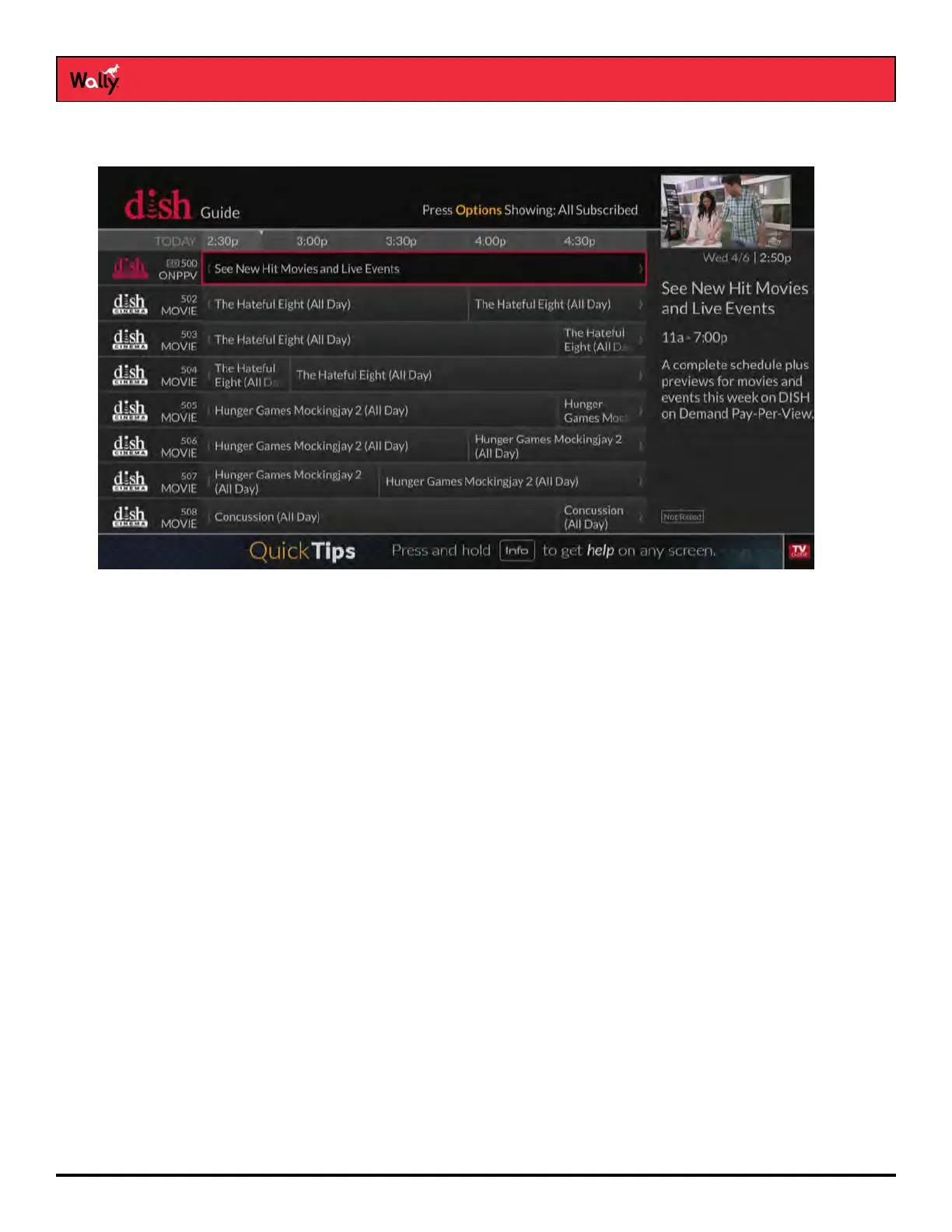
1 Press GUIDE on the remote to display the Guide.
2 Using your remote, navigate to a category of pay-per-view programs:
• Movies begin on channel 502.
• Sports begin on channel 455.
• Adult programs begin on channel 481.
3 Select the program that you want to watch.
4 On the program screen that displays, select Rent.
5 On the popup that displays, press SELECT to begin watching the pay-per-view program. You may stop watching
the program and return to live TV at any time.










 To Next Page