42
Wally User Guide
Recording and Watching DVR Programs
6
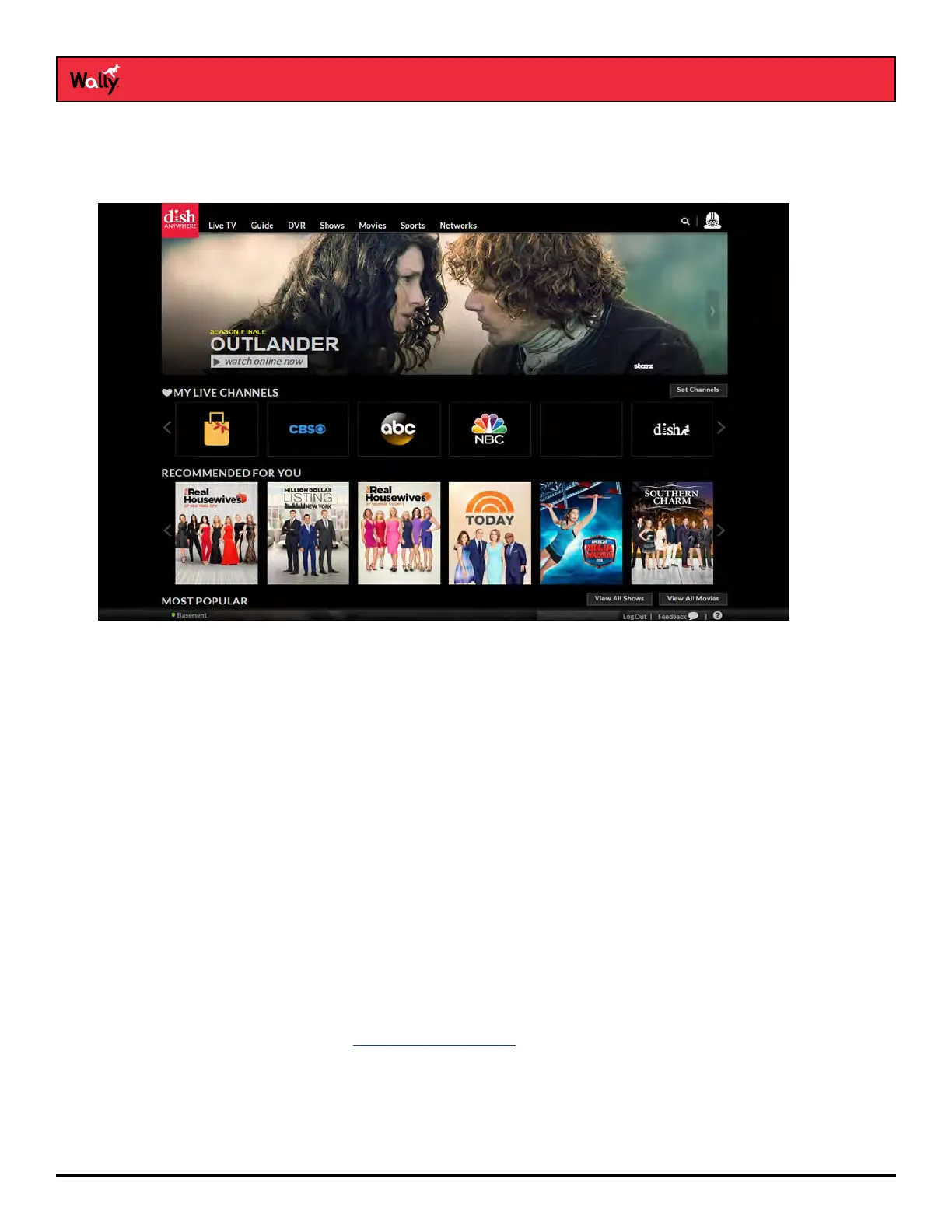
Using DISH Anywhere
At no additional cost, DISH Anywhere lets manage your Wally from the convenience of a broadband-connected
computer, tablet, or smartphone.
By logging in to dishanywhere.com, you can:
• View your program guide and channel lists, including any OTA channels
• Create, edit, and delete your auto-tune timers
• Use your smartphone or tablet as a virtual remote that controls your Wally
• Create, edit, and delete your DVR timers and programs (only with a connected external hard drive)
All you need is a working broadband Internet connection to your Wally and the DISH Anywhere app on your
computer, tablet, or smartphone. Visit dishanywhere.com to get started.
Tips
• If you’re reversing or fast-forwarding a program at any speed, you can press PAUSE/PLAY to resume normal
playback.
• Press and hold BACK on the remote to catch up with the program live, if applicable.
Questions
• How can I fast-forward through commercials?
If you’re watching a pre-recorded program, or have delayed a live program, press SKIP FORWARD/FAST
FORWARD on the remote. See DVR Playback Controls.










 To Next Page