XTLplus Installation and Programming Guide Digital Monitoring Products
33
ZONE INFORMATION
For example, program transmitter serial number 01345678 as Zone 11 with an INT
contact type and Zone 12 with an EXT contact type. The same serial number is
used for both zones.
This option displays when programming an 1114 zone expander which provides four
input contacts. Press any top row key to select the contact. Default is Contact 1.
Select the contact number to program. The same transmitter serial number is used
for all four contacts. When using the contacts, you must use consecutive zone
numbers.
For example, use serial number 08345678 to program Contact 1 for Zone 21,
Contact 2 for Zone 22, Contact 3 for zone 23, and Contact 4 for zone 24.
A tamper on the 1114 is transmitted as the zone number assigned to Contact 1.
This message displays when the Contact is already programmed for another zone.
The programmed zone number displays.
The Normally Open option only displays when EXT is selected as the Contact type.
For external devices connected to the 1101 terminal block, select NO to use
normally closed (N/C) contacts. Select YES to use normally open (N/O) contacts.
Default is NO.
33.8.3 Supervision Time
Press any top row key to select the supervision time required for the wireless zone.
Press COMMAND to accept the default time. Default is 240 minutes.
Select the required number of minutes. The transmitter must check in at least
once during this time or a missing condition is indicated for that zone. 1100 Series
transmitters automatically checkin based on the supervision time selected for the
wireless zone, no additional programming is needed. If two zones share the same
transmitter, the last programmed supervision time is stored as the supervision time
for both zones. Zero (0) indicates an unsupervised transmitter.
The 3 minute supervision time is only available for zone types of Fire (FI), Fire
Verify (FV), and Supervisory (SV).
Note: When the panel is reset the supervision timer restarts for all wireless zones.
33.8.4 LED Operation
This only displays when programming a panic or pendant transmitter. Select YES to
turn a panic or pendant LED on during normal operation. Select NO to turn the LED
o during normal operation. The LED always operates on all transmitters when the
transmitter case is open and the tamper is faulted. Default is YES.
33.8.5 Disarm/Disable
Select YES to disable the Zone Tripped message from 1101/1102/1106 Universal
Transmitters (Verison 108 or higher software), 1103 Universal Transmitters (Version
107 or higher software), or 1126/1127 PIRs during the disarmed period. When
disarmed, the transmitter or PIR only sends Supervision, Tamper, and Low Battery
messages to extend transmitter battery life. For transmitters, a Zone Tripped
message is sent if the zone remains tripped for 20 seconds. Leaving the panel
defaulted to NO causes the panel to always send Zone Tripped messages in addition
to Supervision, Tamper, and Low Battery.
33.8.6 Wireless PIR Pulse Count
Select the number of infrared pulse counts (2 or 4) the PIR will use before sending
a short message. The rst infrared pulse starts a timer and count. If no additional
infrared pulses occur in 25 seconds, the timer and count are reset. Default is 4.
33.8.7 Wireless PIR Sensitivity
Select the sensitivity setting for the PIR. Selecting LOW sets the PIR to operate at
75% sensitivity for installations in harsh environments. Selecting HIGH sets the PIR
to maximum sensitivity. Default is LOW.
33.8.8 Next Zone
Select YES to return to the ZONE NO: - option to program a new zone. Select NO to
display the Alarm Action option.
33.9 1144 Series Key Fobs
Only zones 51-54 or 61-64 can be programmed as 1144 Series Key Fob zones. Refer to the 1100 Series Key Fob
Programming Sheet (LT-0706) and the 1144 Series Key Fob Install Guide (LT-1449) as needed.
To operate arming and disarming properly, the Key Fob should be assigned to a User Number with appropriate
area assignments, however, the User Number does not have to exist at the time the Key Fob is programmed. The
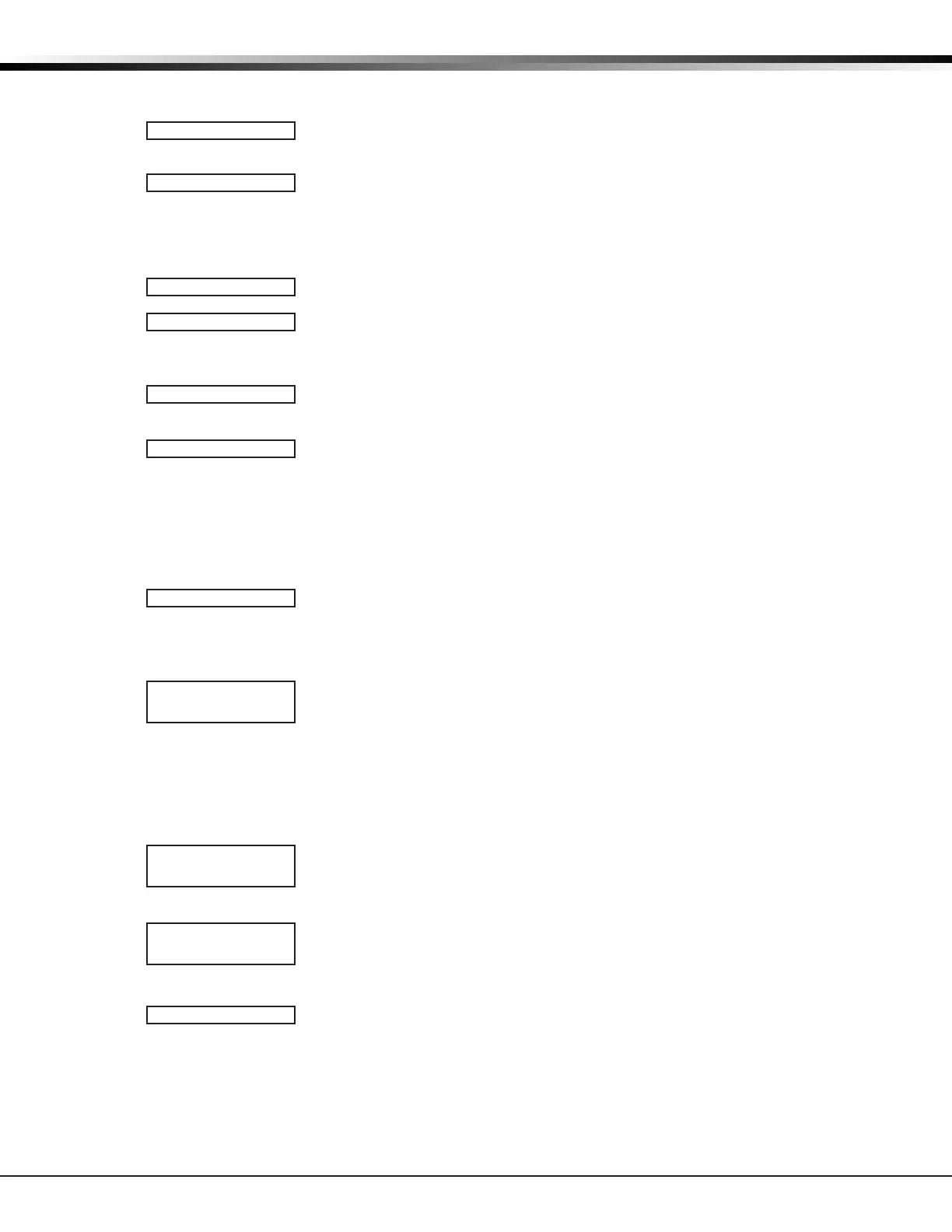
CONTACT:x
1 2 3 4
ALREADYUSED Zxx
NORMOPENNO YES
SUPRVSNTIME: XX
0 3 60 240
LEDOPER NO YES
DISARMDISABLE
NO YES
WIRELESSPIR
PULSECOUNT:
4
WIRELESSPIR
SENSITIVITY:LOW
NEXTZN NO YES


 To Next Page