10
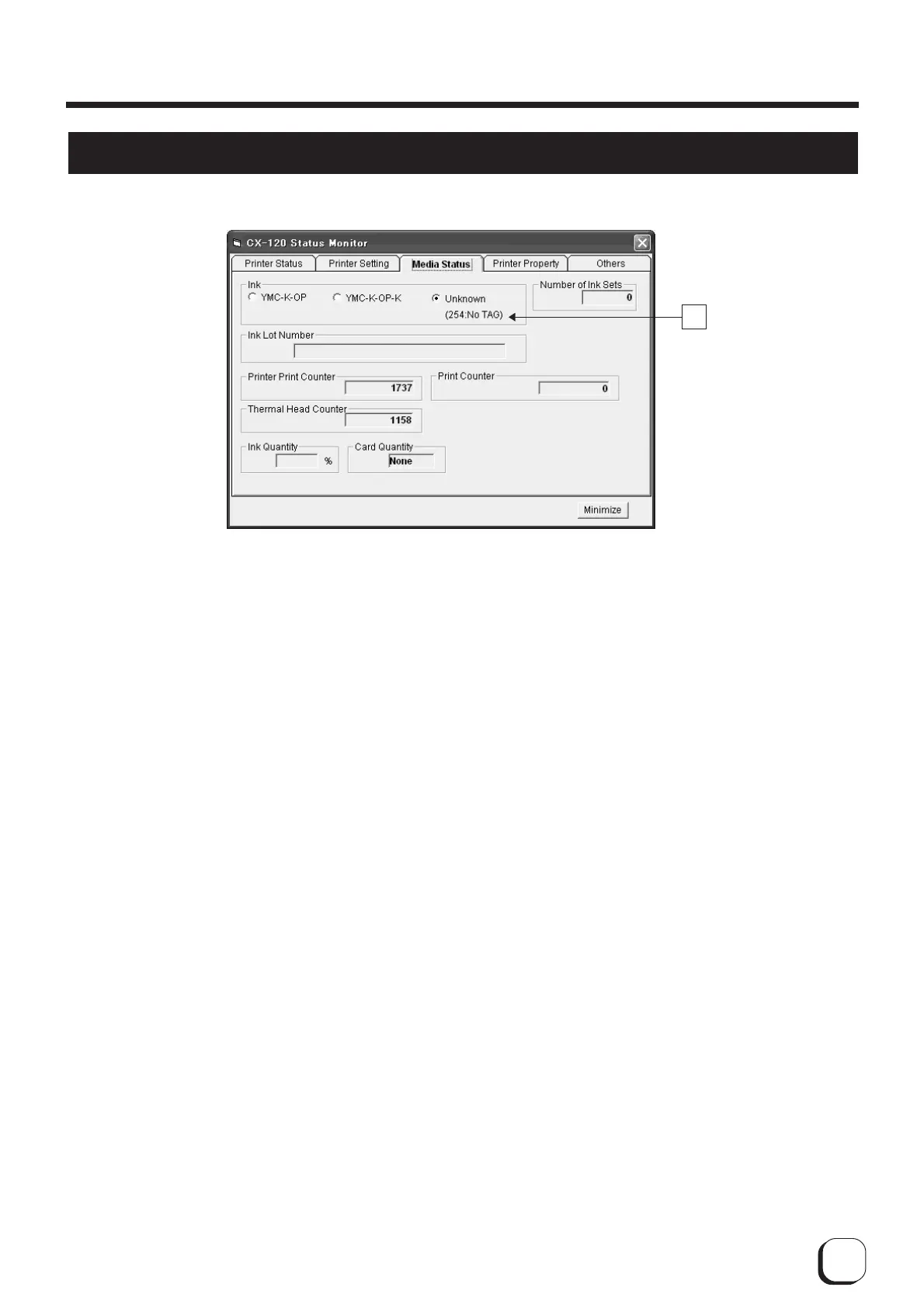
Display When Ink is Unknown
A
Displays the tag status in
A
when it is "unknown".
● (252: Tag Data Defect) : Recorded data of tag is incorrect. Try again after replacing the ink ribbon.
● (253: Tag Data Defect) : Unable to communicate correctly with tag. Try again after replacing the ink ribbon.
● (254: No Tag) : Unable to read tag. Check to ensure that the ink ribbon is set correctly.
● (255: R/W Defect) :Printer's tag reader is defective. Repair of printer is required.
How to Use the Status Monitor



 To Next Page