13
Resetting the [No. of Cards Issued] Item
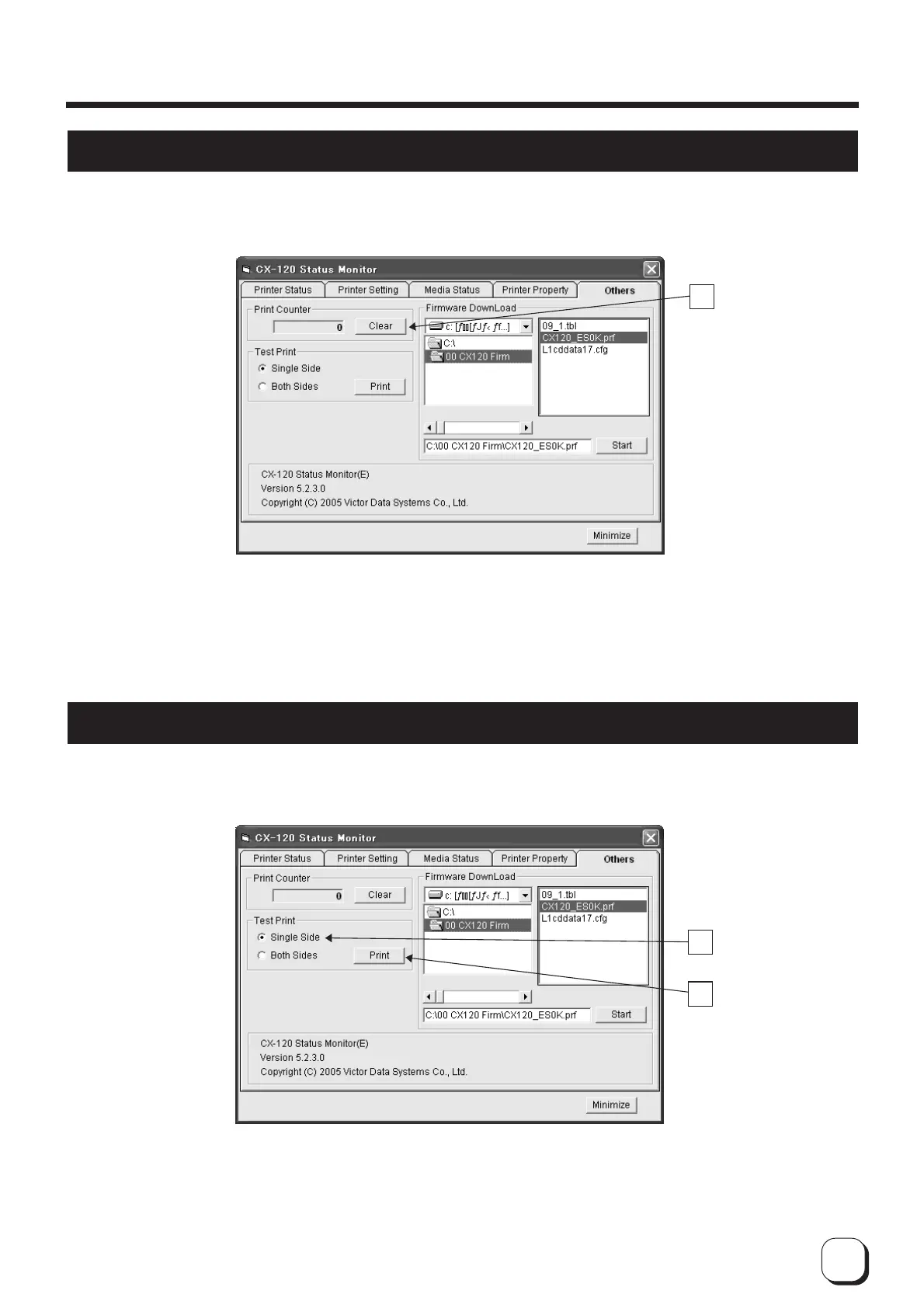
You can reset the number of cards issued on the Others screen.
1
A
Click on A to set the recorded number of cards issued to 0.
A
Test Printing
Test printing is performed on the Others screen. Test printing does not make use a printer driver. Checking can be
done to ensure that the printer is working properly.
1 Select double-side or single-side printing using
A
.
2 Click on
B
to start test printing. Printer will print a card.
A
B
How to Use the Status Monitor



 To Next Page