7
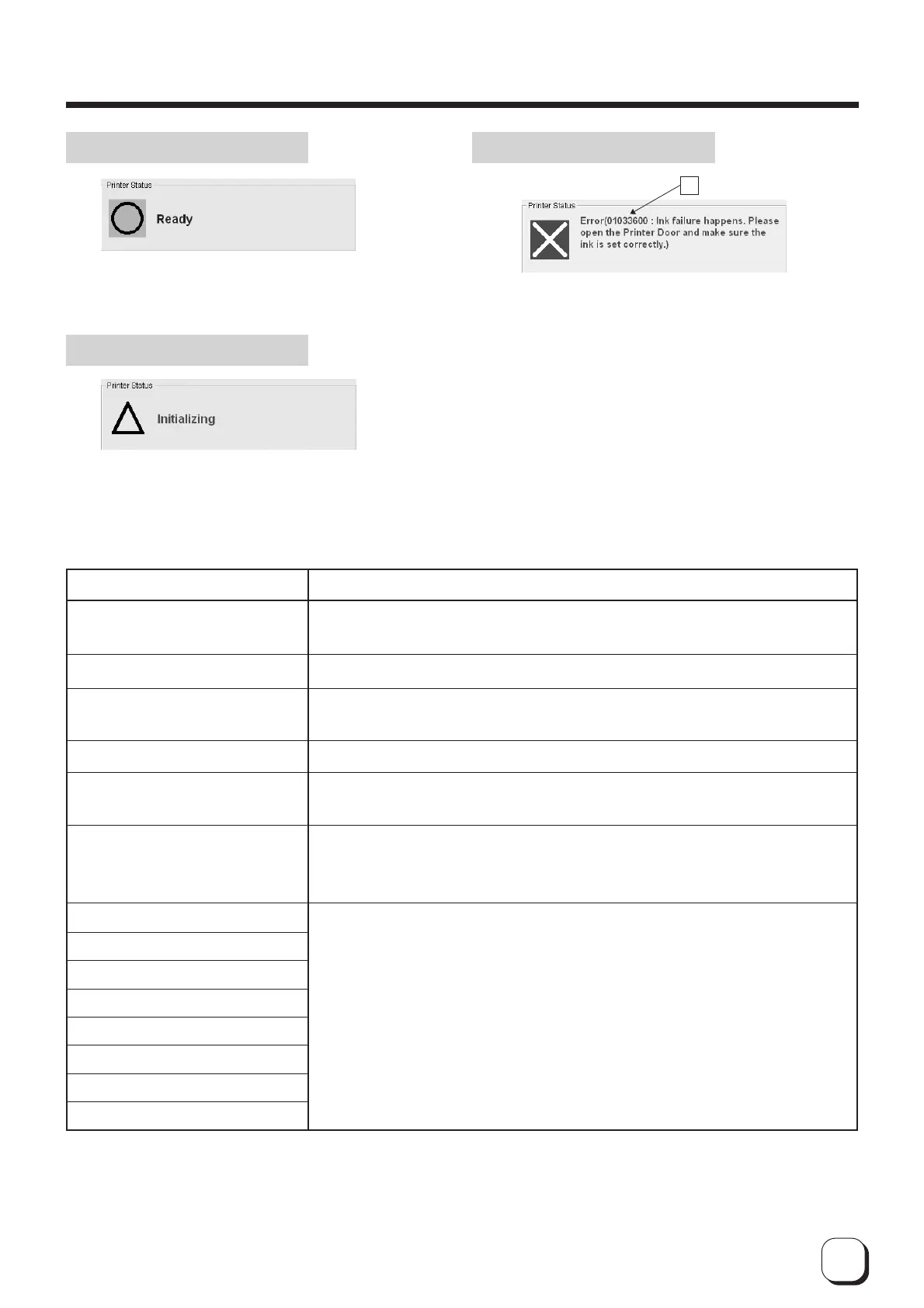
Status indicating that the printer is ready to issue cards.
Shows the details of a failure. A is an error code indicating
the type of failure. Refer to the list of error codes on the
various error messages and corresponding actions to take.
A
Displays operating status of the printer.
Printer not connected
Initializing mechanism
Cleaning in progress
Offline mode
Self-diagnostic mode
Download mode
Loading card
Transporting card
Magnetic encoding in progress
Printing
Encoding Contact IC
Encoding Non-contact IC
Ejecting card
Ejecting Rejected card
Display Message
Power of printer is not switched on or the host computer and printer are not
connected properly with a USB cable.
Initializing printer. Printer will switch to the Ready mode after initialization is complete.
Cleaning of magnetic head in progress. Printer will switch to the Ready mode
after cleaning is complete.
Printer is in the offline mode.
Self-diagnostic mode. Turn on the printer power again to set printer to the
Ready mode.
Download mode. Turn on the printer power to set printer to the Ready mode.
Do not switch off printer's power when downloading as this will result in
failure.
Status of printer when it is issuing cards. Printer will return to the Ready
mode upon completion of card issuance.
Description
Ready Status Display Error Status Display
Status Display
How to Use the Status Monitor



 To Next Page