11
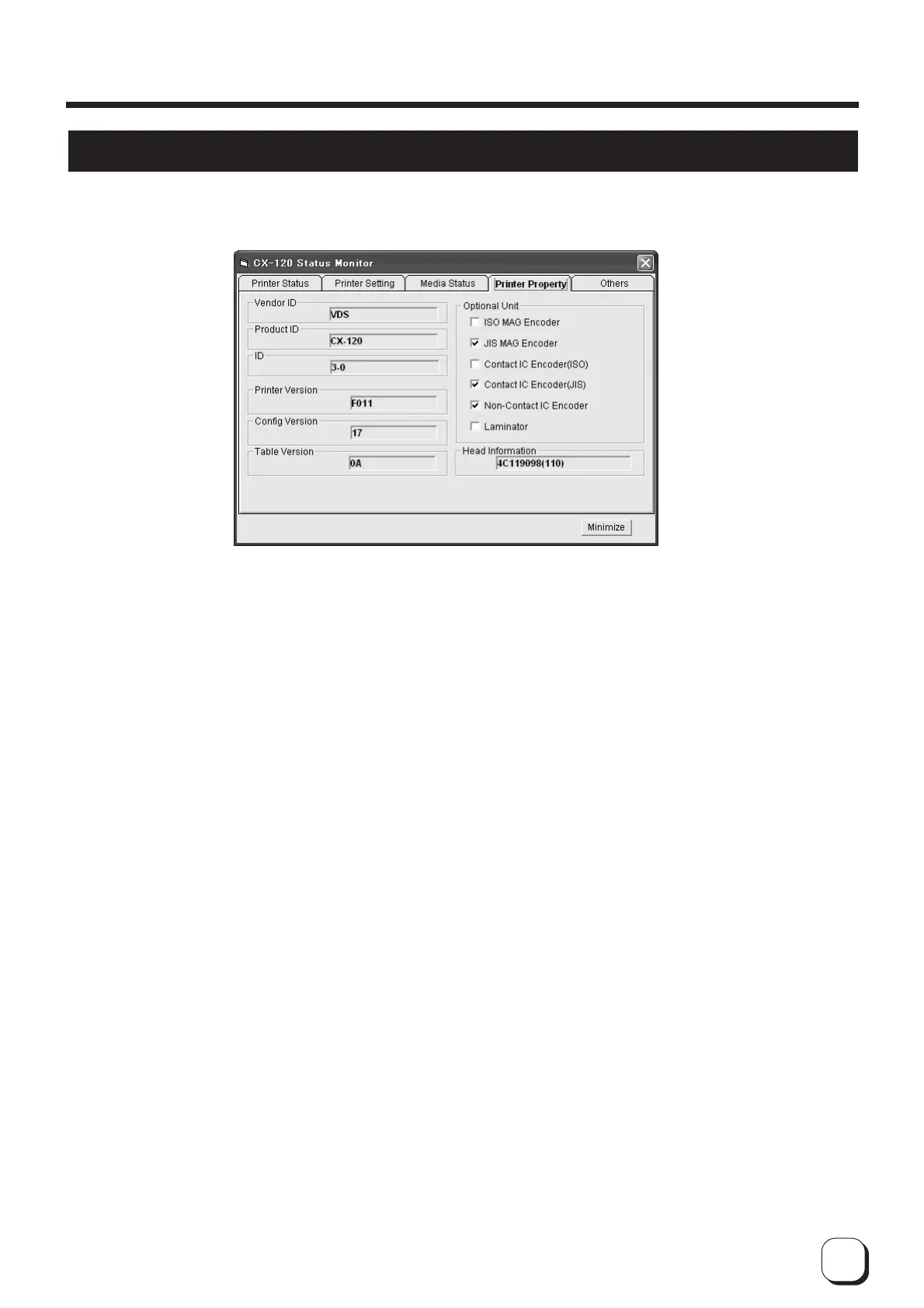
Checking Printer Configuration
1
Vendor ID, Product ID
: Displays the connected printer.
2 ID : ID for identifying printer. Numbers in the first half changes with host computer's configuration. The
second half is used to identify the printer. This number can be changed in the printer settings.
Assign different numbers to all the printers when the same host computer is connected to multiple
printers. Refer to the "Startup Guide" for details.
3 Printer Version, Configuration Version,
Table Version, Laminator Version
: Displays firmware version of the printer. Laminator version is only displayed when a laminating unit
is connected (optional).
4
Hardware Information
: Displays printer's hardware configuration.
5 Head information : Displays information of the thermal head installed in the printer.
How to Use the Status Monitor
Checking of printer configuration is done on the property screen.



 To Next Page