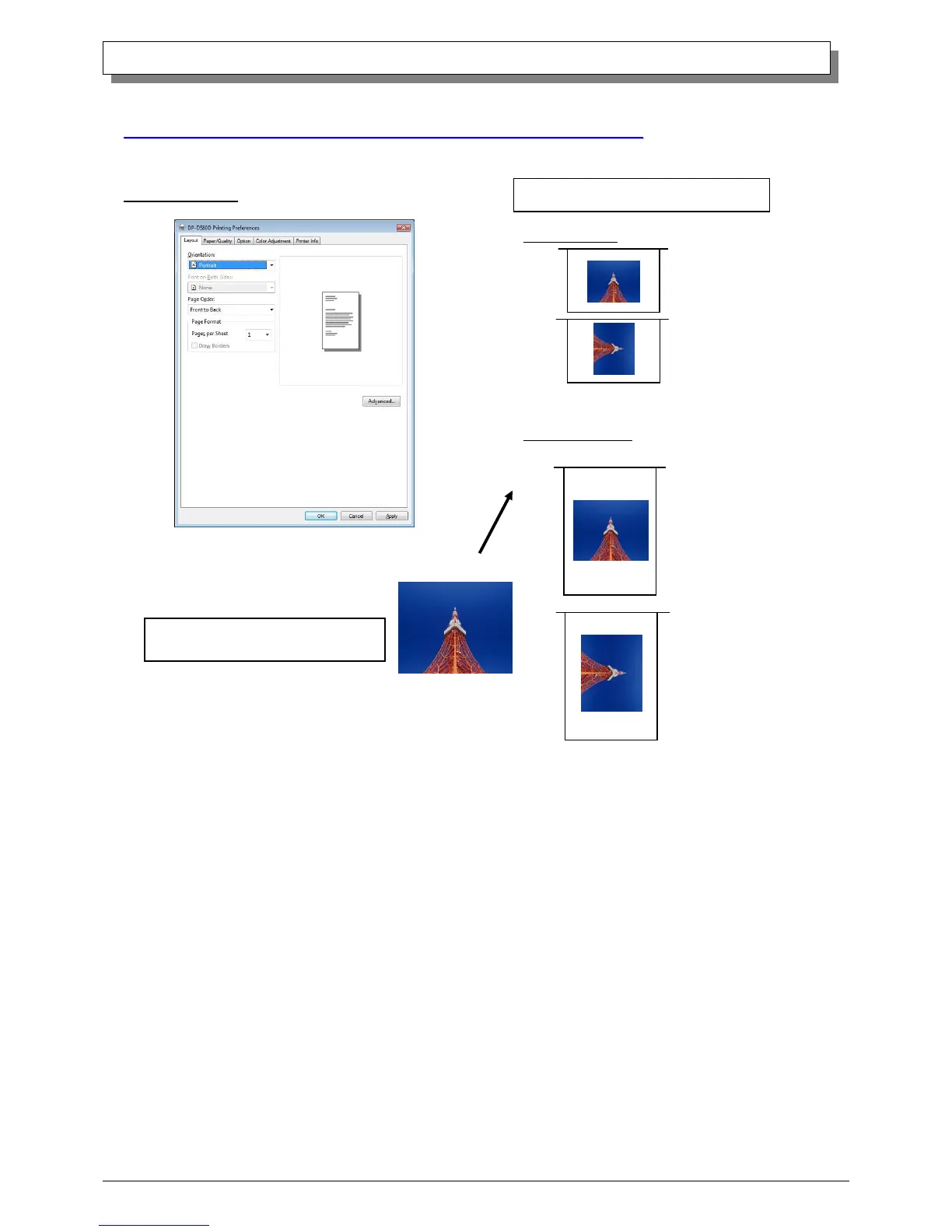
From the Properties window, by selecting Preferences you can make various print settings.
2.2.1 Layout
Orientation
Assign print orientation as vertical
or horizontal.
Duplex Printing
This designates whether the duplex printing is long-edge or short-edge orientation, or is Off.
If cut paper (tray) is selected in the Paper Supply Method tab in “2.2.3 Paper/Quality”,
long-edge/short-edge orientation duplex printing can be selected.
Long-edge Duplex printing is carried out on the long-edge orientation.
Short-edge Duplex printing is carried out on the short-edge orientation.



 To Next Page