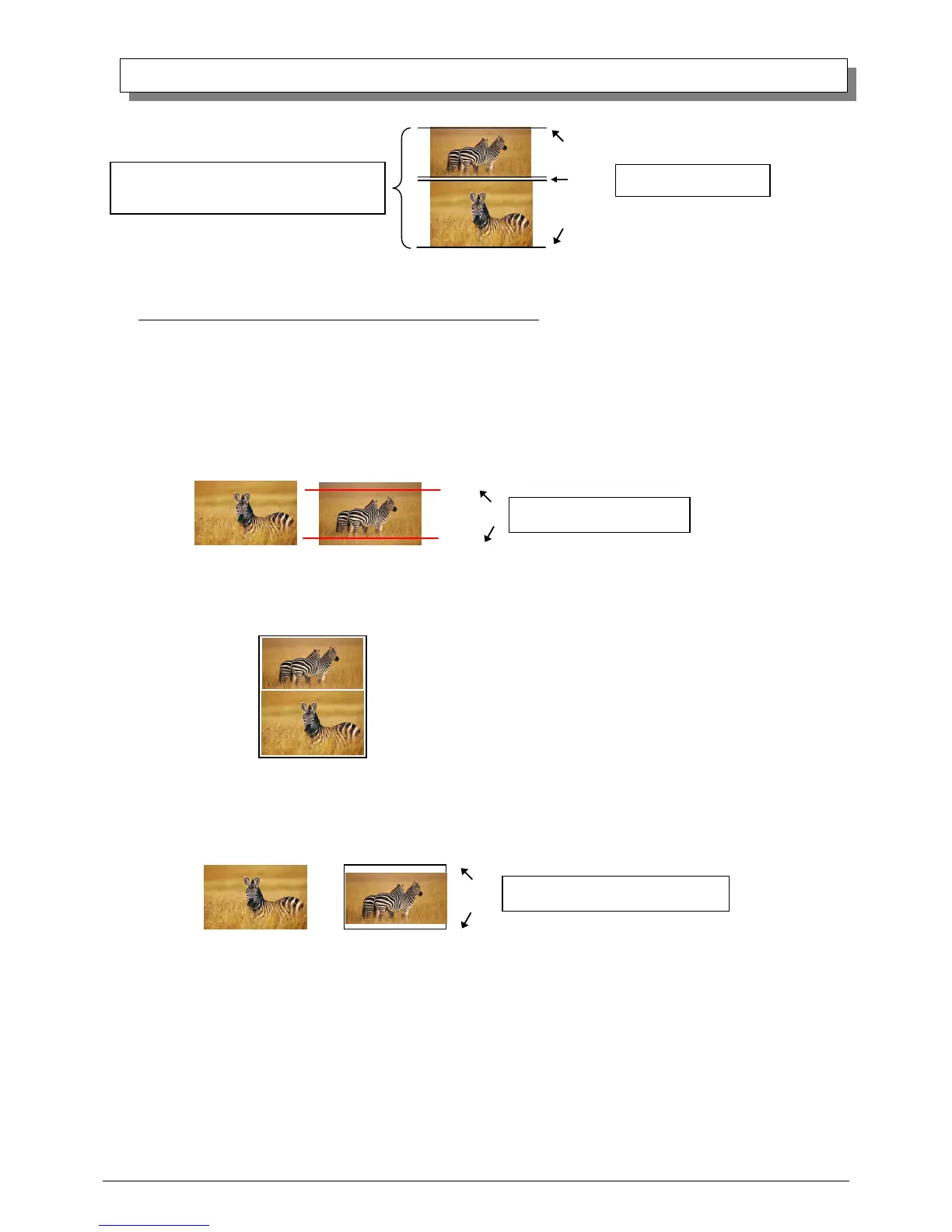
(When cut paper use, the image of 2 different- size on 1 sheet can not be assigned).
Cautions for printing 2 different-size images on one sheet
When printing 2 different-size images on 1 sheet, 1 inch will be cut off the top and bottom of the 2
nd
image when the
image is being generated. When creating the original image, be aware of the following points.
Ex.) When the layout is set for (8x6)_(8x4)
The driver creates the layout image in the order of ①, ②.
① It creates two 8x6inch images
② The driver then lays out the 2 different-size images from ① as one (8x10) image and outputs it to the printer.
Ex.) Example of creating the original image.
When outputting the original image to the driver, the 1
st
and 2
nd
images are created as the same size, so factor
in the space that will be cut off from the 2
nd
image.



 To Next Page