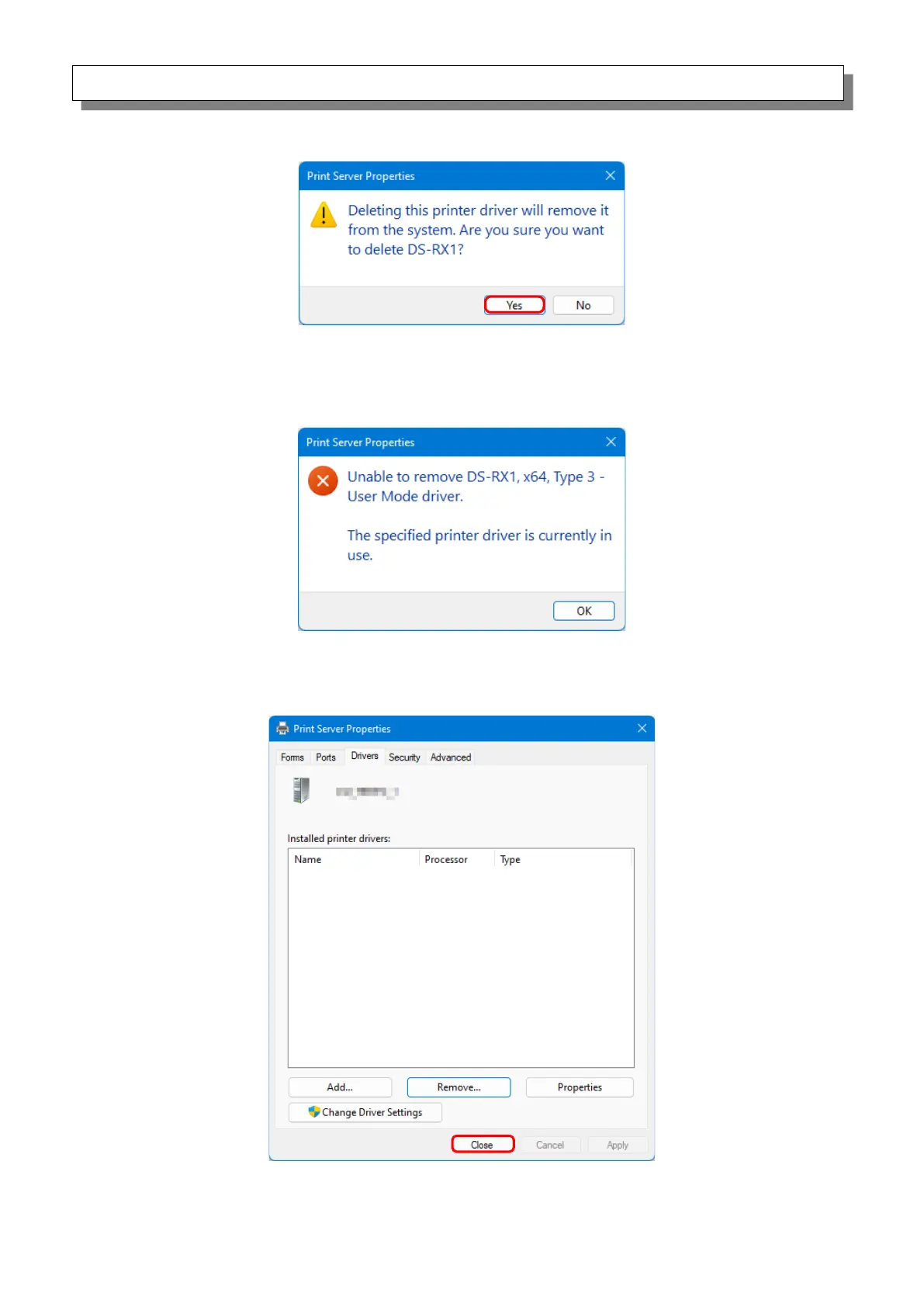
7) The “Print Server Properties” confirmation dialog box appears. Click “Yes”.
Figure 3.7 Driver deletion confirmation dialog box
If the following message appears, the operating system may be using the driver (Print Spooler
service) in the background. Disconnect the USB cable and then restart your computer and try
deleting the printer driver again.
Figure 3.7.i Driver in use
8) In the “Print Server Properties” dialog box, confirm that DS-RX1 was deleted, and then click
“Close”. After deleting the printer driver, uninstall the driver package.
Figure 3.8 Print Server Properties



 To Next Page