AUX Switches
When the AUX Switches button is pressed on the touchscreen, the system displays the options related to the four vehicle AUX switches.
NOTE:
Depending on the vehicle’s options, feature settings may vary.
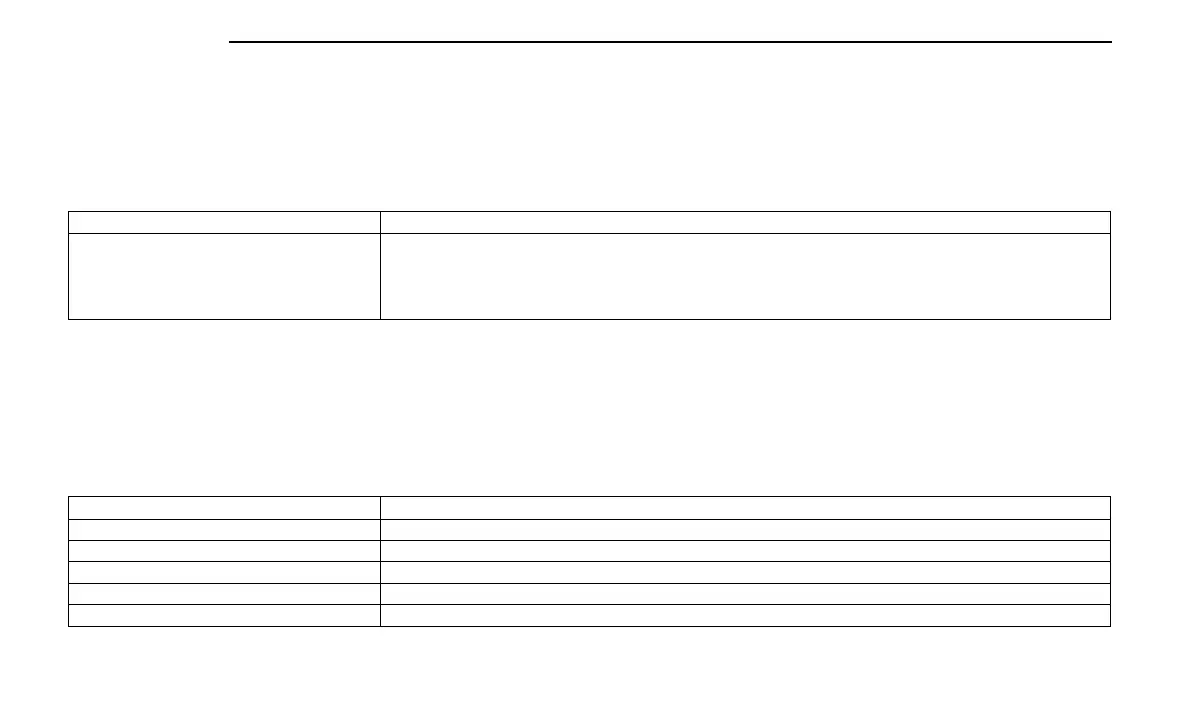
Setting Name Description
AUX 1-4 This setting will adjust the type and power source for the four vehicle AUX switches. There are two types: “Latching” and
“Momentary”. The power source for the AUX switches can either be set to run off the “Battery” or from the “Ignition”. In
addition to setting the type and power source, you can set if the vehicle will recall the previous state at which the AUX
switches were set. The Recalled Last State setting can be set to “On” or “Off”. Last state conditions are met only if the
type is set to Latching and the power source is set to Ignition.
Notifications
When the Notifications button is pressed on the touchscreen, the system displays the options related to Notifications for the system.
NOTE:
Depending on the vehicle’s options, feature settings may vary.
Setting Name Description
App Drawer Favoriting Pop-Ups This setting turns the “App Favorited” pop-up on or off.
App Drawer Unfavoriting Pop-Ups This setting turns the “App Unfavorited” pop-up on or off.
New Text Message Pop-Ups This setting turns receiving/storing a pop-up for new text messages of any connected phone on or off.
Missed Calls Message This setting turns receiving/storing a pop-up for missed calls of any connected phone on or off.
Navigation Pop-ups This setting turns receiving/storing predictive Navigation Pop-ups on or off.
144 MULTIMEDIA















 To Next Page