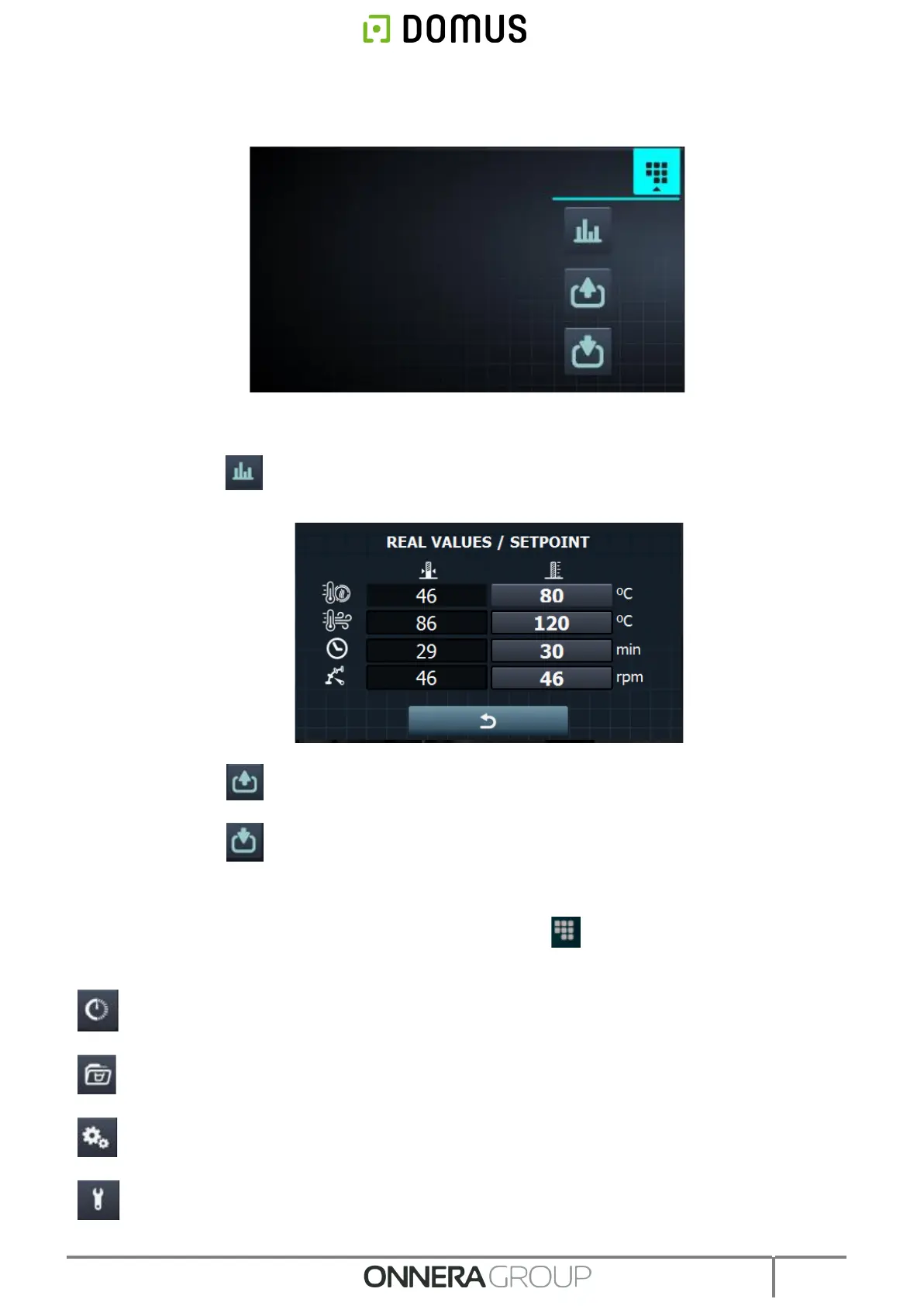
14. Run menu: access to the run menu, where the current drying parameters can be displayed
and modified.
• See/edit settings/true values: press the setting values to edit for the current
drying cycle.
• Outputs: the status of each of the outputs is displayed.
• Inputs: the status of each of the inputs is displayed.
7. CONFIGURATION
To access the configuration menu, press the Main screen icon . Different options are available in
this menu:
Delayed programming: allows a drying cycling to be programmed so that it runs on the date/at
the time required.
Programme management: management of all the stored programmes, and all the currently
active programmes. (See section 7.1)
Configure System: configuration of different sections of the dryer. These include the calendar,
data and time, statistics, and operating modes (See section 7.2)
Maintenance: various password-protected options for the technician.



 To Next Page